




What Is an AI Jingle Generator
An AI jingle generator turns a written brand message, slogan, lyric hook, or instrumental brief into short music drafts for ads, podcasts, radio, events, and product videos. Instead of forcing a generic full song into a small media slot, you tell CraftMusic AI where the jingle will play, what listeners should remember, and how the sound should feel. Choose a sung slogan or instrumental direction, add style, mood, instruments, production texture, and vocal guidance, then generate drafts you can preview and compare. The AI jingle generator gives you a practical starting point for checking whether the brand name is clear, the hook lands quickly, and the arrangement leaves enough room for narration or visuals. You can revise the brief, test another direction, and download the result available with your plan. It creates music; it does not clear trademarks, guarantee campaign performance, or replace a standalone voice-over service.
An AI Jingle Generator Built for Clear Brand Hooks
Guide the AI jingle generator with the message, placement, vocal choice, and sound details that decide whether a short piece of brand music works.
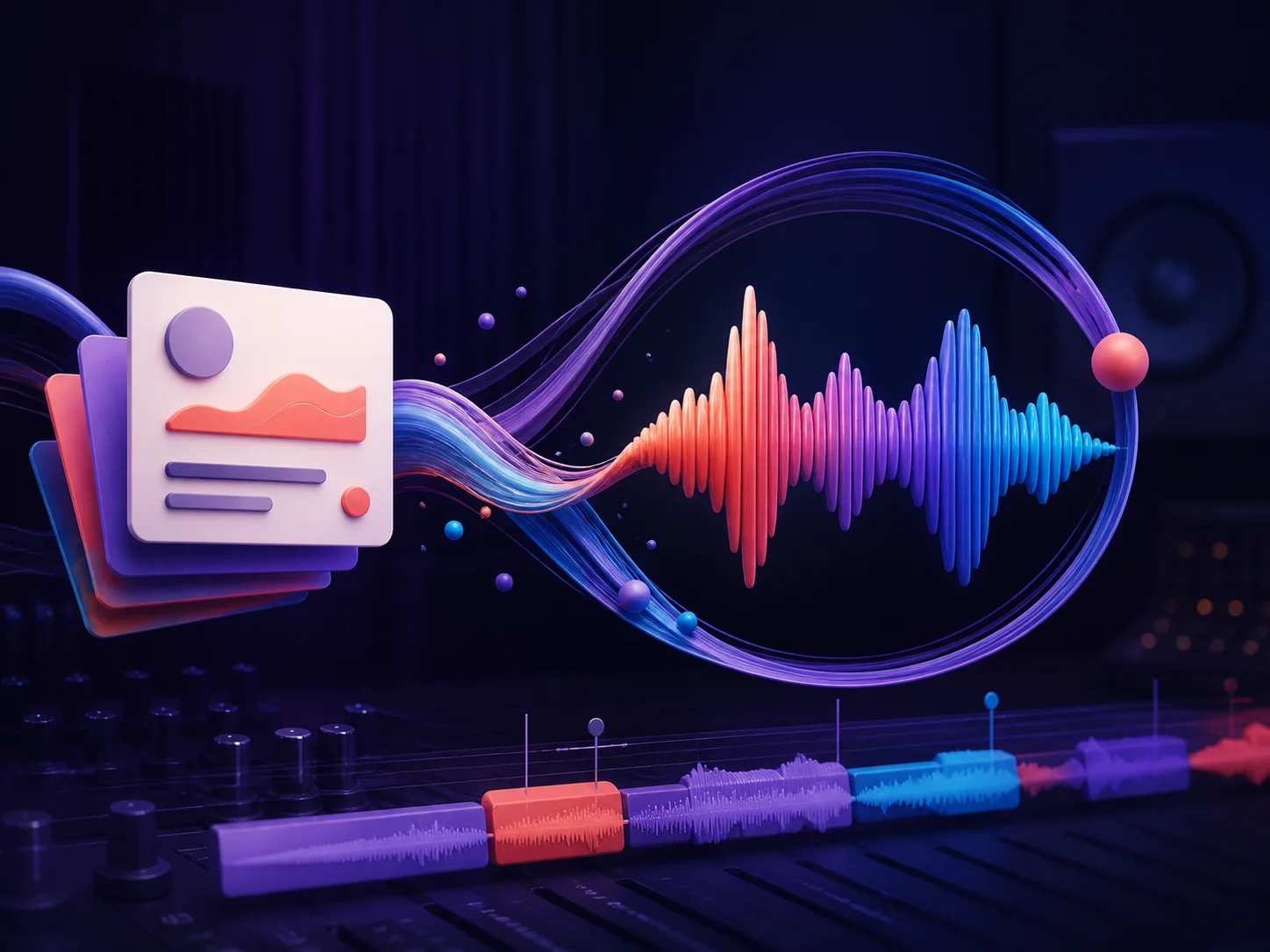
Turn a Brand Brief into a Memorable Hook
Start with the part your audience must remember: a business name, product benefit, event line, podcast title, or short slogan. Tell the AI jingle generator where the music will play and what should happen before the final hook. CraftMusic AI can work from a plain-language prompt or your own lyrics, so you can test a sung phrase, a compact chorus, or an instrumental identity without beginning in a blank production session. Generate drafts and judge the result by clarity, not only catchiness: can you hear the name, does the emotional turn fit the offer, and does the ending arrive cleanly enough for the media slot?
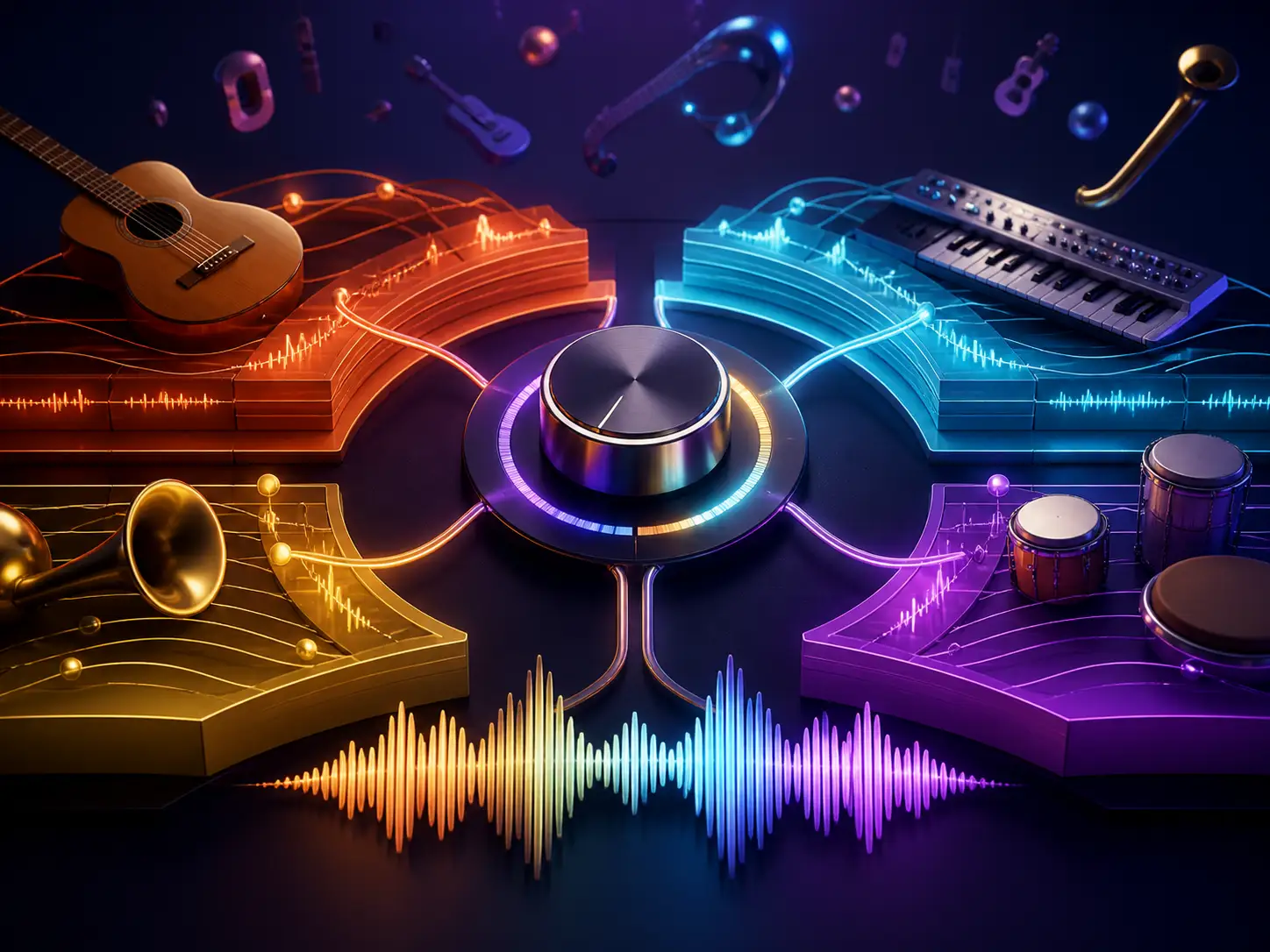
Choose a Sound That Fits the Brand
A playful local-shop jingle, a polished software intro, and an energetic event opener should not share the same arrangement. Use format, mood, instrument, production, and vocal tags to give the AI jingle generator an audible target. Ask for warm guitar and handclaps, bright synths and group vocals, premium piano and restrained percussion, or a punchy instrumental sting. Add only the cues that matter, then compare how each draft handles the hook. The controls help you move beyond a generic happy song and make sound decisions that match the audience, channel, and pace of the project.
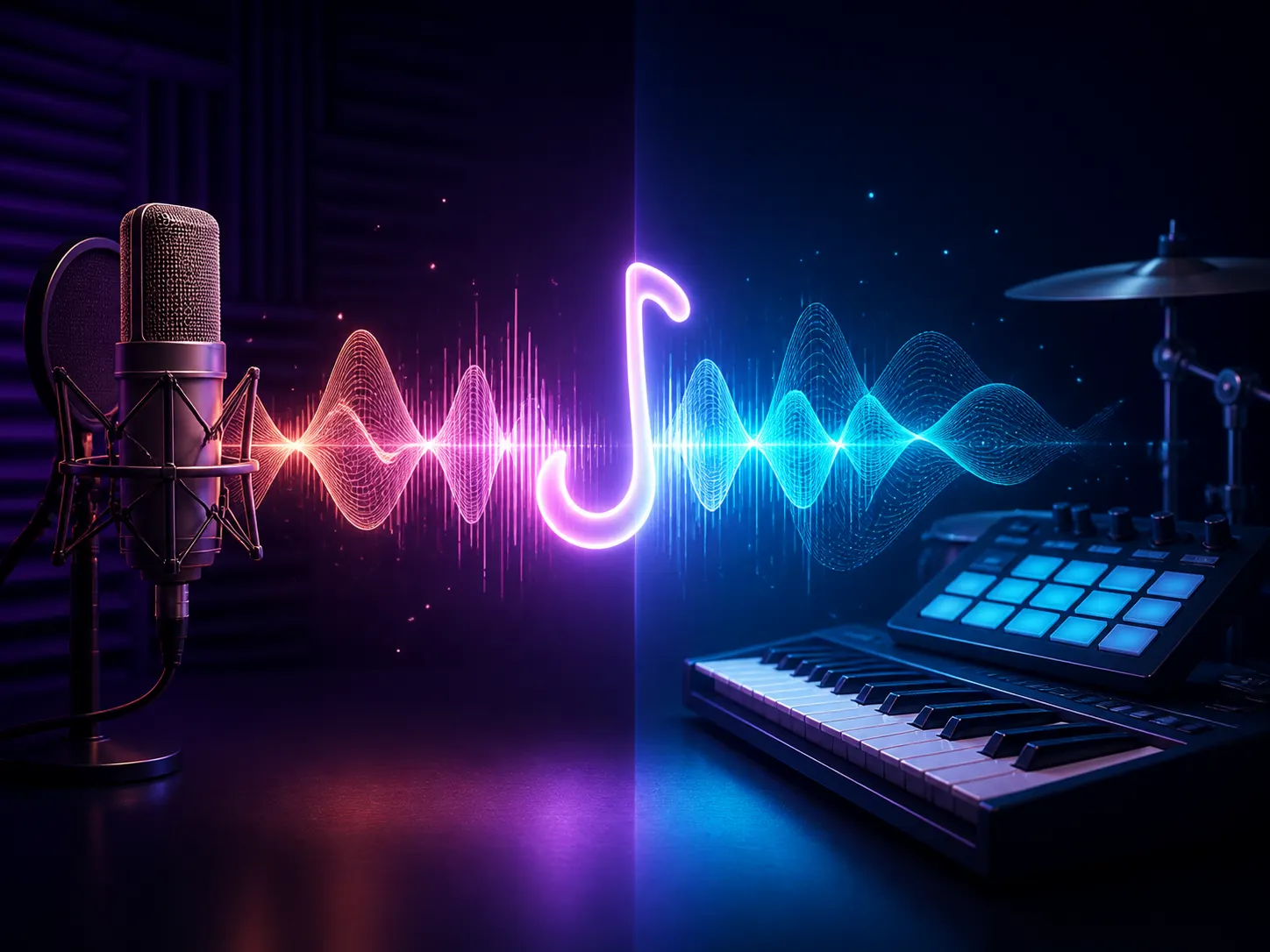
Create Sung or Instrumental Jingles
Some projects need the brand name carried by a vocal hook; others need music that supports a narrator, product shot, or host. Paste a slogan or lyrics when the jingle should sing the message, and describe the vocal delivery, harmony, and response you want. Turn on instrumental mode when dialogue needs the foreground, then guide the rhythm, instruments, mood, and ending instead. The AI jingle generator lets you test both directions inside the same creative workflow, so a video editor can compare a sung call to action with a clean music bed before the campaign timeline is locked.
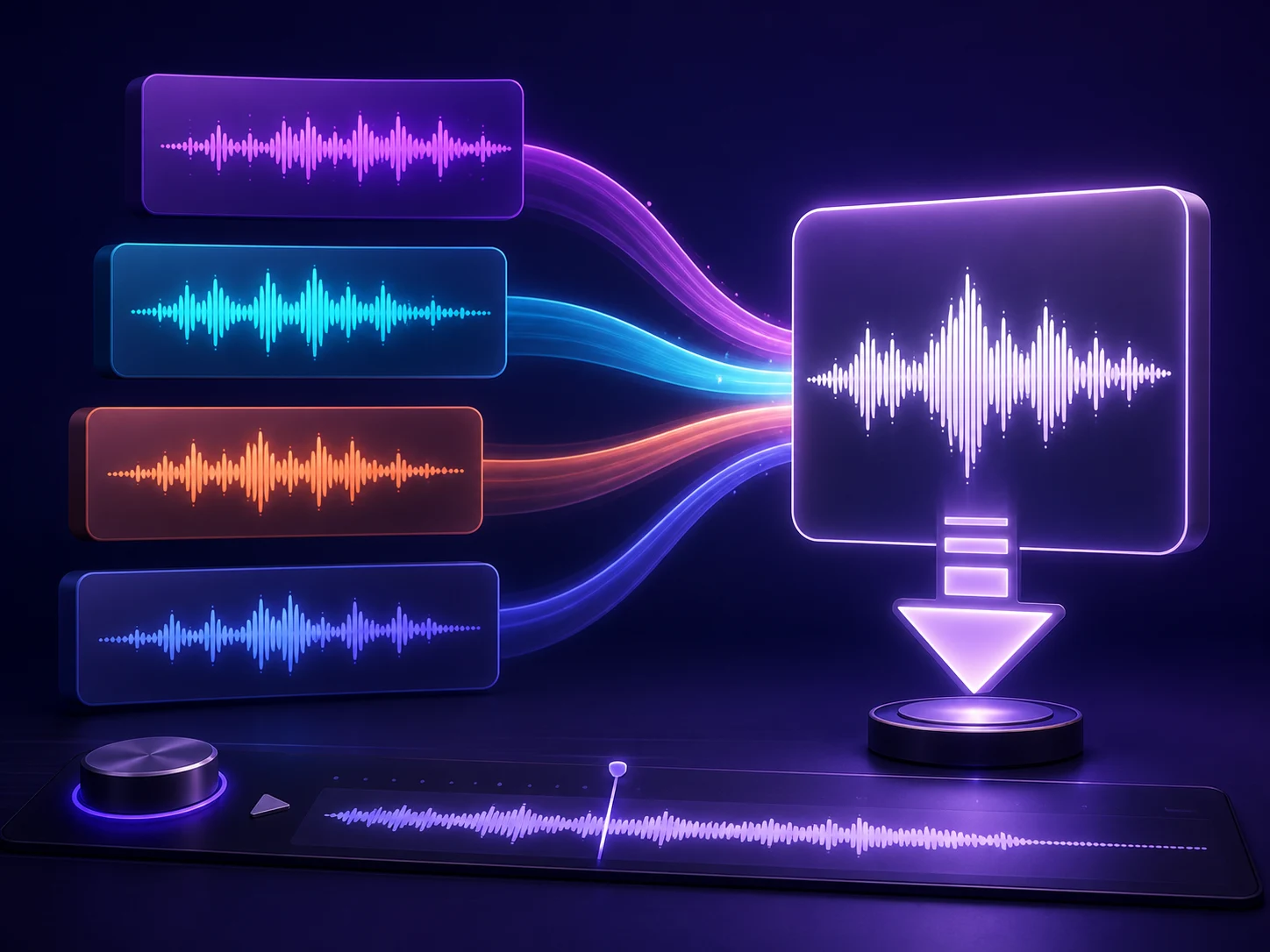
Compare Drafts Before You Download
A jingle is useful only when it fits the real edit, show, or event. Preview generated drafts and listen for a clear opening, a hook that arrives soon enough, vocal intelligibility, room for dialogue, and an ending that does not feel cut off. If one version has the right melody but the wrong energy, revise the mood or production direction instead of restarting the entire brief. Keep the stronger result, move it into the project for another context check, and download the file available with your CraftMusic AI plan. Commercial use depends on the rights included with the active plan.
Build a Jingle from Message to Download
The AI jingle generator moves through three practical decisions: define what listeners should remember, choose how the message should sound, and compare the generated drafts in context.
Define the Message and Placement
Open CraftMusic AI and describe the business, show, product, or event. Add the exact name or slogan that should be heard, the place where the jingle will run, and the action or feeling it should support. A useful brief might ask for a short coffee-shop hook before a local ad, podcast intro music that leaves room for the host, or an instrumental sting for a product reveal. Keep the message focused enough that the AI jingle generator can build one clear musical idea around it.
Set the Vocal and Sound Direction
Choose prompt mode for a concise brief or lyrics mode when you already have the words. Decide between a sung jingle and instrumental music, then add a format, mood, two or three important instruments, production character, and vocal guidance when needed. Use supported duration controls when the selected model offers them, but write the arrangement goal as well: quick opening, clear hook, room for narration, and a decisive finish.
Generate Compare and Refine
Run the AI jingle generator and preview the drafts against the actual media plan. Check whether the name is understandable, the melody is easy to recall, the energy matches the brand, and the ending fits the cut. Revise one or two concrete details when the direction is too broad. Once a draft works in context, download the result available with your plan and confirm the applicable usage rights before publishing or delivering client work.
Who Uses a Jingle Maker for Real Campaigns
The AI jingle generator helps teams hear a brand direction early enough to compare, revise, and place it in a real project.

Small Businesses and Local Brands
A local campaign often needs a recognizable sound without the time or budget for a long production cycle. Start with the shop name, offer, neighborhood tone, and channel, then use the AI jingle generator to compare a warm sung hook with a compact instrumental identity. The drafts give owners and collaborators something concrete to review before the music is placed in social ads, local radio, store videos, or event announcements.
Podcasters and Show Producers
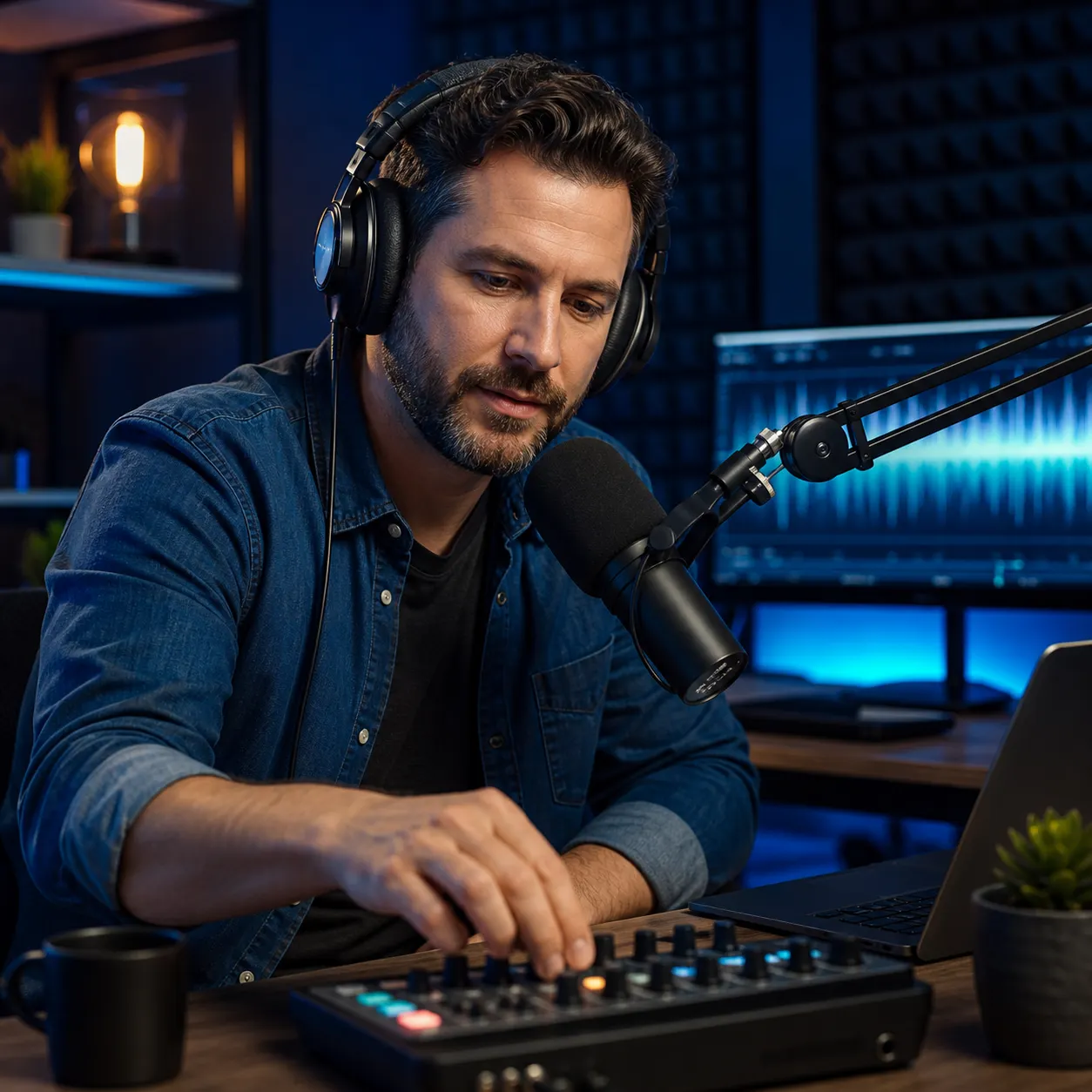
A generic stock intro can make distinct episodes feel disconnected from the show identity. Brief the jingle maker with the program title, subject, host energy, and space needed for an opening line. Generate vocal and instrumental options, test them under the host, and keep the version whose hook is recognizable without competing with speech. The result becomes a repeatable musical cue for intros, transitions, trailers, and season announcements.
Video Marketing Teams
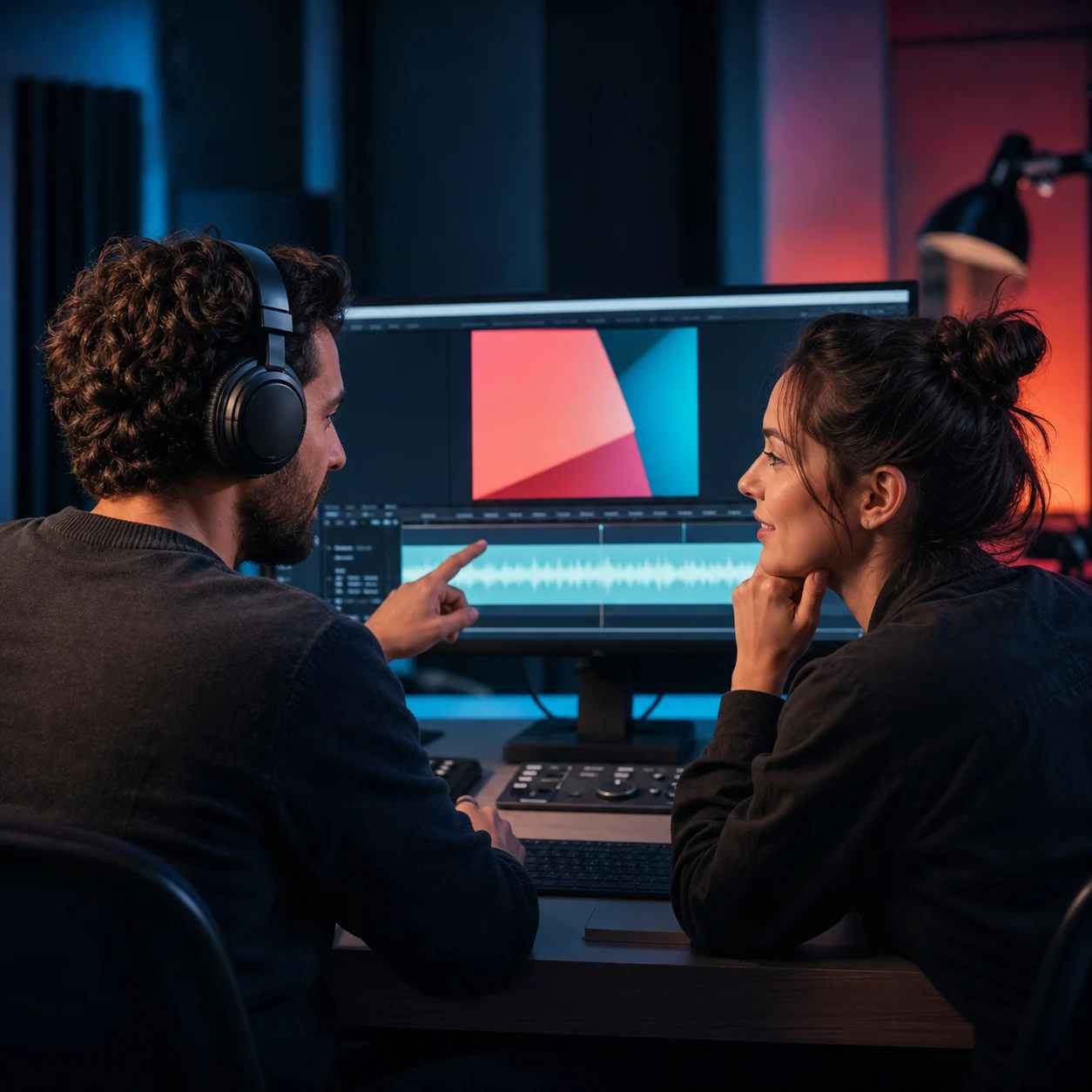
Short product videos leave little time for music to establish mood and land a call to action. Tell the AI jingle generator where the logo, narration, feature reveal, and final frame occur. Choose a sound that supports the edit, compare drafts against the timeline, and revise the energy or ending when the music crowds dialogue. Teams can make the audio decision earlier instead of searching broad libraries after the visual cut is nearly finished.
Radio Event and Community Creators
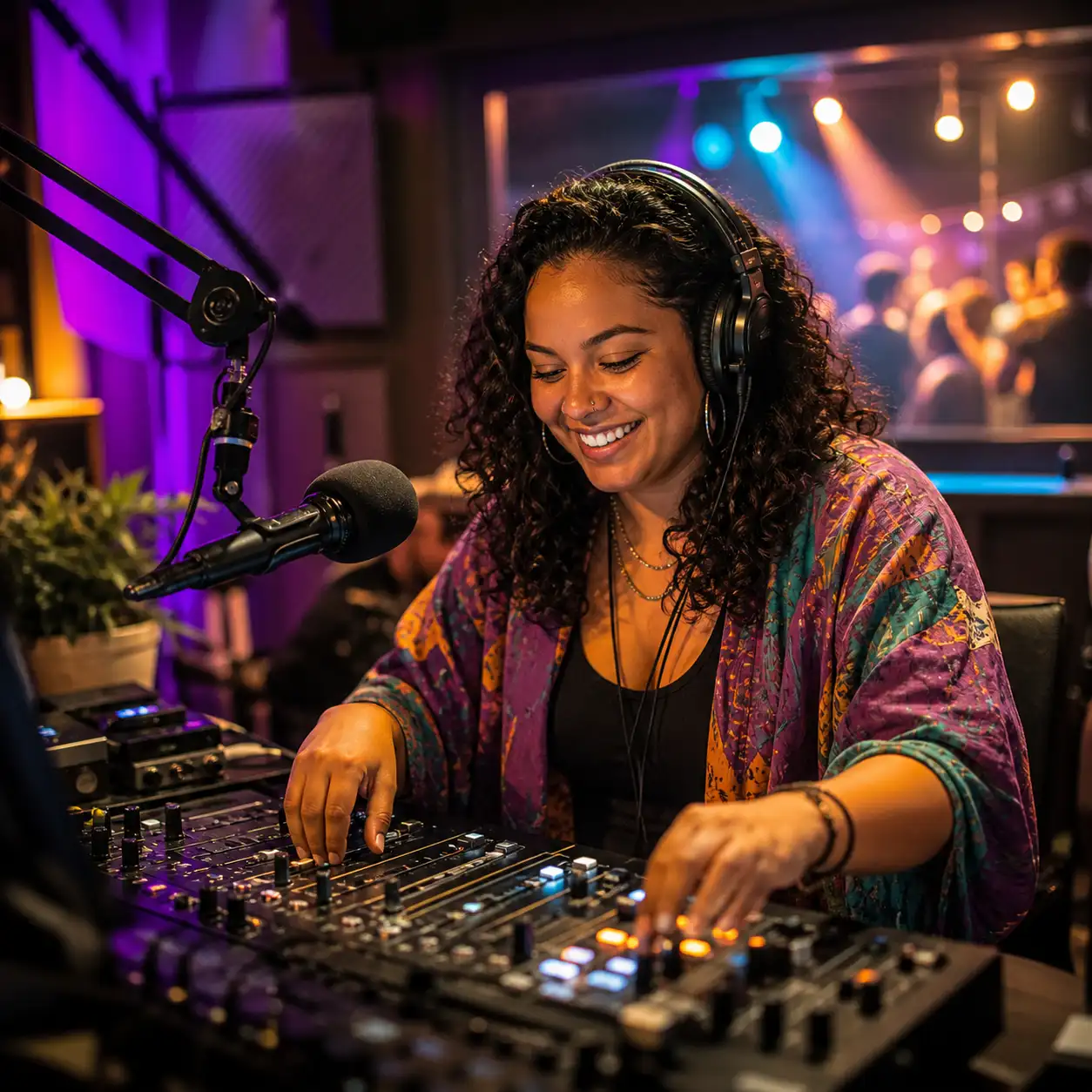
Station segments, school events, community shows, and live announcements need short musical identity cues that are easy to recognize. Use a title, slogan, audience, and atmosphere to guide a sung or instrumental jingle, then compare how each draft opens and resolves. CraftMusic AI creates the music layer; spoken presenter drops or standalone voice-over ads remain a separate production task.
AI Jingle Generator Questions from Creators
Use the AI jingle generator to plan the message, lyrics, vocal direction, instrumental space, previews, downloads, and usage rights before you place a generated jingle in a real project.
Can I use my own slogan or lyrics in the jingle?
Yes. Paste a finished slogan, short hook, chorus, or draft lyrics in custom mode and add the sound and vocal direction you want. Keep the words concise enough for the intended placement, and make the brand name easy to pronounce. CraftMusic AI can build a vocal music draft around those words, but you remain responsible for checking trademarks, claims, and any text supplied by your team.
How should I prompt the AI jingle generator?
Describe five useful details: the placement, the message, the audience, the sound, and the ending. For example, ask for a bright podcast intro for a practical design show, with warm guitar, handclaps, a short sung title, room for the host, and a clean finish. Concrete decisions help the AI jingle generator aim at a usable media role instead of returning a generic song direction.
Can I create an instrumental jingle without vocals?
Yes. Turn on instrumental mode and describe the format, mood, rhythm, instruments, production texture, and how the music should end. Instrumental jingles work well when a narrator, host, product demonstration, or event announcement needs the foreground. Preview the draft with the spoken content to confirm that the hook remains recognizable without masking important words.
Can I try the AI jingle generator before paying?
New users can use the credits currently available to their account to test prompts, lyrics, style choices, vocal direction, instrumental mode, and generated drafts. Generation and download access are not unlimited, and plan features can change. Check the current pricing and credit information before planning a larger campaign or repeated client production.
Can I preview more than one jingle direction?
Yes. Generate alternatives and compare the hook, message clarity, vocal delivery, arrangement, and fit with the actual media slot. If one draft has the right core idea, revise a small number of details such as mood, instrument balance, or ending rather than changing every part of the brief. Version comparison is most useful when the same decision criteria are applied to each draft.
Can I download a jingle for commercial use?
You can download the result available with your plan and use eligible generated tracks commercially only under the rights included with your active CraftMusic AI plan. Commercial-use rights are not identical across every plan or account state. Review the current license before using a jingle in paid ads, client work, monetized content, public releases, broadcasts, or other commercial delivery.
Does the jingle maker create spoken DJ drops or voice overs?
The page is designed to create musical jingles with sung, rhythmic, or instrumental direction. It does not promise a standalone text-to-speech voice-over, named announcer voice, or dedicated DJ-drop production workflow. You can describe a rhythmic vocal hook inside the music, but use a separate voice tool when the project requires a clean spoken announcement without a generated song arrangement.
Do I need music production experience?
No production experience is required to start. Write the project in plain language, choose a few style tags, and compare what you hear. A musician or editor can still take the downloaded result into a larger production workflow when the campaign needs detailed arrangement, mixing, voice editing, or final delivery work, but the first jingle draft does not require a blank DAW session.