
Audio to MIDI Converter
Use CraftMusic AI's AI Audio to MIDI Converter to upload or record audio, detect musical notes, and download a MIDI file for editing.
Drag and drop an audio file here.
Supports MP3, WAV, OGG, M4A, AAC, FLAC, and WMA.
What is an Audio to MIDI Converter
CraftMusic AI is an AI Audio to MIDI Converter that analyzes pitch, timing, and note movement in a recording, then writes the detected performance as editable MIDI data. Instead of replaying every note by hand, you can upload an MP3, WAV, voice memo, guitar riff, piano sketch, or clean instrumental line and get a MIDI starting point. The best results come from clear source audio, so the page explains how to convert audio to MIDI without pretending dense mixes are effortless.
Convert Audio to MIDI in Three Clear Steps
With CraftMusic AI, the AI Audio to MIDI Converter workflow stays direct: choose a source, run transcription, then download and edit the MIDI.
Upload or record a clear source
Start with a clean melody, vocal phrase, piano idea, guitar line, bass riff, or short loop. CraftMusic AI accepts common formats such as MP3, WAV, M4A, OGG, AAC, FLAC, and WMA, and the recorder lets you capture an idea in the browser. Isolated audio gives the Audio to MIDI Converter more reliable pitch and rhythm information than a busy full mix.
Let the converter detect notes
Press convert and the AI Audio to MIDI Converter analyzes the recording for note starts, pitch, duration, velocity, and expressive movement. Use it as music transcription software for sketches, not as a promise of perfect notation. If your source includes reverb, distortion, dense chords, or background noise, expect to clean a few notes after conversion.
Download and refine the MIDI
Download the .mid file, open it in a DAW, piano roll, notation app, or the CraftMusic AI MIDI editor, then adjust timing, octave, velocity, and note lengths. This Audio to MIDI Converter gives you a fast editable draft, so you can change instruments, rebuild a hook, or arrange the idea without starting from a blank grid.
Why this Audio to MIDI Converter works for real sessions
Use an Audio to MIDI Converter online when you need editable notes from a recording without installing plugins or redrawing every pitch.
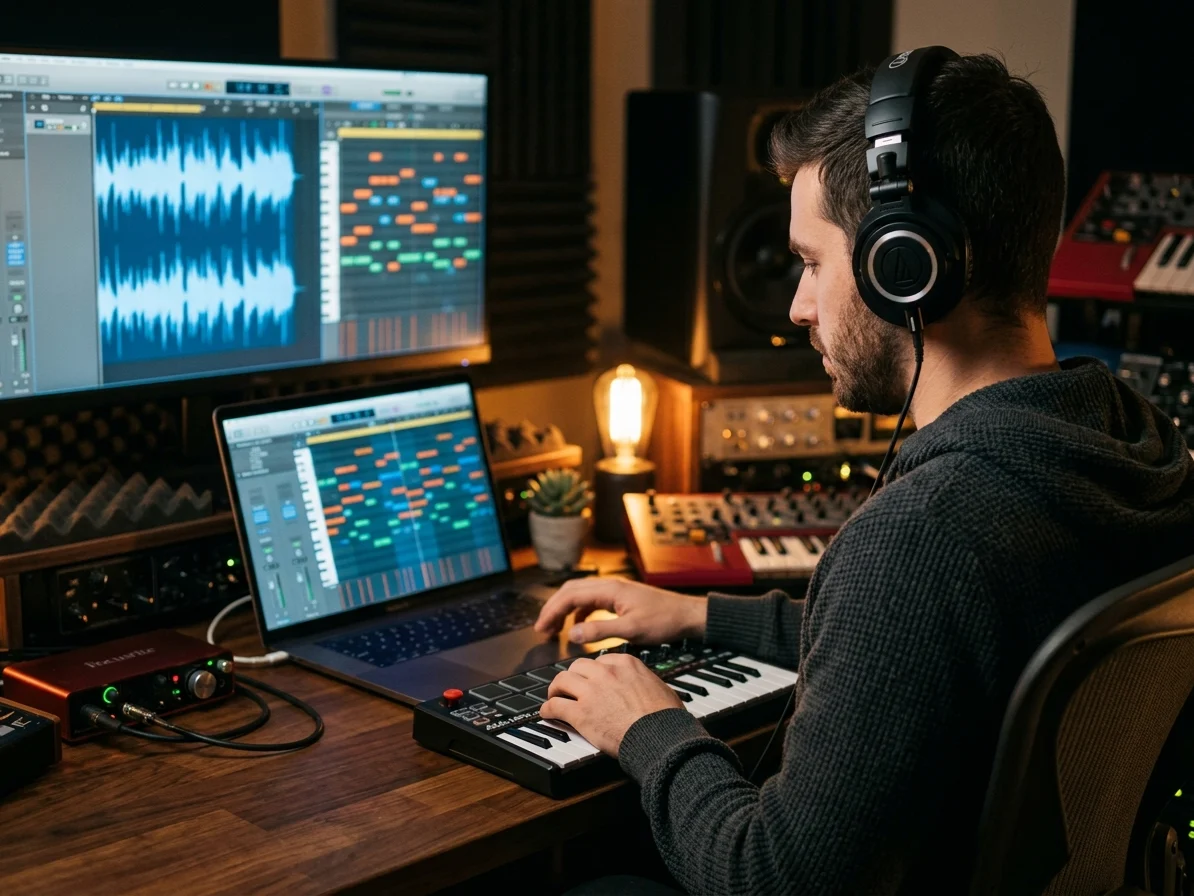
Convert audio to editable MIDI notes
With CraftMusic AI, an Audio to MIDI Converter turns a sung hook, guitar lead, piano sketch, bass idea, or synth line into notes you can edit. The AI Audio to MIDI Converter focuses on pitch, timing, velocity, and note duration, giving you a practical draft for composition. Use it to extract notes from audio, then fix the few musical details that matter inside your own workflow.
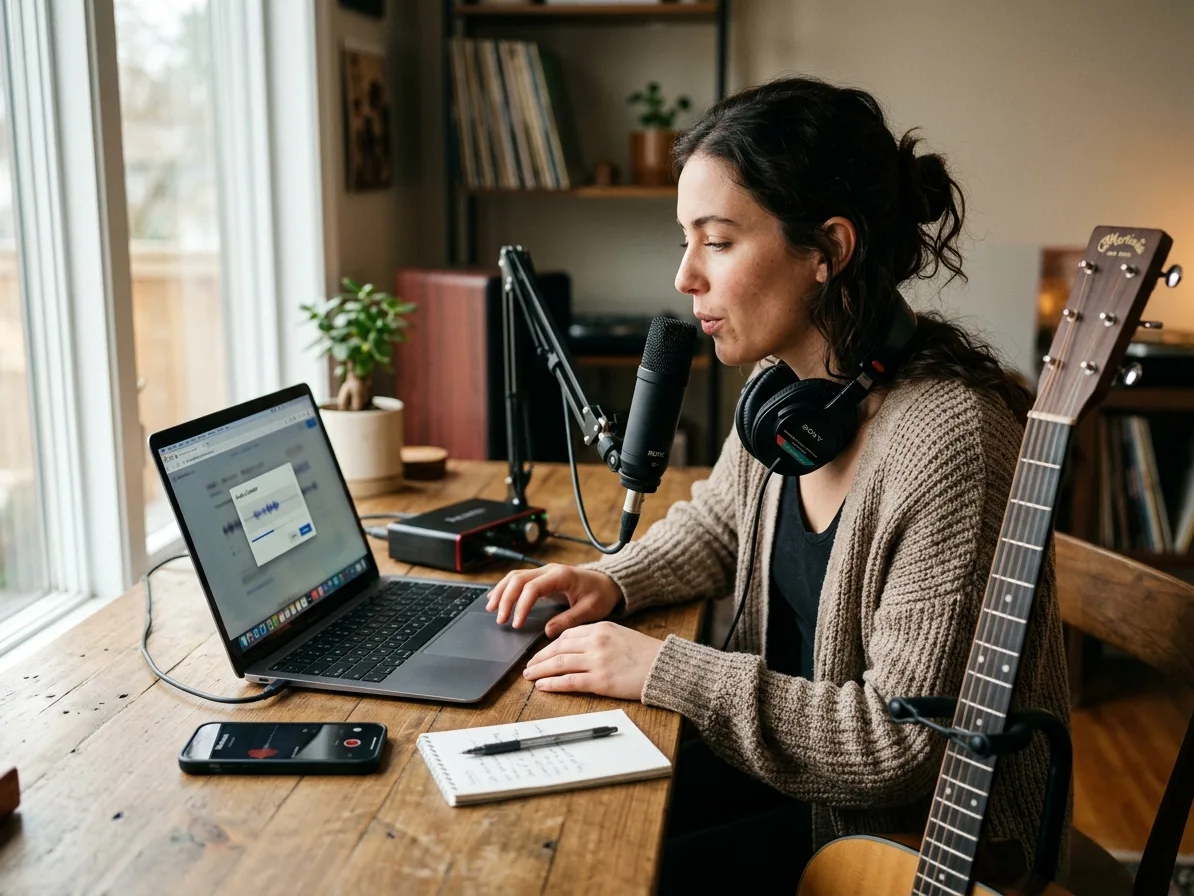
Record or upload without installing plugins
A browser Audio to MIDI Converter is faster when the idea is still rough. Drag in an MP3, WAV, FLAC, OGG, M4A, AAC, or WMA file, or record directly from your microphone. The AI Audio to MIDI Converter keeps the task simple: capture the source, convert audio to MIDI, and move forward before the melody leaves your head.

Download MIDI files for any DAW
After conversion, download a standard MIDI file and drop it into a MIDI track in your DAW or notation app, or open it in the Online MIDI Editor for quick note-level cleanup. This Audio to MIDI Converter is built for producers who want to re-voice a loop, test a different instrument, rebuild a vocal melody, or edit timing in a piano roll. MIDI file download turns a recording into material you can actually arrange.
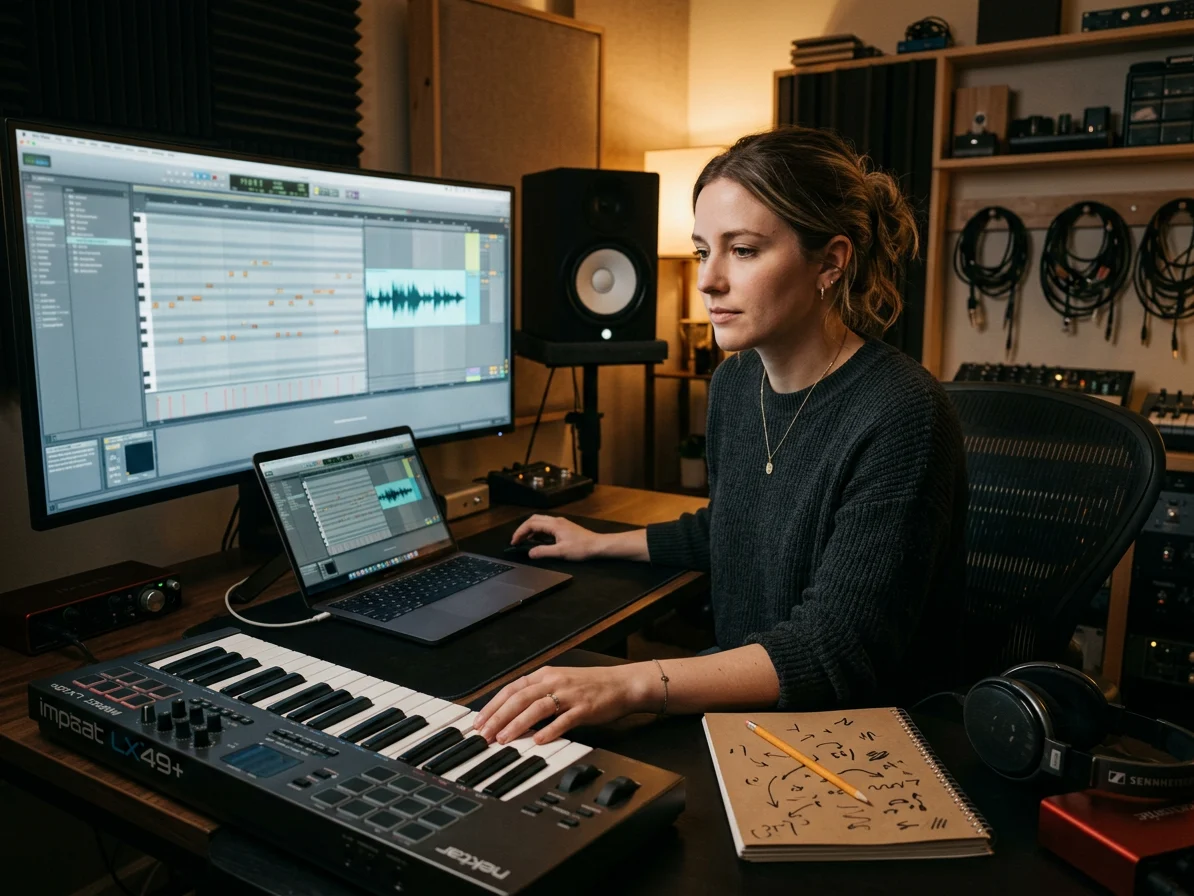
Practical transcription guidance for cleaner results
The best Audio to MIDI Converter experience starts with honest expectations. Clean monophonic lines usually convert better than reverberant vocals, distorted guitar chords, dense piano, drums, or full mixes. CraftMusic AI explains where music transcription software shines and where manual cleanup still matters, so your AI Audio to MIDI Converter result feels useful instead of mysterious.
Who gets the most from audio to MIDI conversion
The AI Audio to MIDI Converter helps creators who need a playable MIDI draft from recorded sound, not another blank piano roll.

Songwriters capturing melodies
Voice memos disappear into folders because replaying every pitch by ear takes too long. Use the Audio to MIDI Converter to turn a hummed hook or rough vocal take into a MIDI clip in one workflow. You can audition instruments, shift keys, tighten timing, and build a demo while the original idea is still fresh.

Producers remaking riffs and loops
Sampling and remix work often starts with a phrase you want to re-voice, not copy as audio. Convert audio to MIDI from a clean guitar riff, bass line, synth lead, or loop, then swap the sound, edit the groove, and arrange it inside your DAW. The AI Audio to MIDI Converter saves time before detailed production begins.

Educators and transcribers
Explaining pitch and rhythm is easier when students can see the notes. Use CraftMusic AI as music transcription software for short examples, ear-training clips, and performance analysis. The Audio to MIDI Converter creates a visual starting point that can be corrected, discussed, exported, or opened in notation software.

Vocalists and instrumentalists
Singers, guitarists, pianists, and wind players often record ideas before they know the arrangement. Use the AI Audio to MIDI Converter to capture clear single-note performances, then edit the MIDI into harmonies, synth layers, bass parts, or printable practice material. It works best when the source is focused and the target melody is easy to hear.
Audio to MIDI Converter FAQ
Answers about MP3 to MIDI, WAV to MIDI, voice to MIDI, accuracy, browser use, MIDI downloads, and DAW editing.
What is an Audio to MIDI Converter?
An Audio to MIDI Converter is music transcription software that detects notes in audio and exports them as MIDI data. CraftMusic AI's Audio to MIDI Converter helps you turn melodies, vocals, riffs, piano sketches, and clean instrument recordings into editable notes you can open in a DAW, MIDI editor, or notation tool.
How does CraftMusic AI's AI Audio to MIDI Converter work?
CraftMusic AI's AI Audio to MIDI Converter reads the uploaded or recorded audio, analyzes pitch and timing, then writes the detected notes into a .mid file. It is designed for fast browser conversion, so you can upload, convert, download, and refine the MIDI without setting up a plugin chain first.
Can I convert MP3, WAV, or voice recordings?
Yes. The tool supports common audio formats including MP3, WAV, OGG, M4A, AAC, FLAC, and WMA, plus browser recording for voice to MIDI sketches. WAV to MIDI often gives cleaner analysis than heavily compressed files, but a clear MP3 can still produce a useful MIDI starting point.
How accurate is audio to MIDI conversion?
Accuracy depends on the source. Clean single-note melodies, vocals, synth leads, and simple instrument lines usually work better than full mixes, heavy reverb, distortion, fast strumming, or dense chords. Treat the Audio to MIDI Converter as a fast draft maker, then adjust timing, octave, velocity, or extra notes in your editor.
Does it work for full songs and polyphonic audio?
The Audio to MIDI Converter can analyze tonal audio, but full productions are harder because several instruments compete at once. For best results, upload an isolated stem or a part where the target melody is clearly dominant. Piano and chord material may convert, but complex voicings usually need manual cleanup.
Can I edit the MIDI file after conversion?
Yes. Download the MIDI file and open it in your DAW, piano roll, notation app, or the CraftMusic AI MIDI editor. You can quantize timing, delete false notes, merge short notes, adjust velocity, change instruments, transpose the idea, or rebuild a phrase as a new arrangement.
Do I need to install anything to use it?
No installation is required for the browser workflow. The AI Audio to MIDI Converter runs from the page, so you can upload or record audio, convert audio to MIDI, and download a .mid file without configuring desktop software. That makes it useful for quick sketches, classes, client reviews, and mobile idea capture.
Is MIDI the same as the original audio?
No. MIDI is note data, not sound. An Audio to MIDI Converter extracts pitch, timing, duration, and performance information, then saves that information as a MIDI file. To hear it after download, place the file on an instrument track and choose a virtual instrument or sound source.
How can I get cleaner MIDI from audio?
Use the clearest source you can: isolated vocals, simple piano, clean guitar leads, synth lines, or short loops with one dominant part. Reduce reverb, delay, distortion, clipping, and room noise before conversion. The Audio to MIDI Converter works best when it can hear the notes you want to keep.
Can I use this as a MIDI converter for WAV or MP3?
Yes. Use CraftMusic AI as an online MIDI converter for clear MP3, WAV, voice, piano, guitar, or melody recordings. The result is a MIDI draft you can download, clean up in the MIDI Editor, or move into a DAW.