
Drum Machine Online for AI Song Ideas
Pattern grid
Build the Groove Bar by Bar
Kick
Low
Snare
Backbeat
Closed Hat
Ticks
Open Hat
Lift
Clap
Layer
Tom
Fill
Crash
Accent
Transport
Choose a feel, listen once, then change the pattern.
BPM
Choose the tempo before turning the pattern into a prompt.
Swing
Move off-beats later for a looser pocket.
Volume
AI Prompt
Rhythm Prompt for CraftMusic AI
Create a Trap track at 140 BPM with 58% swing. Drum machine pattern: Kick on steps 1, 7, 11, 15; Snare on steps 5, 13; Closed Hat on steps 1, 3, 5, 7, 9, 10, 11, 13, 15, 16; Open Hat on steps 8, 16; Clap on steps 5, 13; Tom on steps 12; Crash on steps 1. Keep the groove clear, loopable, and ready for a full song arrangement.
Build the Groove Before the Track
Use the drum machine online to hear a beat before you ask AI for a full track. Pick a style, edit the 16-step grid, shape the feel, then carry the rhythm into CraftMusic as a prompt. This online drum machine is meant for the moment before a full production session: find a pulse, make one or two strong edits, then send the idea forward.
Choose a Pocket
Start with Trap, Lo-fi, Rock, Funk, or EDM so the first sound already has kick, snare, hat, and accent placement.
Move One Row at a Time
Change kicks for weight, hats for motion, and claps for emphasis. Mute or solo a row when the groove feels crowded.
Send the Rhythm Forward
Copy the prompt when the beat has direction. If you are matching a reference song first, estimate the tempo with a BPM tapper, then set the drum machine BPM before copying the rhythm forward.
Grid Cues
- 1Steps 1, 5, 9, and 13 are the main pulse points in a 16-step bar.
- 2Snare or clap on steps 5 and 13 gives many styles a familiar backbeat.
- 3Higher swing can make hats and syncopated hits feel less mechanical.
A Drum Machine Online Built for Prompt-Ready Grooves
CraftMusic AI's drum machine online is a browser sequencer for shaping a beat before you generate a song. Competitor tools often compete on kits, saving, sharing, and audio export; this drum machine online has a narrower job. It helps you hear a 16-step drum idea quickly, understand the parts of the groove, and turn the pattern into a usable AI music prompt. Each row is a drum sound, each column is a step in the bar, and each lit cell is a hit you can hear immediately. Presets keep the online drum machine from feeling like a blank spreadsheet, while BPM, swing, mute, solo, shuffle, and clear controls keep the sketch flexible.
Make a Useful Beat in Three Passes
The workflow is short because the drum machine online is for decisions you can make by ear, not a long production setup. Use the drum machine online when the rhythm needs to be heard before the song brief is ready.
Start from a Style, Not Silence
Choose a preset and press Play Beat. The online drum machine gives you a working pocket first, so you can react to a rhythm instead of inventing every hit cold. Trap may give you denser hats, Rock keeps the backbeat clear, and EDM starts with a steady pulse. If the pattern is close, keep it. If it is too busy, clear one row before changing everything.
Edit Until the Loop Supports the Idea
Click steps on or off while the bar repeats. Add a kick where the line needs weight, remove hats when the beat is rushing, or solo the snare to check whether the backbeat lands. Swing is useful when a pattern feels stiff: raise it a little, listen, then stop before the groove drags. The drum machine online keeps those edits visible, so beginners can connect what they click with what they hear.
Copy the Rhythm as Direction
When the loop has a clear role, copy the prompt. It records the preset style, BPM, swing, and active drum steps, giving CraftMusic AI a rhythm brief instead of a vague request. Add mood, instruments, vocal style, or scene context after the copied text. The online drum machine becomes the bridge between a beat sketch and a fuller AI song draft.
What Makes This Online Drum Machine Different
The free online drum machine keeps the creative loop simple: hear a pattern, make a small change, and preserve the rhythm for AI generation.
Presets Solve the Blank-Grid Problem
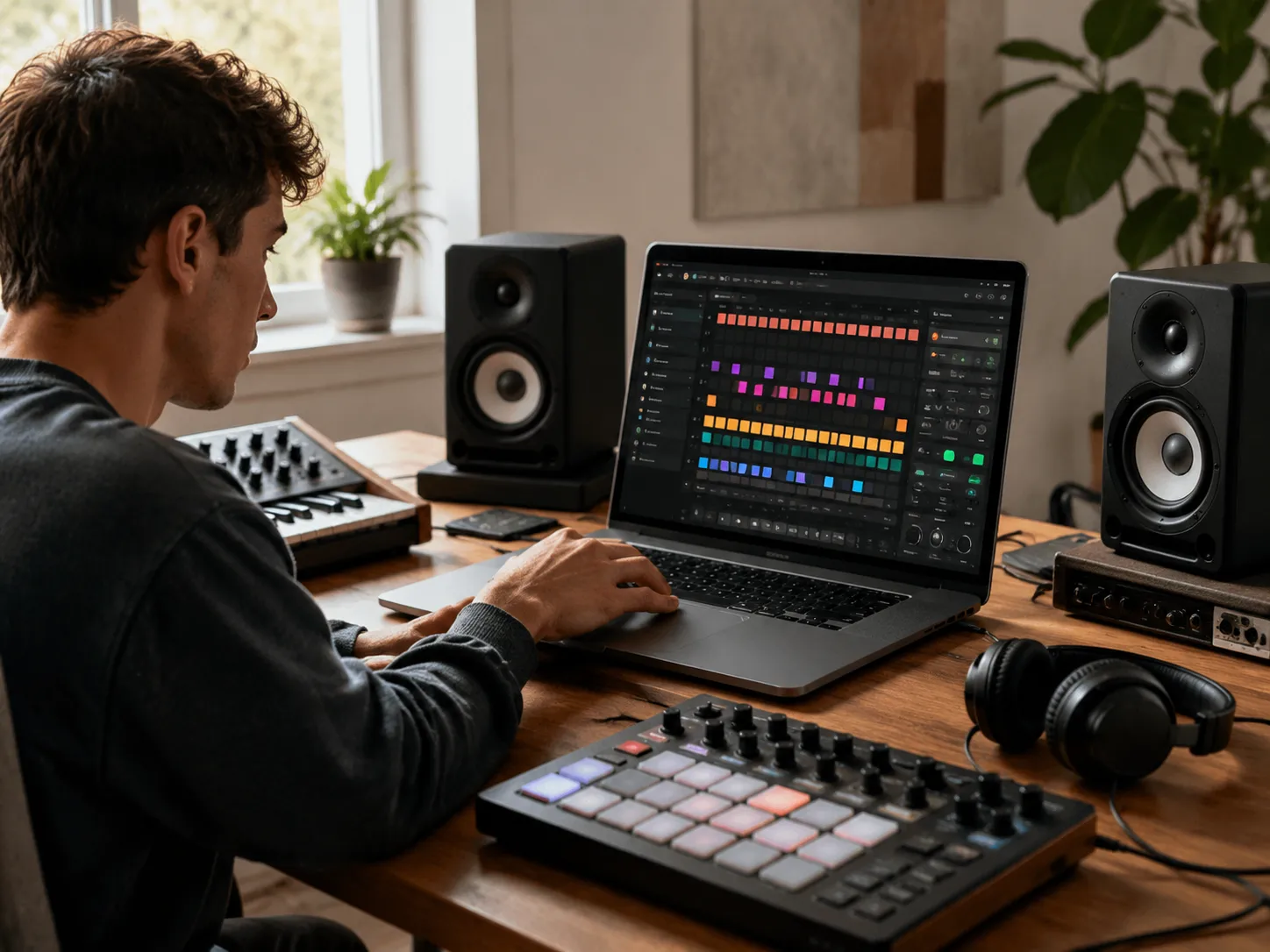
Many beat tools open with a silent grid and expect you to know where every drum belongs. CraftMusic starts the drum machine online with genre pockets that already move. That gives beginners a practical reference and gives experienced creators a faster way to test whether a rhythm deserves more time. You can still clear the pattern, but the drum machine online does not force you to begin there.
The Grid Teaches While It Plays
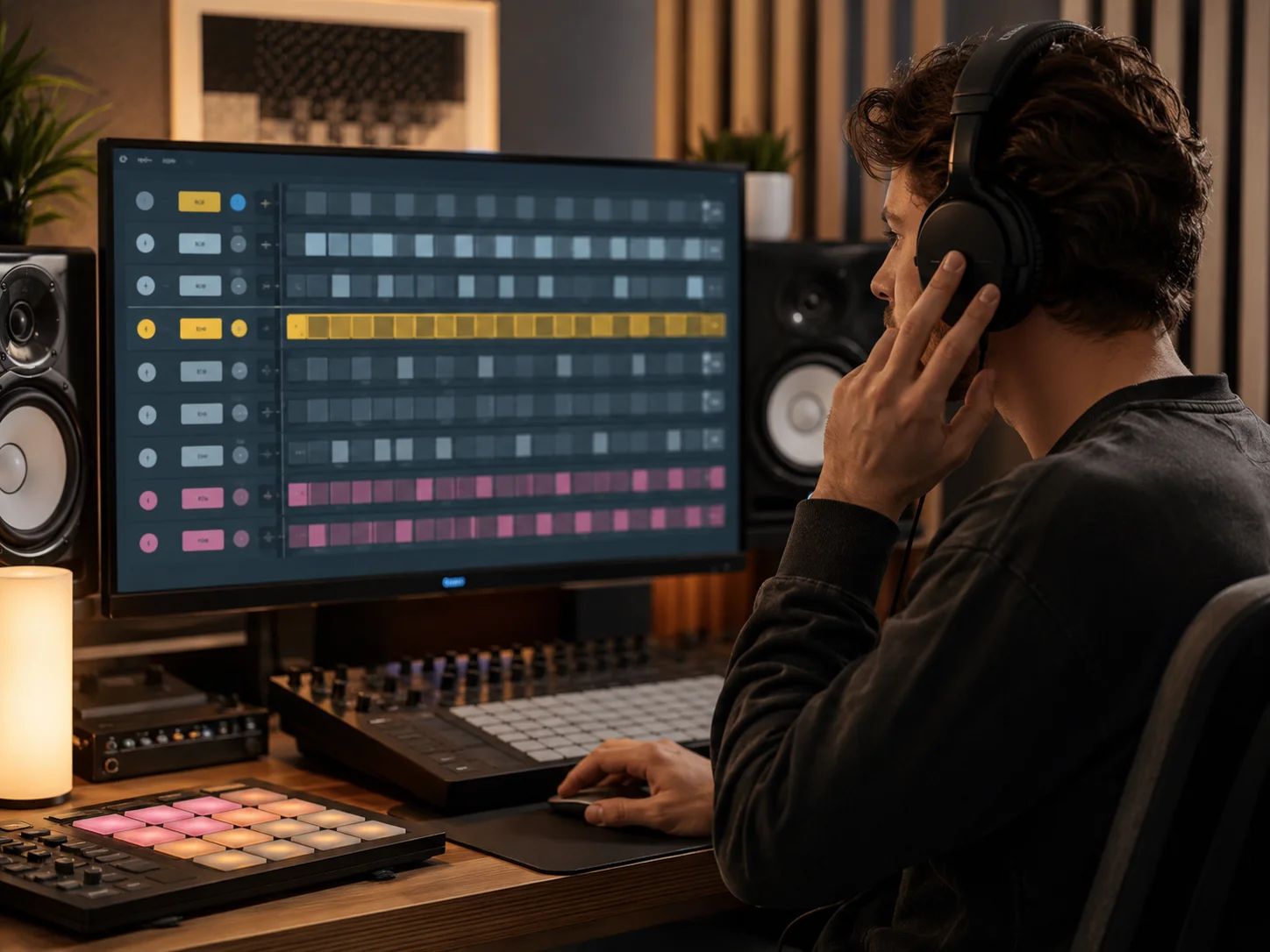
The 16-step view makes rhythm less abstract. Quarter-note positions, backbeats, hat motion, fills, and accents all stay visible while the loop plays. Mute and solo help you hear the job of each row instead of guessing why the whole beat feels heavy, empty, rushed, or stiff. That makes the online drum machine useful as a sketchpad and makes the drum machine online easier to learn from.

Feel Controls Stay Close to the Beat
Tempo and swing are the two controls most beat sketches need right away. Set BPM for the song energy, or tap a reference tempo first with the BPM tapper when the number is unknown. Because those controls sit beside the sequencer, the drum machine online stays focused on groove choices rather than production menus, and the drum machine online remains quick enough for rough ideas.
Prompt Copy Is the Handoff
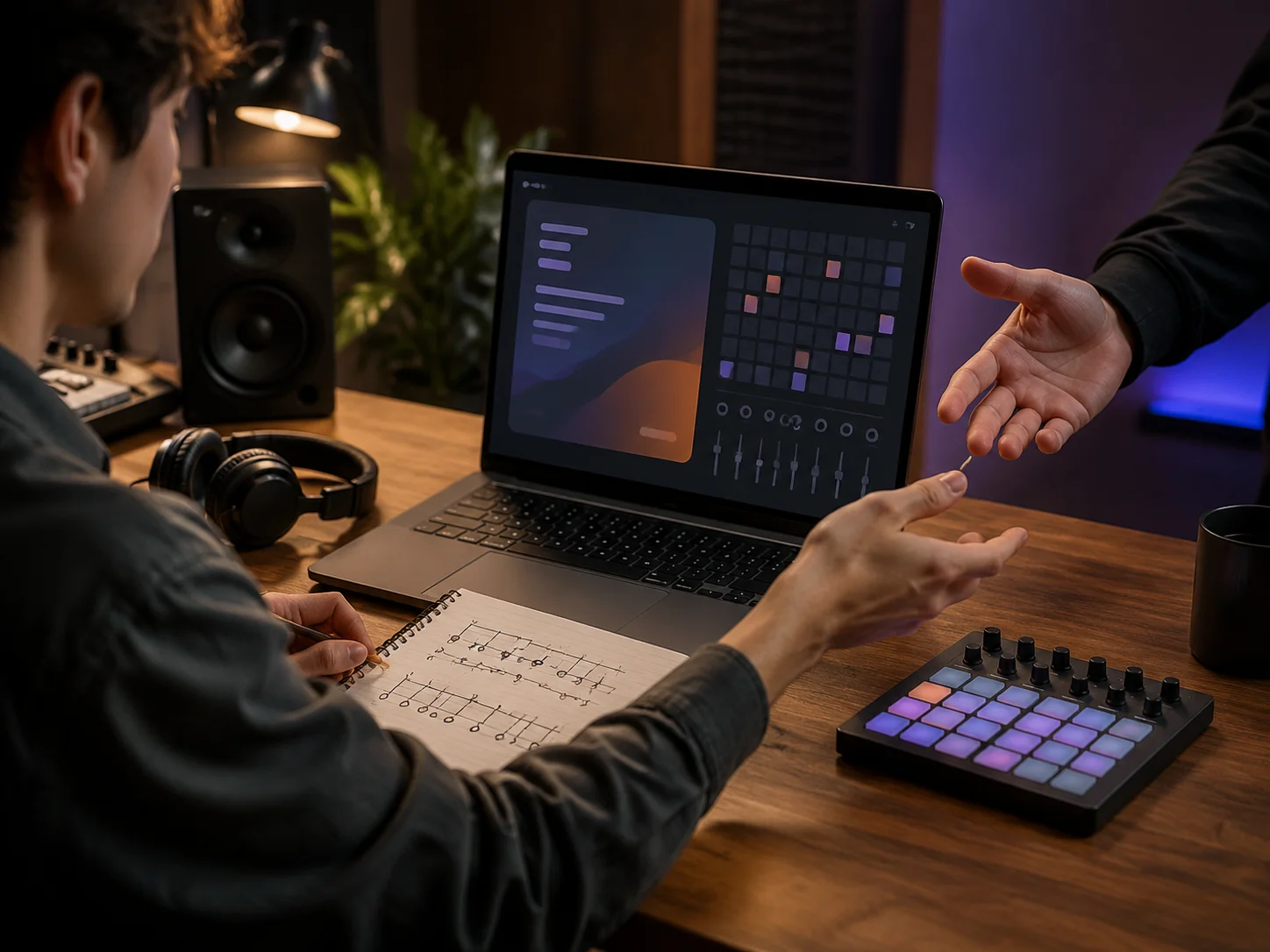
CraftMusic does not pretend this free online drum machine is a complete DAW. The value is the handoff: the current rhythm becomes a structured prompt that can guide drums, bass, arrangement, and energy inside the AI Music Generator. You leave the page with a clearer instruction than just make a beat.
Who This Drum Machine Online Helps
Use the drum machine online when you need a beat decision before you need a full production session.
Songwriters Testing Momentum
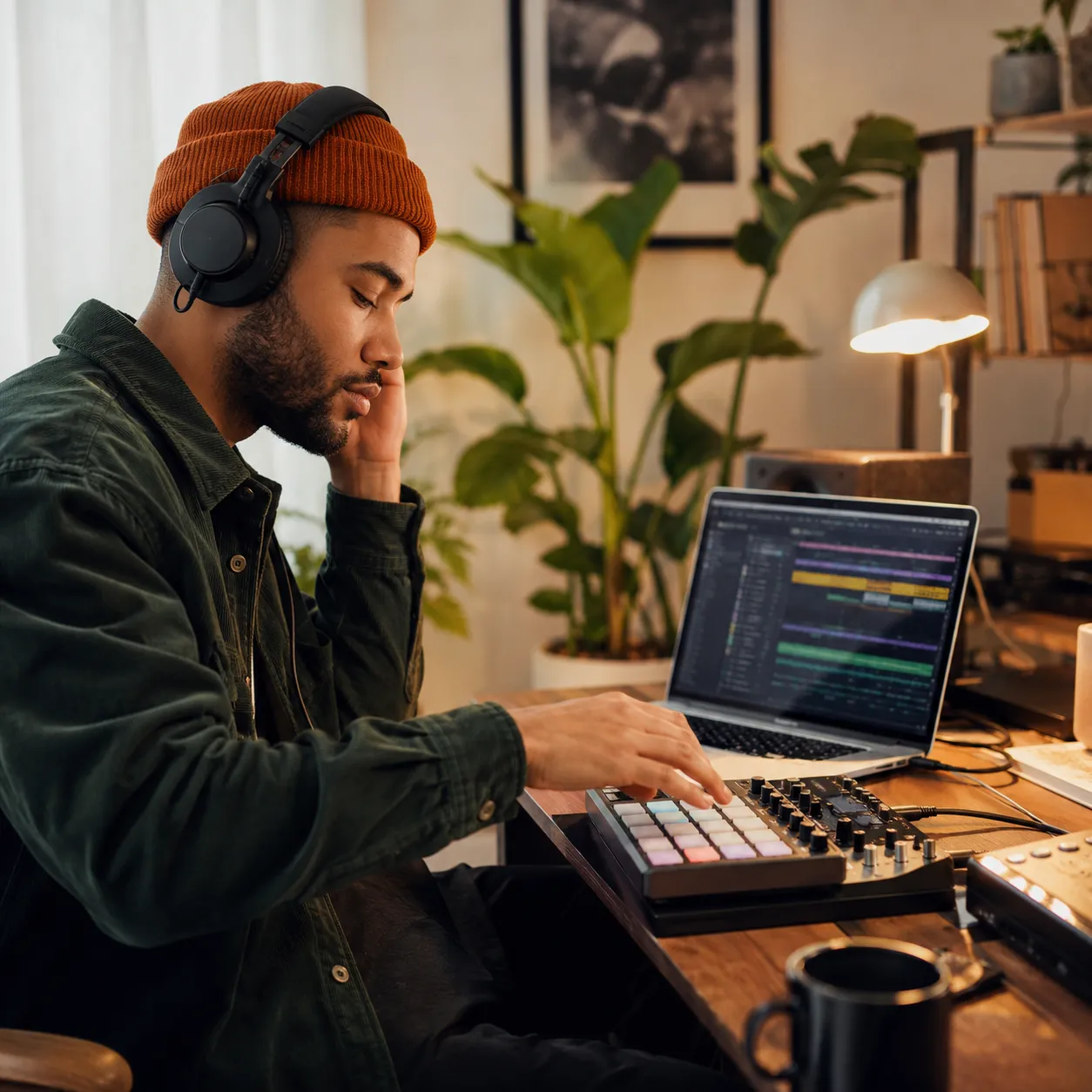
A small loop can reveal whether a hook wants to lean back, push forward, or stay simple. Use the drum machine online while trying melodies, lyric phrasing, or chord movement, then copy the pattern when the groove supports the song.
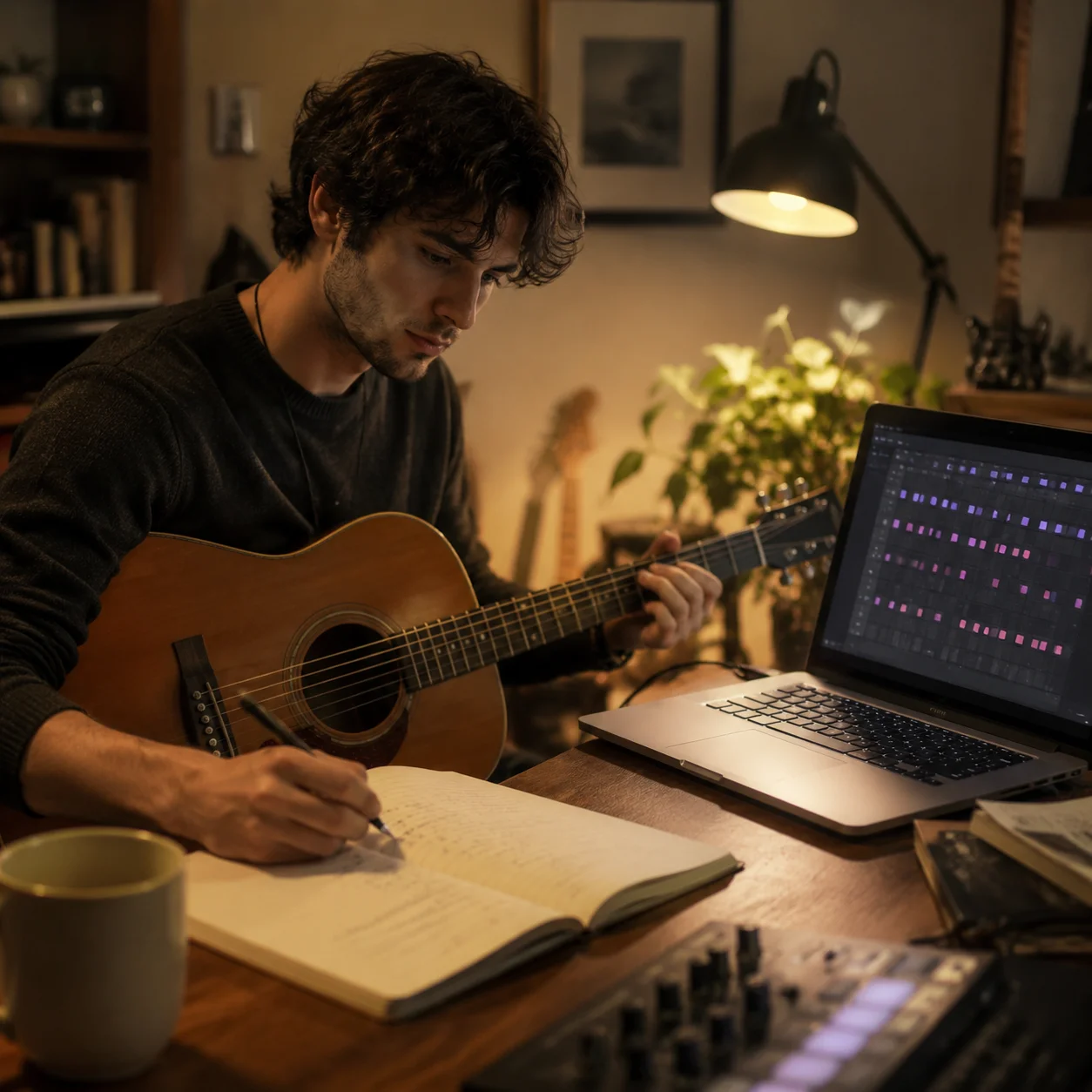
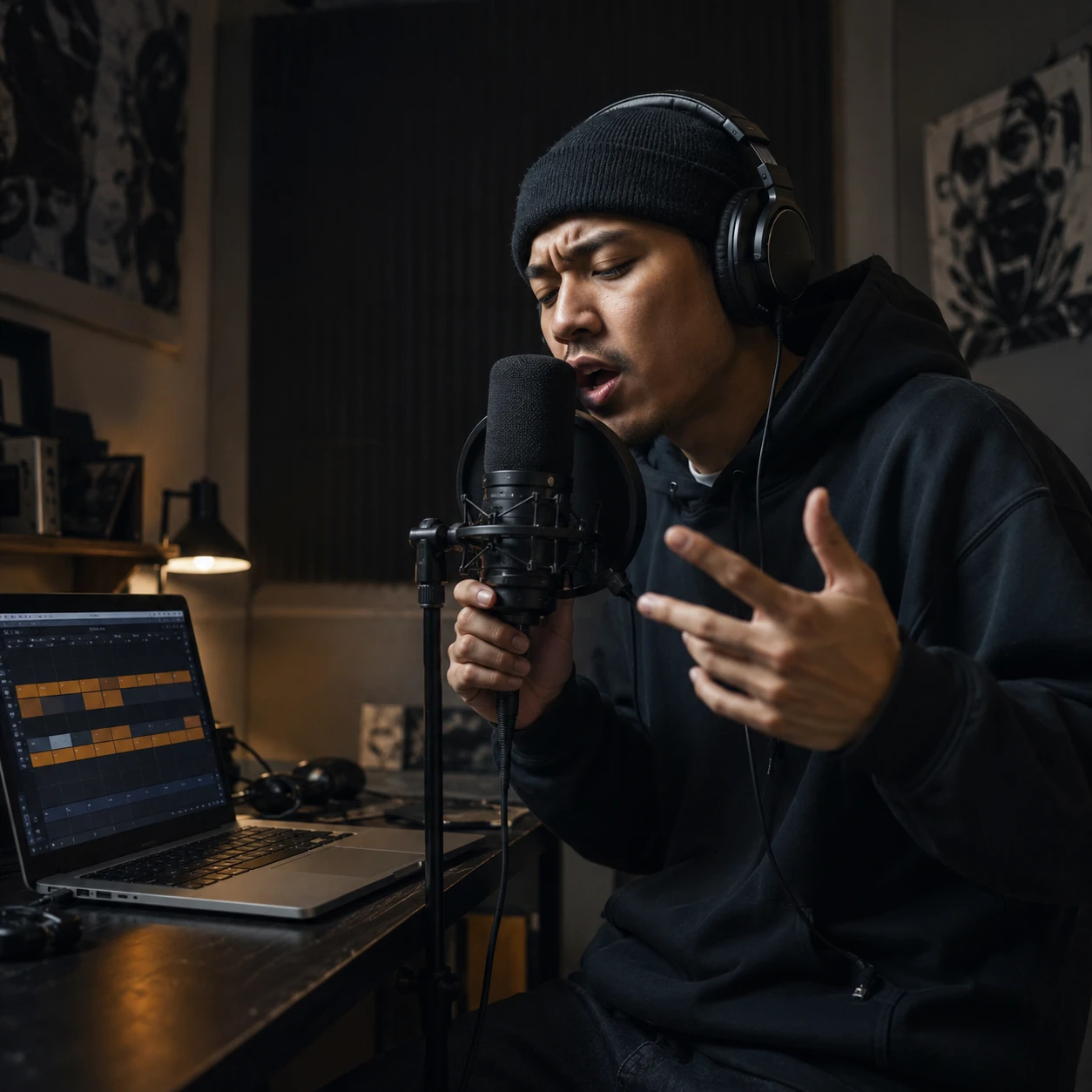
Rappers and Vocalists Finding Pocket
Flow practice gets easier when the drums are clear but not overproduced. Pick a preset, adjust hat density, mute extra accents, and keep the online drum machine running while you test cadence and delivery. The drum machine online keeps the pocket simple enough to rap over.
Producers Capturing Rough Ideas
When a groove is too early for a DAW session, sketch the kick, snare, hats, and swing first. The copied prompt keeps the rhythm details available for CraftMusic AI or for a later production pass.
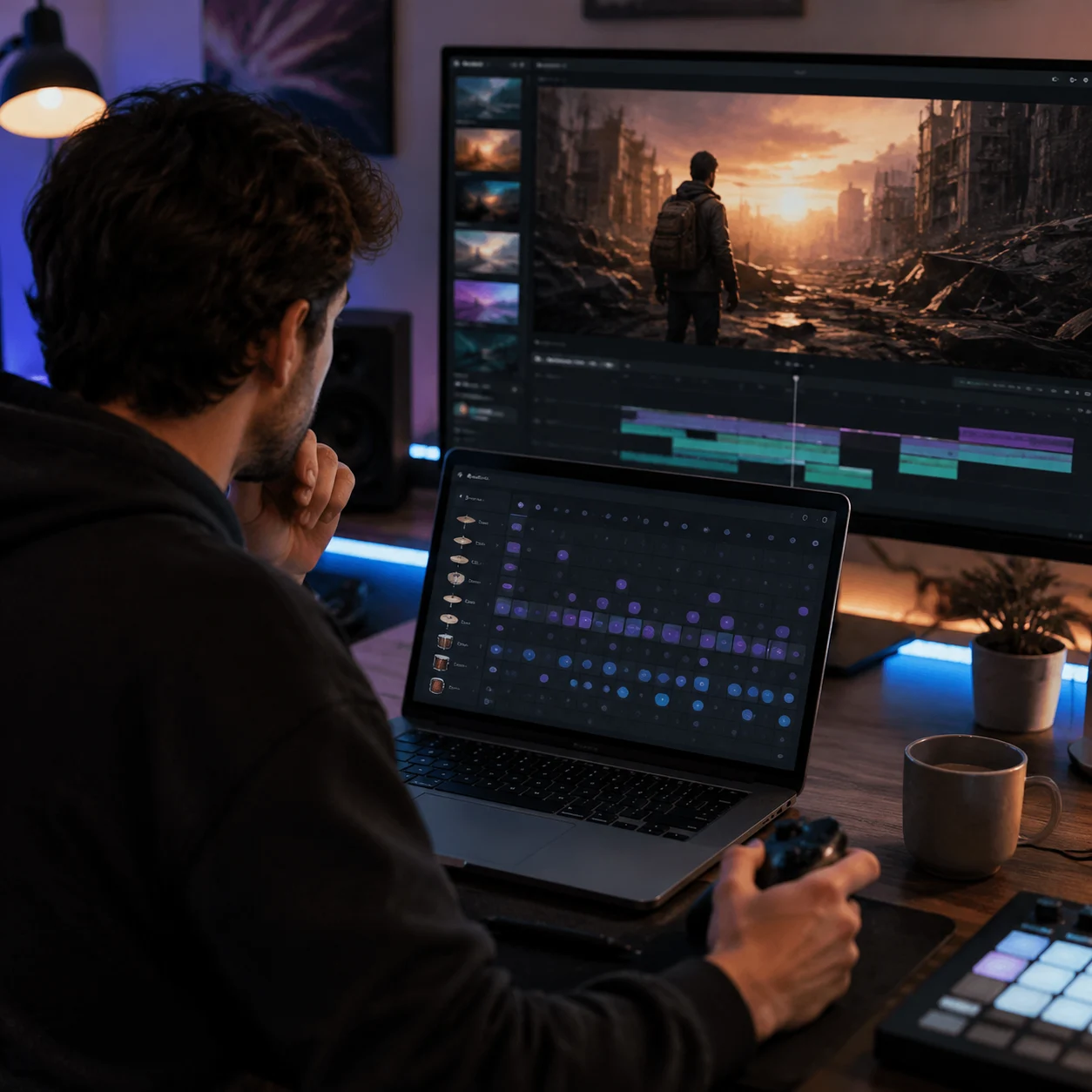
Video and Game Creators Writing Briefs
A background track brief is stronger when the rhythm is specific. Use the free online drum machine to define a loopable pulse, then add project context such as intro, trailer, menu, short video, or podcast bed.
Drum Machine Online FAQs
Quick answers about the sequencer, browser audio, swing, prompt copy, and what this version does not export.
What is a drum machine online?
A drum machine online is a browser tool for building drum patterns without opening a DAW. CraftMusic uses a 16-step grid: rows are drum sounds, columns are moments in the bar, and active cells play when the loop reaches them.
Is this online drum machine beginner friendly?
Yes. Start with a preset, press Play Beat, and change one row at a time. The fastest way to learn is to mute the parts you do not understand, solo the parts that carry the groove, and listen while the playhead moves across the grid.
How should I use swing?
Swing delays alternating steps so the loop feels less rigid. Keep it near straight timing for Rock or EDM, then raise it gently for Lo-fi, Funk, Hip-hop, or any pattern that needs a more relaxed pocket.
Are these uploaded drum samples?
No. This drum machine online uses browser audio synthesis for the current MVP sounds: low oscillators for kick and tom, and filtered noise for snare, hats, clap, and crash. You do not upload files to make the beat play.
Can I export the beat as audio?
Not in this version. The drum machine online focuses on live playback and prompt copy. You can paste the rhythm into CraftMusic AI, or recreate the 16-step pattern in a DAW if you need audio export, MIDI, or detailed mixing.
Why copy a drum pattern into an AI music prompt?
AI music prompts work better when the rhythm is concrete. Instead of saying make it energetic, the copied prompt includes style, BPM, swing, and drum placement. The drum machine online gives the AI Music Generator a clearer rhythmic starting point.