
Upload Music
Supports MP3, WAV, OGG, M4A, AAC, FLAC, WMA
From My Music
Select from workspace

AI Song Cover Generator
Create AI song covers online, compare voices, preview the result, and keep your strongest drafts.









What is a Song Cover Generator
CraftMusic AI is a Song Cover Generator that helps you turn an existing song into an AI voice cover by uploading audio, choosing a voice model, and generating a new vocal version. Instead of recording fresh vocals or learning a DAW workflow, you can test how one melody feels with another singer identity. The AI Song Cover Generator is built for fast cover drafts, voice-model comparison, workspace sources, and download-ready results, while keeping rights and voice permissions part of the decision.
Hear How AI Voice Covers Change a Song
Play example audio, then use the Song Cover Generator to test your own source track with a different AI voice direction.

Indie rock with driving mid-tempo shove, distorted electric guitars, pounding live drums, and slightly raspy male vocals; verse rides tight palm-muted riffs and tight bass, pre-chorus lifts with tom rolls and rising harmonies, chorus explodes into wide open power chords and gang shouts. Backing doubles on key hook words, delay throws on the final line, and a crashy fill plus reverse cymbal mark each lift. Bright, loud, and punchy with a raw arena-sized edge., male vocals, electric, indie rock

Pop with bright mid-tempo four-on-the-floor drums, warm synth pulses, and clean female vocals; verse rides tight kick, muted claps, and bouncing bass, pre-chorus opens with filtered pads and a rising snare roll, chorus hits wide with stacked harmonies and a chanty hook. Vocal stays intimate in verses, double-tracked and airy on the hook, with short delay throws on the last word. Ear candy: reversed synth swells into each lift, glassy plucks between lines, a quick riser before the chorus. Mix is glossy, punchy, and morning-bright., bright, female vocals, warm, clean, pop

Lo-fi hip hop with laid-back swung drums, soft piano loops, gentle vinyl crackle, and a sleepy head-nod groove; verse layers thin out to brushed kicks and filtered keys, then the loop blooms with warm bass and tiny chord stabs on the turnaround. Faded tape hiss, reversed piano swells, and rain-flecked ambience drift between phrases; intimate, dusty, and close-mic in the mix., soft, warm, lo-fi, noise, slow, hip hop

Acoustic folk with fingerpicked guitar, gentle strings, and natural heartfelt male vocals; verse stays intimate and close-mic, pre-chorus opens with soft harmony lift, chorus blooms with wide stacked doubles and a warm cello line. Add a brushed kick pulse under the se, a delicate mandolin sparkle between phrases, and a final swell of strings with room tone and a few finger squeaks left in the mix for an earthy, handmade feel., acoustic, gentle, folk, warm, natural, heartfelt

Modern R&B with silky bass, mellow electric piano, subtle swung drums, and a slow-burn romantic groove; verse stays intimate and close-mic with soft doubles, pre-chorus lifts with stacked harmonies and filtered ad-libs, chorus opens into a chantable hook with airy falsetto layers and delay throws on the last word, bridge drops to bass and keys before a final chorus with extra vocal runs and subtle ear-candy chime, glossy, and plush with warm low end and a polished midnight sheen., electric, romantic, emotional, smooth, mellow, r&b

EDM dance-pop with a driving four-on-the-floor beat, chunky offbeat bass, bright saw lead synths, clipped percussion, and a huge drop after each build. Verse sections stay tight with filtered drums and rising arps; pre, sub hits, and snare lifts. Crisp, glossy, festival-ready mix with neon-bright top end., strong, bright, electronic
A Song Cover Generator for Real Voice Swaps
Use this Song Cover Generator to upload a track, choose an AI voice, compare versions, and keep the best cover draft.
Choose a Voice Before You Commit
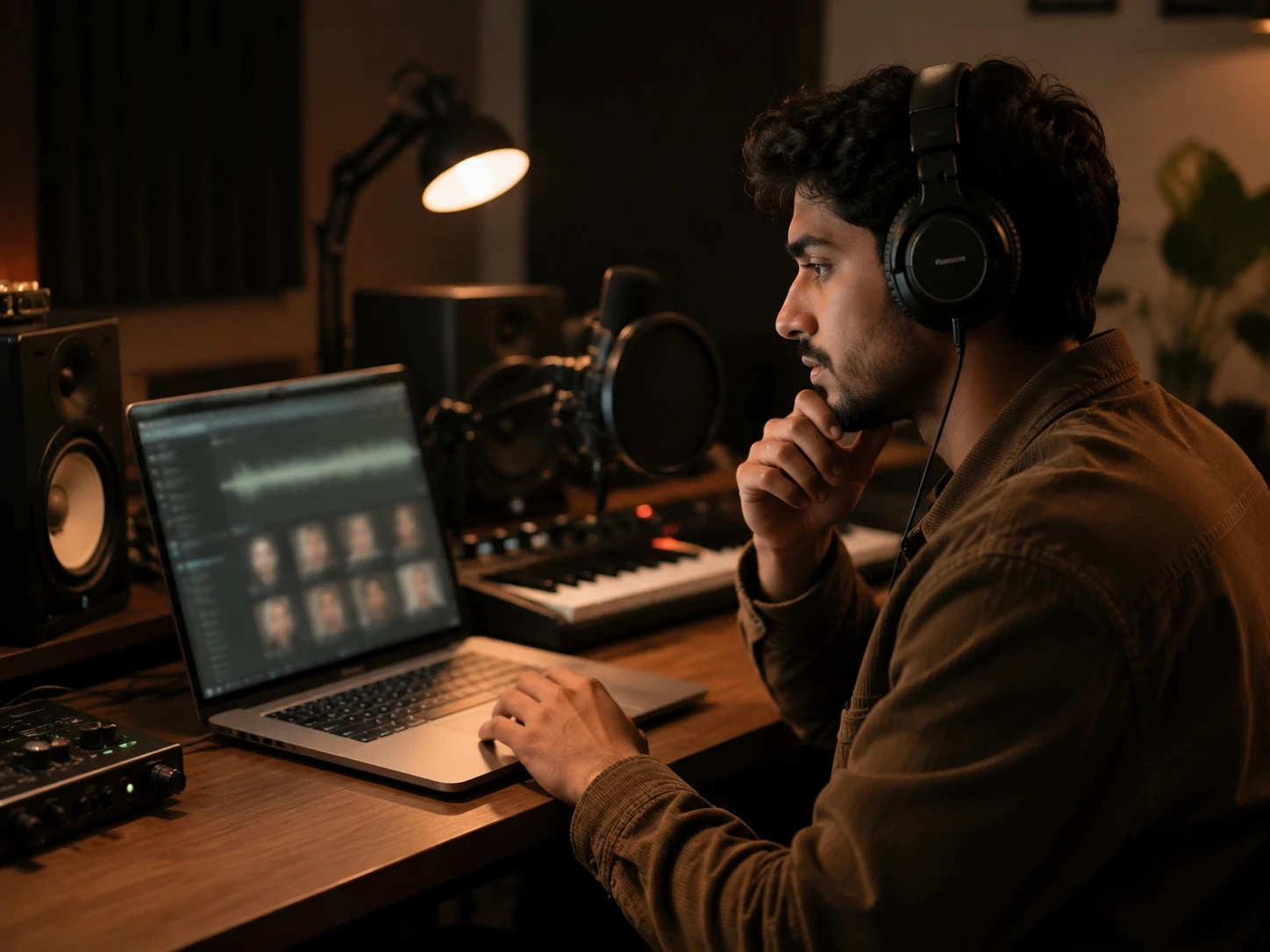
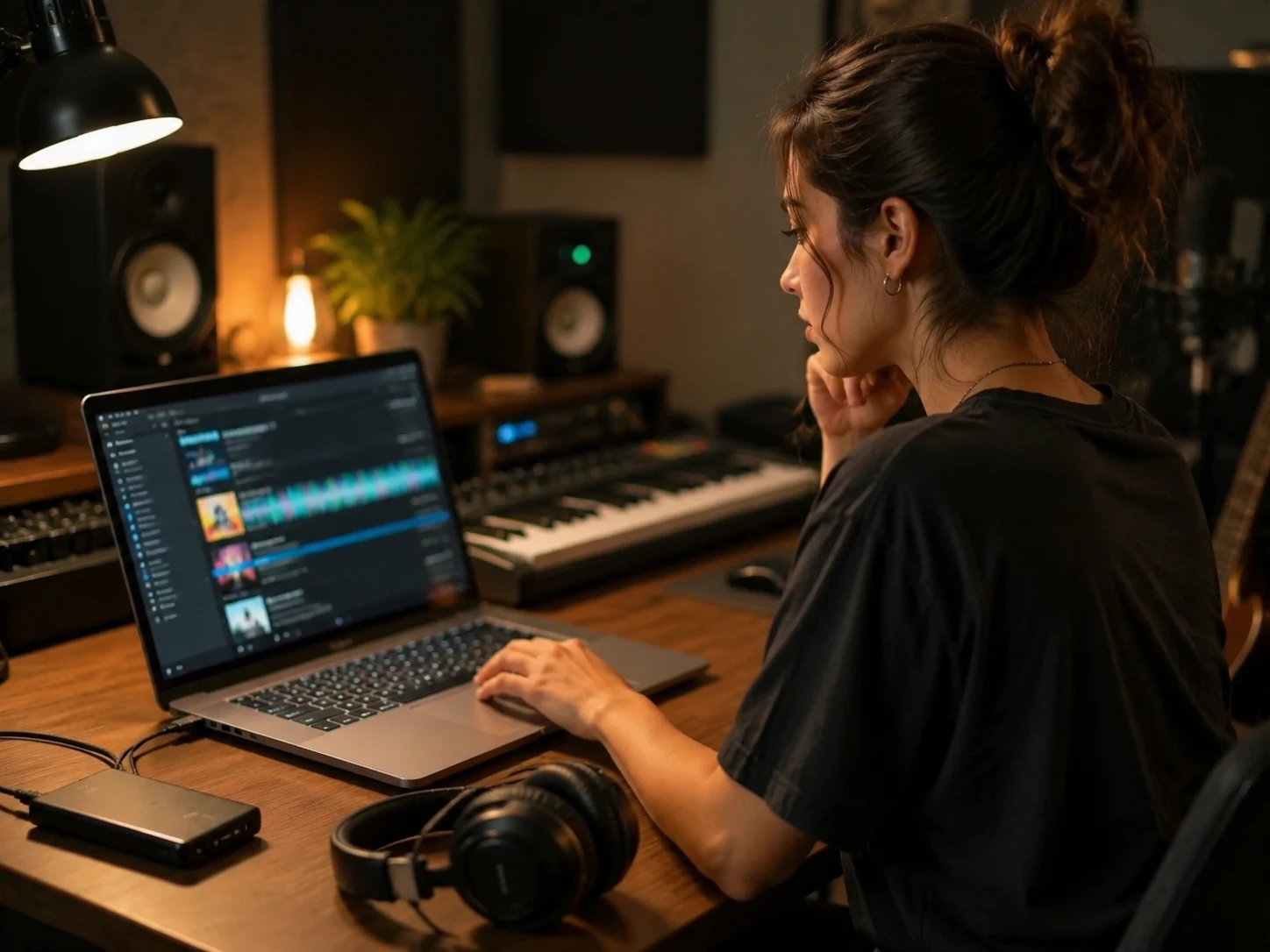
With CraftMusic AI, the AI Song Cover Generator starts with voice choice, not guesswork. Browse ready voice models, preview samples, filter by vocal direction, and pick the singer character that fits your cover idea before spending credits. If you need a custom model, first use the AI Singing Voice Generator to train a voice you own or have permission to use. That helps creators test a chorus, meme edit, demo vocal, or fan-style cover with a clearer sound target.
Upload a Song or Use Your Workspace
A useful AI Song Cover Generator should fit the way you already work. Upload an MP3, WAV, OGG, M4A, AAC, FLAC, or WMA file, or choose a finished track from your CraftMusic AI workspace. The source song stays central: melody, timing, and arrangement remain familiar while the selected AI voice changes the vocal identity.
Compare the Cover with the Original
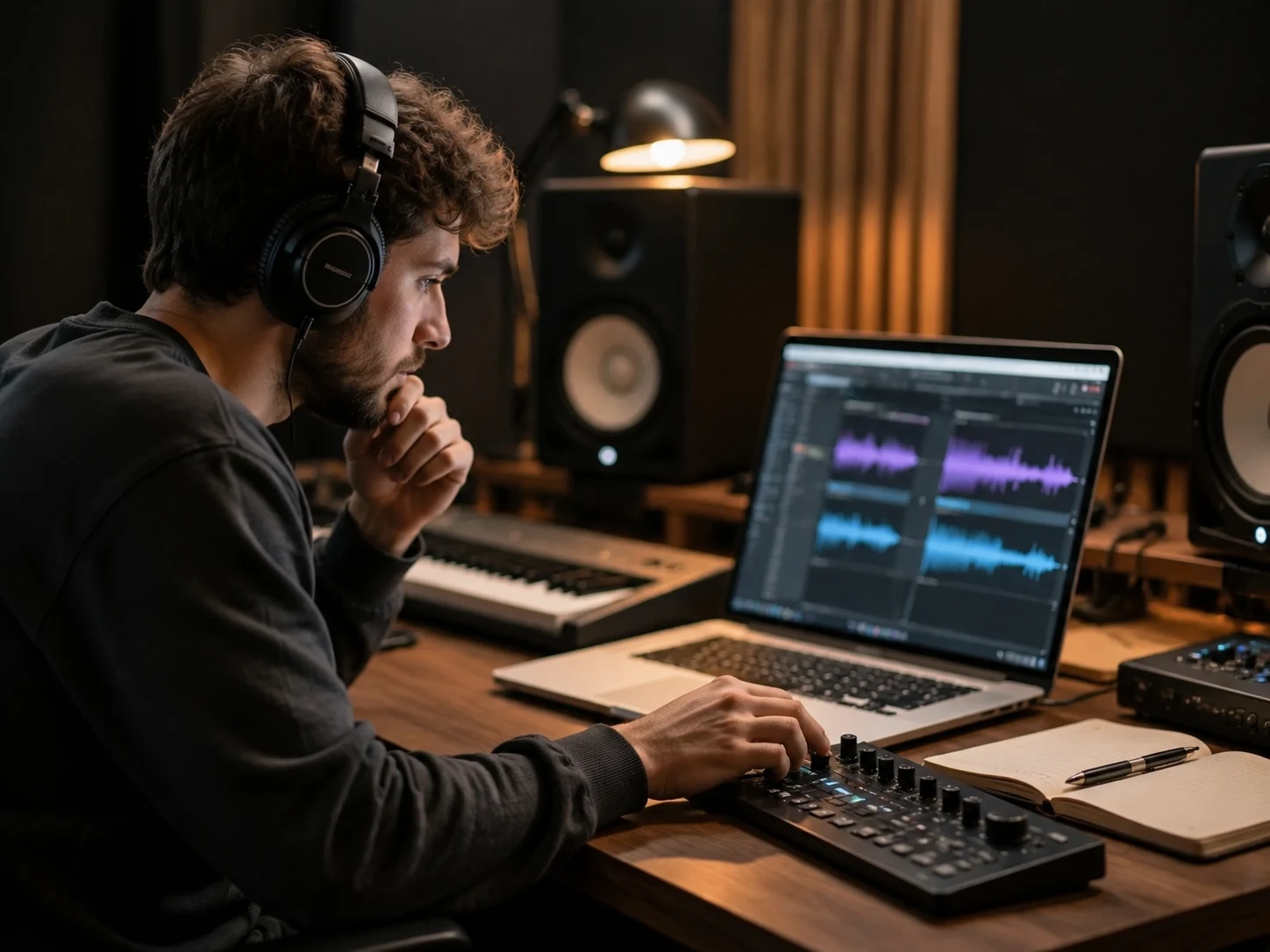
The Song Cover Generator keeps every completed result in your cover history so you can play the AI cover, compare it with the original source, react to the result, and download the version worth keeping. This matters when one voice model makes the hook sharper while another fits the verse emotion better.
Create Covers with Clear Usage Boundaries
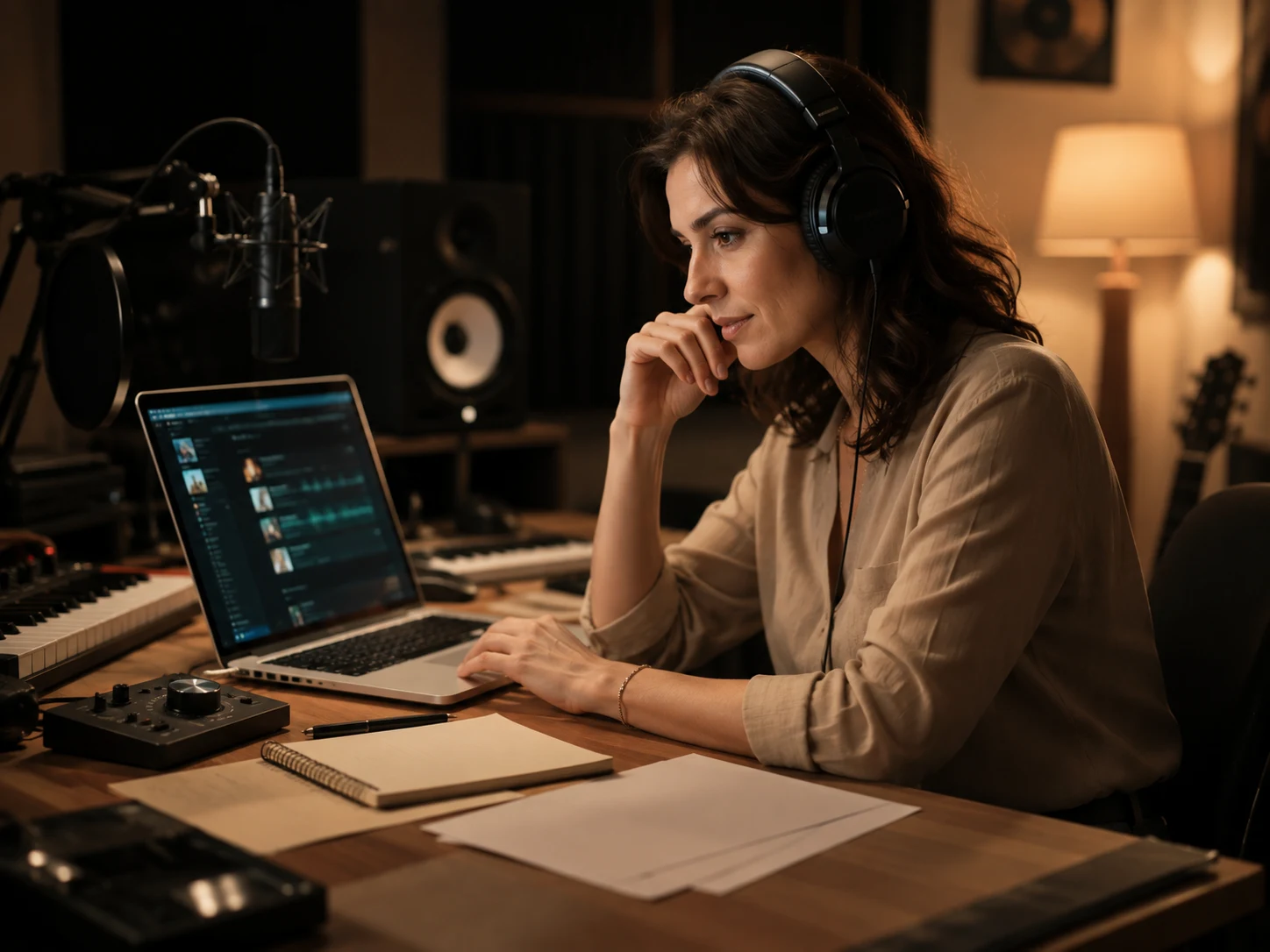
AI cover songs are fun, but uploaded music and voice models still need responsible handling. CraftMusic AI explains the workflow without pretending every upload becomes royalty-free. Use the Song Cover Generator for demos, social tests, and creative exploration, then review platform rules, song rights, and voice permissions before public release.
Make an AI Song Cover in Three Steps
With CraftMusic AI, the Song Cover Generator workflow stays direct: pick a voice, choose a song, then generate and compare.
Pick the AI Voice
Open CraftMusic AI and choose a voice model from the library or your own saved voices. Preview samples first, then select the vocal gender and character that fit the song cover you want to test. A clear voice choice gives the AI Song Cover Generator a stronger target before generation starts.
Add the Song to Cover
Upload a music file or choose a completed track from your workspace. The Song Cover Generator supports common audio formats and keeps the source song easy to preview before you submit. Use clean audio when possible, because strong source vocals and a balanced instrumental usually produce a cleaner cover result.
Generate Compare and Download
Generate the task, wait for the AI cover to finish, then play it beside the original. Keep the version with the best vocal fit, mark reactions for later review, and download the cover when it is ready. Treat each result as a draft you can evaluate before sharing.
Who Uses an AI Song Cover Generator
Creators use an AI Song Cover Generator when a song needs a new voice direction faster than recording fresh vocals.
Short Form Video Creators
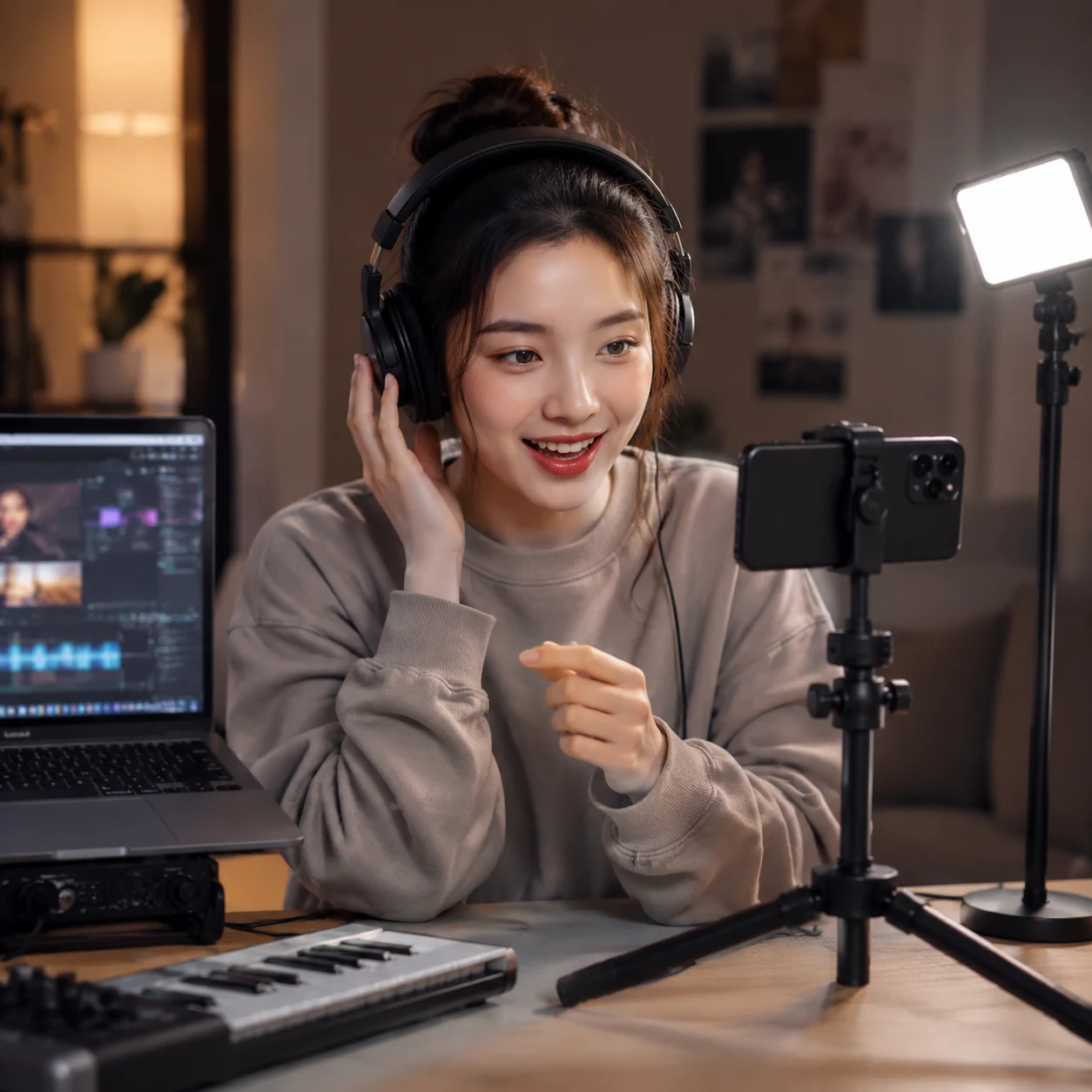
A 15-second hook can decide whether a short lands or disappears. Use the Song Cover Generator to test a familiar melody with a different AI voice, build social-ready cover ideas, and compare versions before editing the final clip. You avoid a full vocal session when the goal is a quick creator experiment.
Songwriters and Demo Producers
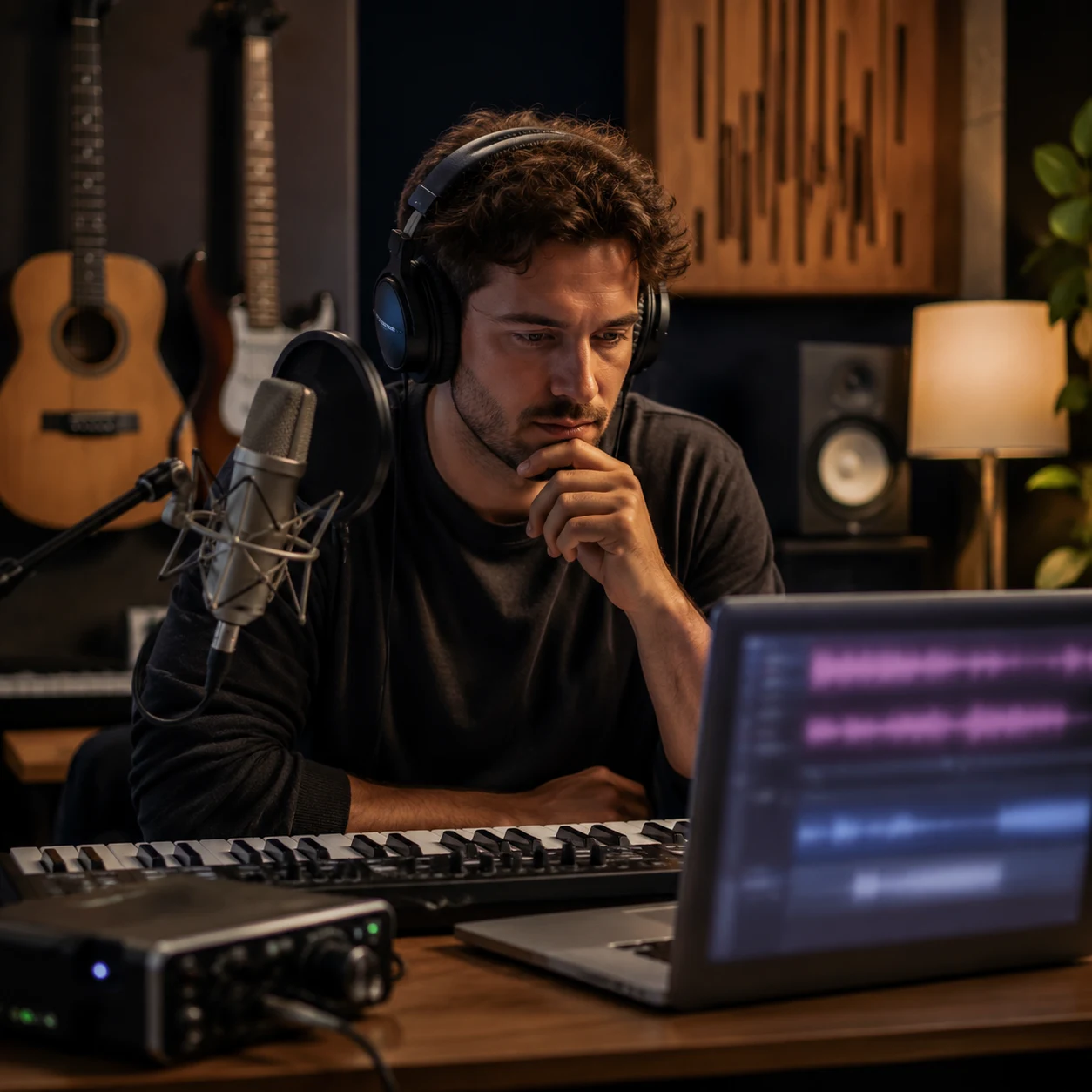
Demo vocals often block a song for days because the written melody needs a believable singer. An AI Song Cover Generator lets you hear the same arrangement through several voice models, then decide which vocal color fits the chorus, bridge, or client reference before booking a session.
Fans and Community Makers
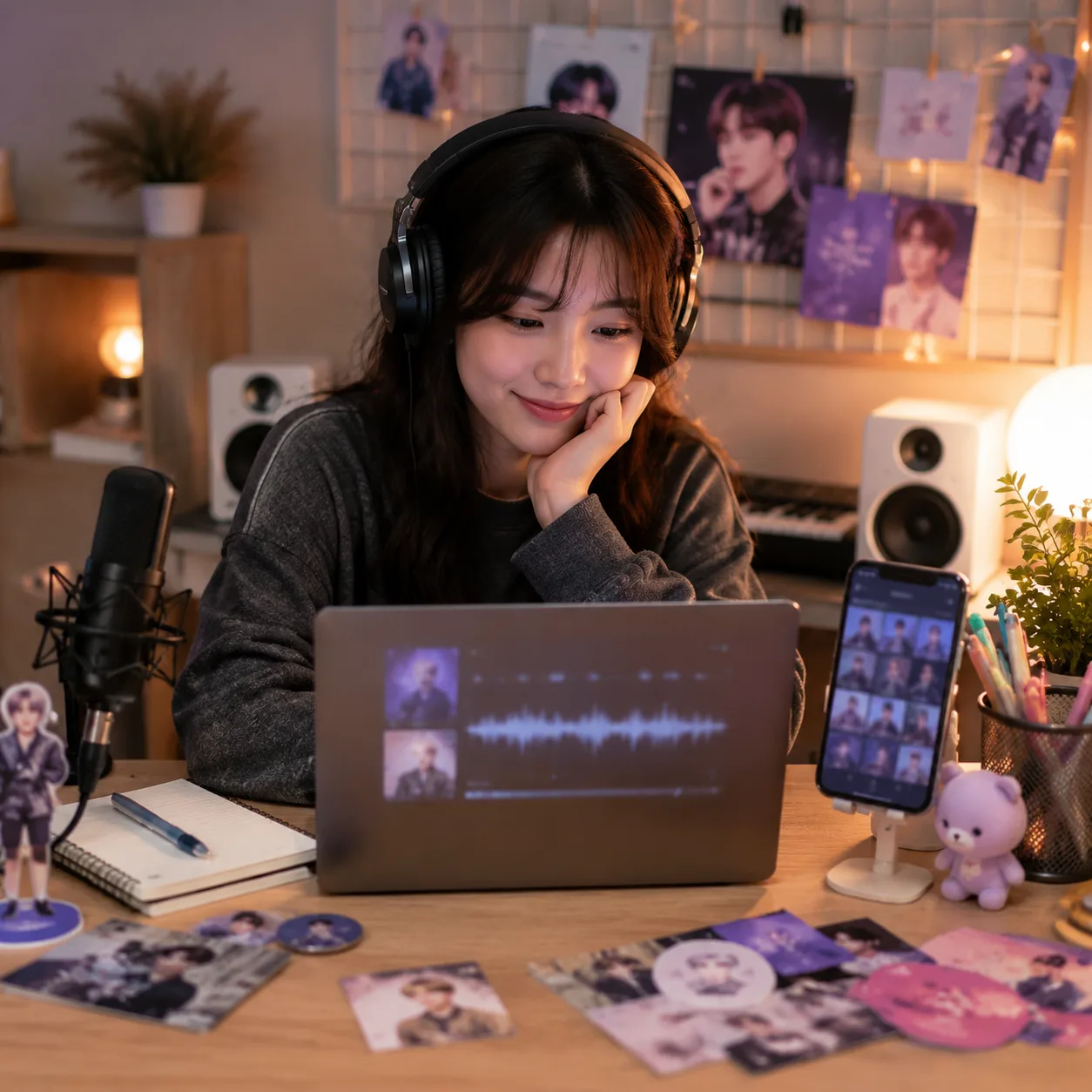
Fan edits, community challenges, and meme covers work best when the tool feels simple. Upload a source song, choose a voice, and generate a cover without opening a DAW. The Song Cover Generator gives casual users a browser workflow while still keeping consent and rights questions visible.
Streamers and Online Hosts
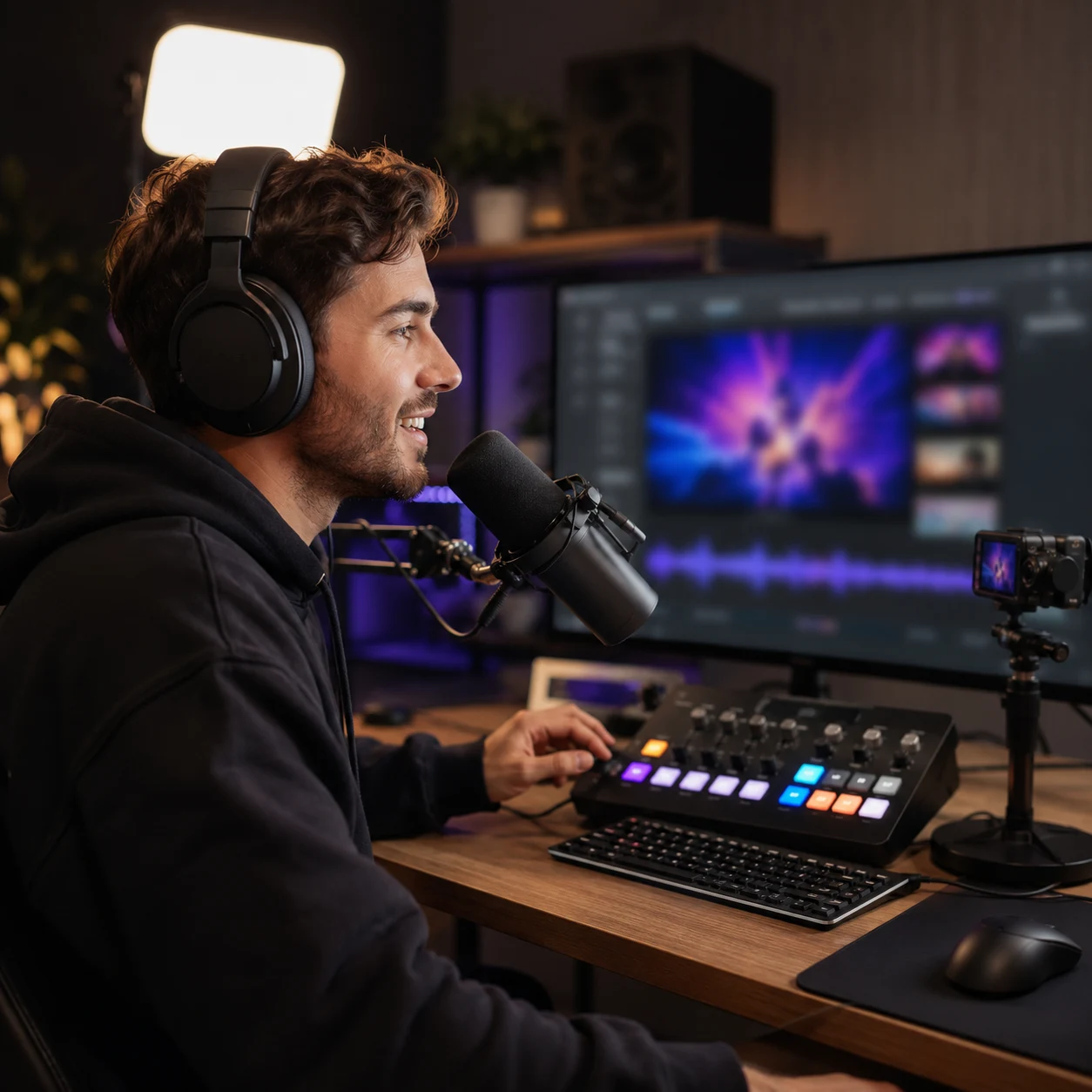
Streams and community events need recognizable audio moments without weeks of production. Use CraftMusic AI to create intro covers, celebration clips, seasonal song ideas, or voice-model tests for a channel identity. One workspace can hold the drafts, downloads, and comparisons needed for repeat events.
Song Cover Generator FAQ
Answers about uploads, voice models, free credits, audio formats, privacy, quality, downloads, and responsible AI cover sharing.
What is a Song Cover Generator?
A Song Cover Generator creates a new AI voice version of an existing song. CraftMusic AI lets you upload a track or choose workspace music, select a voice model, generate the cover, compare it with the original, and download the result when the task is complete.
How does CraftMusic AI's Song Cover Generator work?
CraftMusic AI's Song Cover Generator follows a simple workflow: choose a voice model, add the song to cover, submit the task, then review the generated AI cover. The tool is designed for browser use, so you can manage voice previews, source selection, cover history, comparison, and downloads in one page.
Can I upload any song to create an AI cover?
You can upload supported audio files or choose music from your workspace, but you are responsible for the rights attached to the source song. The AI Song Cover Generator is useful for demos, private tests, and creative exploration; public sharing should follow song rights, platform rules, and voice permissions.
Is the AI Song Cover Generator free to try?
CraftMusic AI gives users a low-friction way to try the AI Song Cover Generator before choosing a larger plan. You can test the workflow with available credits, compare output quality, and decide whether the voice cover process fits your creator or production needs.
What audio formats does the Song Cover Generator support?
The upload flow accepts common audio formats including MP3, WAV, OGG, M4A, AAC, FLAC, and WMA. For cleaner AI cover songs, start with a file where the vocal and instrumental are clear enough to analyze, then preview the source before submitting the cover task.
Do I need singing or production experience?
No singing or DAW experience is required. The Song Cover Generator handles the main steps through voice selection, upload, generation, playback, comparison, and download controls. You still make the creative decisions: which voice fits, which result sounds usable, and where the cover should be shared.
Do I need a custom voice model to make an AI song cover?
No. You can choose an available voice model. If you want a custom singing voice, first train one with the AI Singing Voice Generator using recordings you own or have permission to use. Once the model is ready, select it in the AI Song Cover Generator and generate the cover.
Are AI cover songs legal to publish online?
Publishing AI cover songs depends on the source song rights, the voice model permissions, your plan, and the platform where you share. CraftMusic AI cannot turn a copyrighted upload into royalty-free music automatically, so review licensing, attribution, and consent requirements before public release.
How can I get a better AI cover result?
Start with clean audio, pick a voice model that fits the song range, and compare more than one draft when possible. The Song Cover Generator can preserve the familiar song shape, but source quality, vocal clarity, and voice-model match strongly affect how natural the final cover sounds.
Can I download and compare my covers later?
Yes. Completed covers appear in your history, where you can play the AI cover, compare it with the original, mark reactions, and download the result. This AI Song Cover Generator workflow helps you manage several voice tests without losing track of which cover worked best.
How do I make an AI song cover online?
Choose a voice model, upload the song you want to cover or pick a workspace track, generate the AI cover, then compare the cover with the original before downloading. Keep public sharing tied to song rights, platform rules, and voice permissions.