
Upload Audio
Support MP3, WAV, OGG, M4A, AAC, FLAC
Record
Click to start recording
Note: Min 1min, Max 30min, Recommend 10min.

AI Singing Voice Generator
Listen to song cover examples










Hear Your Singing Voice in Context
Compare original vocals, target songs, and covered results so you can hear how a trained voice model fits real song cover production.

Indie rock with driving mid-tempo shove, distorted electric guitars, pounding live drums, and slightly raspy male vocals; verse rides tight palm-muted riffs and tight bass, pre-chorus lifts with tom rolls and rising harmonies, chorus explodes into wide open power chords and gang shouts. Backing doubles on key hook words, delay throws on the final line, and a crashy fill plus reverse cymbal mark each lift. Bright, loud, and punchy with a raw arena-sized edge., male vocals, electric, indie rock

Pop with bright mid-tempo four-on-the-floor drums, warm synth pulses, and clean female vocals; verse rides tight kick, muted claps, and bouncing bass, pre-chorus opens with filtered pads and a rising snare roll, chorus hits wide with stacked harmonies and a chanty hook. Vocal stays intimate in verses, double-tracked and airy on the hook, with short delay throws on the last word. Ear candy: reversed synth swells into each lift, glassy plucks between lines, a quick riser before the chorus. Mix is glossy, punchy, and morning-bright., bright, female vocals, warm, clean, pop

Lo-fi hip hop with laid-back swung drums, soft piano loops, gentle vinyl crackle, and a sleepy head-nod groove; verse layers thin out to brushed kicks and filtered keys, then the loop blooms with warm bass and tiny chord stabs on the turnaround. Faded tape hiss, reversed piano swells, and rain-flecked ambience drift between phrases; intimate, dusty, and close-mic in the mix., soft, warm, lo-fi, noise, slow, hip hop

Acoustic folk with fingerpicked guitar, gentle strings, and natural heartfelt male vocals; verse stays intimate and close-mic, pre-chorus opens with soft harmony lift, chorus blooms with wide stacked doubles and a warm cello line. Add a brushed kick pulse under the se, a delicate mandolin sparkle between phrases, and a final swell of strings with room tone and a few finger squeaks left in the mix for an earthy, handmade feel., acoustic, gentle, folk, warm, natural, heartfelt

Modern R&B with silky bass, mellow electric piano, subtle swung drums, and a slow-burn romantic groove; verse stays intimate and close-mic with soft doubles, pre-chorus lifts with stacked harmonies and filtered ad-libs, chorus opens into a chantable hook with airy falsetto layers and delay throws on the last word, bridge drops to bass and keys before a final chorus with extra vocal runs and subtle ear-candy chime, glossy, and plush with warm low end and a polished midnight sheen., electric, romantic, emotional, smooth, mellow, r&b

EDM dance-pop with a driving four-on-the-floor beat, chunky offbeat bass, bright saw lead synths, clipped percussion, and a huge drop after each build. Verse sections stay tight with filtered drums and rising arps; pre, sub hits, and snare lifts. Crisp, glossy, festival-ready mix with neon-bright top end., strong, bright, electronic
What is a Singing Voice Generator?
With our Singing Voice Generator, you can train a custom voice from audio you upload or record, then bring that voice into AI song cover workflows. We built our AI Singing Voice Generator for creators who want a reusable vocal identity instead of a one-time audio trick. You name the model, add clean training audio, choose the vocal gender, and decide whether the voice stays private or can be shared. From there, our Singing Voice Generator gives you a practical path for demos, covers, character vocals, and approved voice experiments where timing, tone, and consent all matter.
Build a Singing Voice You Can Keep Using
We help you train a custom voice, keep the source audio organized, save reusable models, and move into cover creation without starting over.
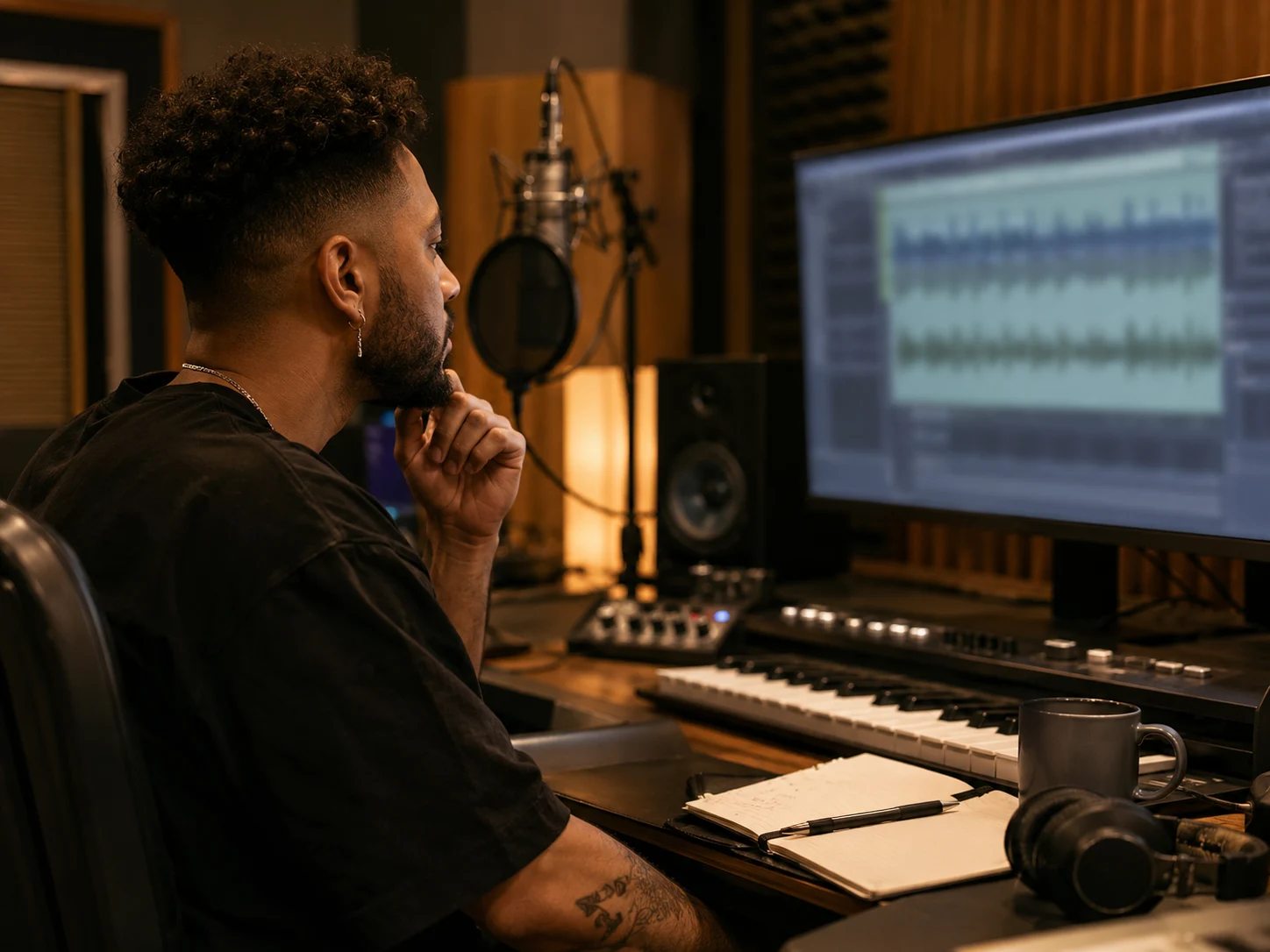
Train from Audio You Already Have
Our AI Singing Voice Generator accepts uploaded training audio, so you can build a custom voice model from material you own or have permission to use. Add vocal takes, spoken samples, or prepared singing clips, and we will organize them into one voice model you can return to. Cleaner input gives the Singing Voice Generator a better chance to preserve tone, accent, phrasing, and emotional shape when you move into song cover production.
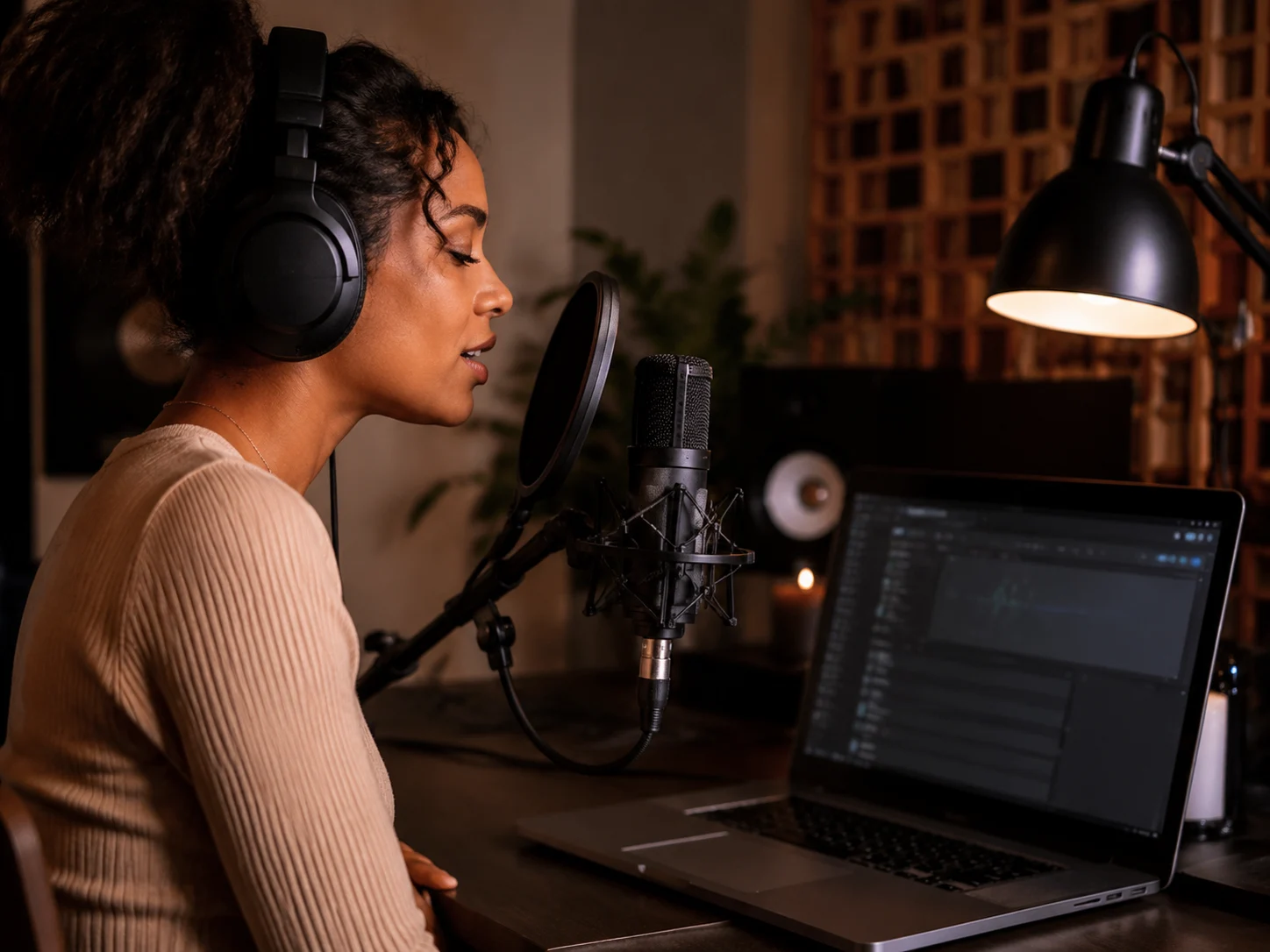
Record a Voice Sample in the Browser
You do not need a prepared studio file to begin. Our Singing Voice Generator includes a browser recording flow with suggested scripts, so you can capture a steady voice sample, save it with your uploads, and keep building the model. The workflow stays direct: record, review the duration meter, name the voice, and submit training when your sample set feels ready.
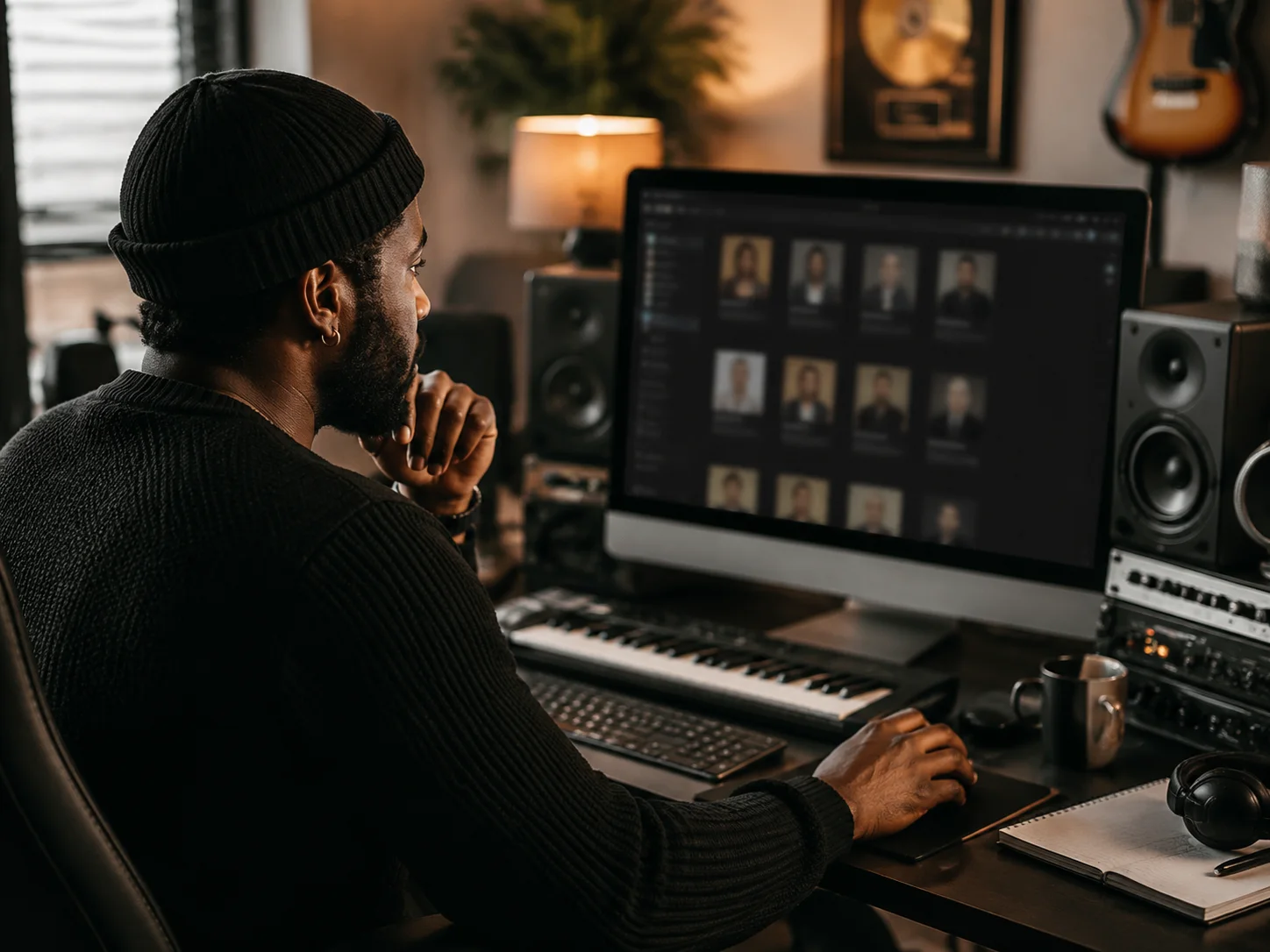
Build a Voice Library for Repeat Projects
We do not want your custom voice to disappear after one test. Every completed model is saved in your voice library, where you can search by name, sort newer or older voices, and track each training status from extraction to completion. Keep personal voices private, share approved voices when needed, and keep release decisions tied to your plan, permissions, and rights.
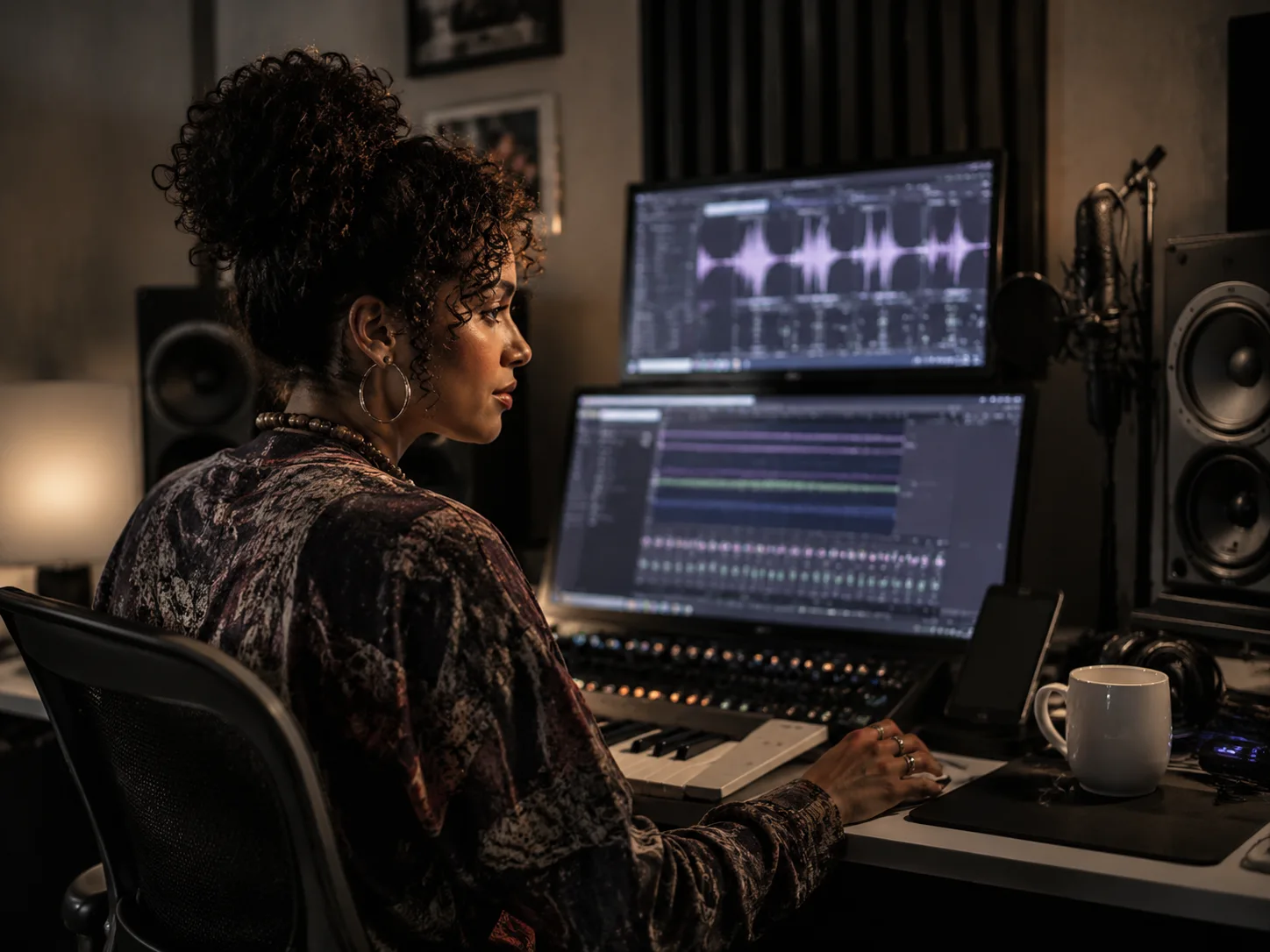
Send the Voice Into Song Cover Creation
When a model is ready, our AI Singing Voice Generator connects it to the AI Song Cover Generator. Choose the custom singing voice, open the cover generator, and hear how that vocal identity handles a target song. The loop stays simple: train the voice once, compare covers, refine the source audio if needed, and keep the best vocal direction for your track.
Create a Custom Singing Voice in Three Moves
Our Singing Voice Generator turns your voice samples into a reusable model for covers, demos, and vocal tests without making the setup feel complicated.
Name the Voice
Start with a clear name, such as a project vocalist, character, demo singer, or approved artist voice. We show that name in your library later, so it is easier to find the right model when you come back to create song covers.
Upload or Record Training Audio
Add audio files you already have, or record a fresh sample in the browser. You will usually get better results from clean vocals, steady pacing, limited background noise, and enough variety for the Singing Voice Generator to learn tone, accent, vowel shape, and phrasing.
Train Compare and Use
Choose the vocal gender, decide whether the model should stay private, and submit training. Once the model is ready, use our AI Singing Voice Generator library to send that voice into an AI song cover workflow and compare the result.
Who We Built This Singing Voice Generator For
We made this page for creators who need quick vocal direction, repeatable voice identity, or approved voice models across multiple music drafts.
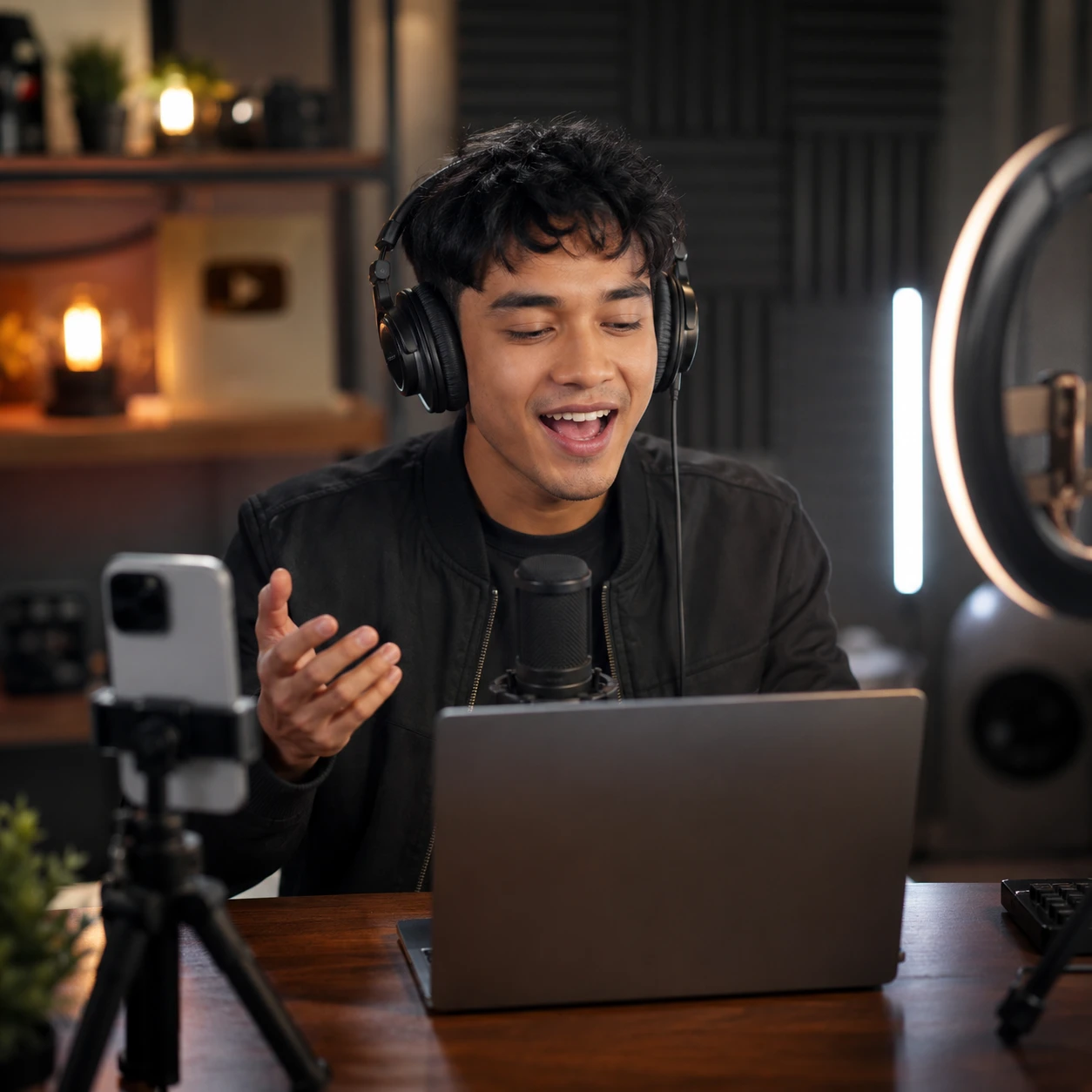
Short Form and Video Creators
If a parody hook, character song, or social edit is moving fast, you should not need a new recording session for every idea. Train one approved voice model, then use our Singing Voice Generator to test cover concepts while the upload window is still open.
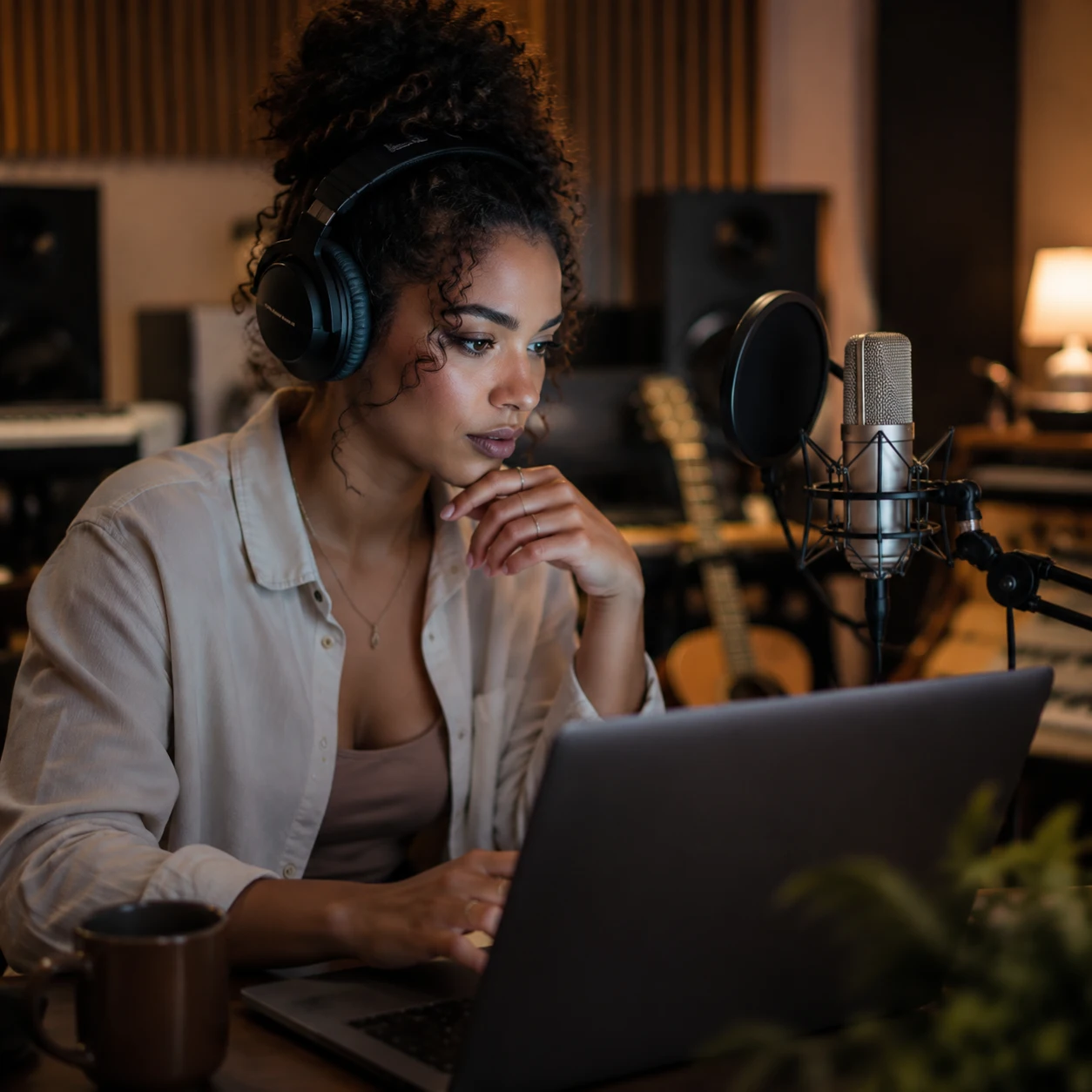
Artists and Demo Vocalists
When you are writing, it helps to hear a chorus in a different range, attitude, or vocal color before booking a session. Our AI Singing Voice Generator lets you audition a custom singing voice across demos while your original writing flow keeps moving.
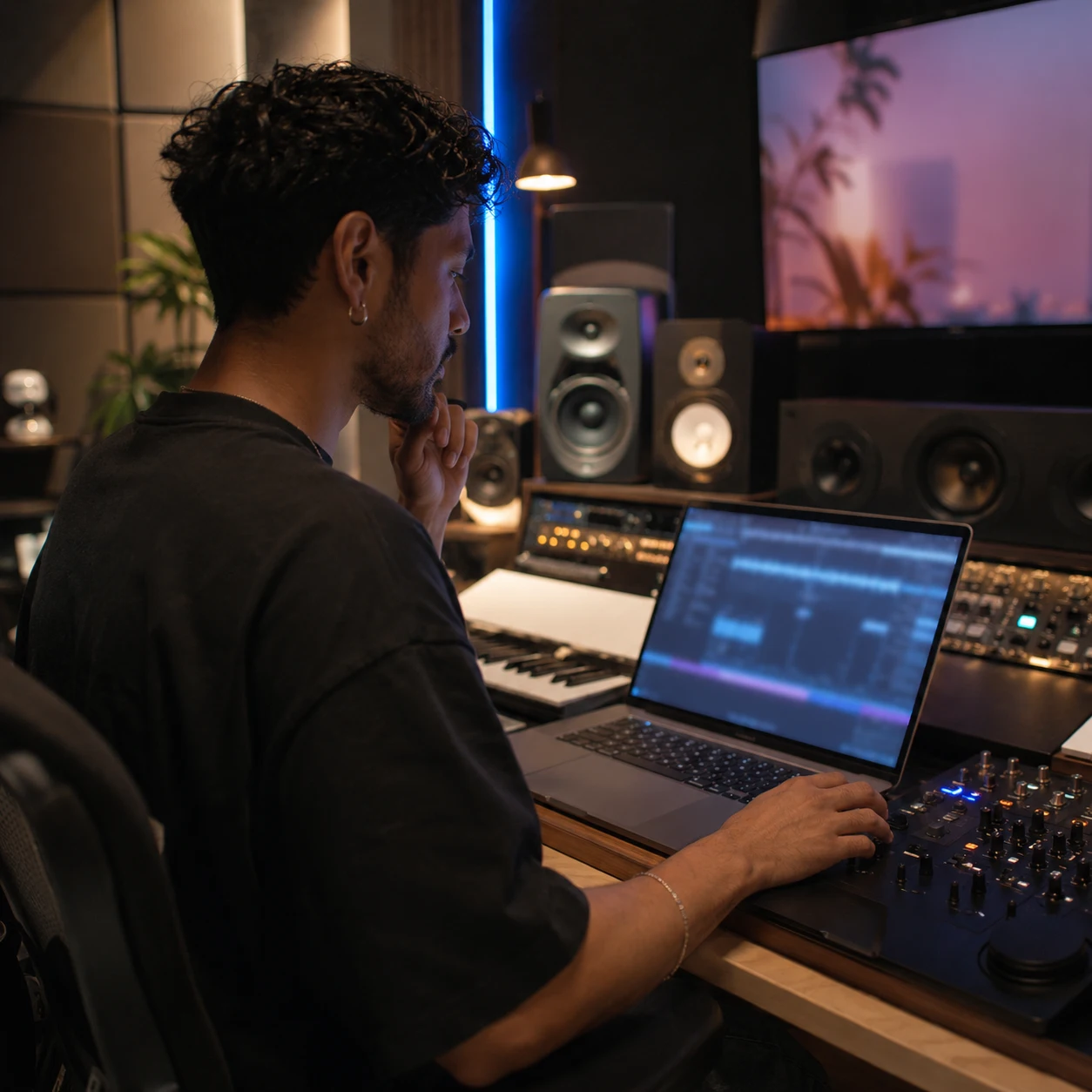
Producers and Remixers
Remix sketches move faster when the vocalist identity is reusable. Train a model with our Singing Voice Generator, compare how it handles phrasing in cover drafts, and decide which direction deserves manual cleanup or a final vocal take.
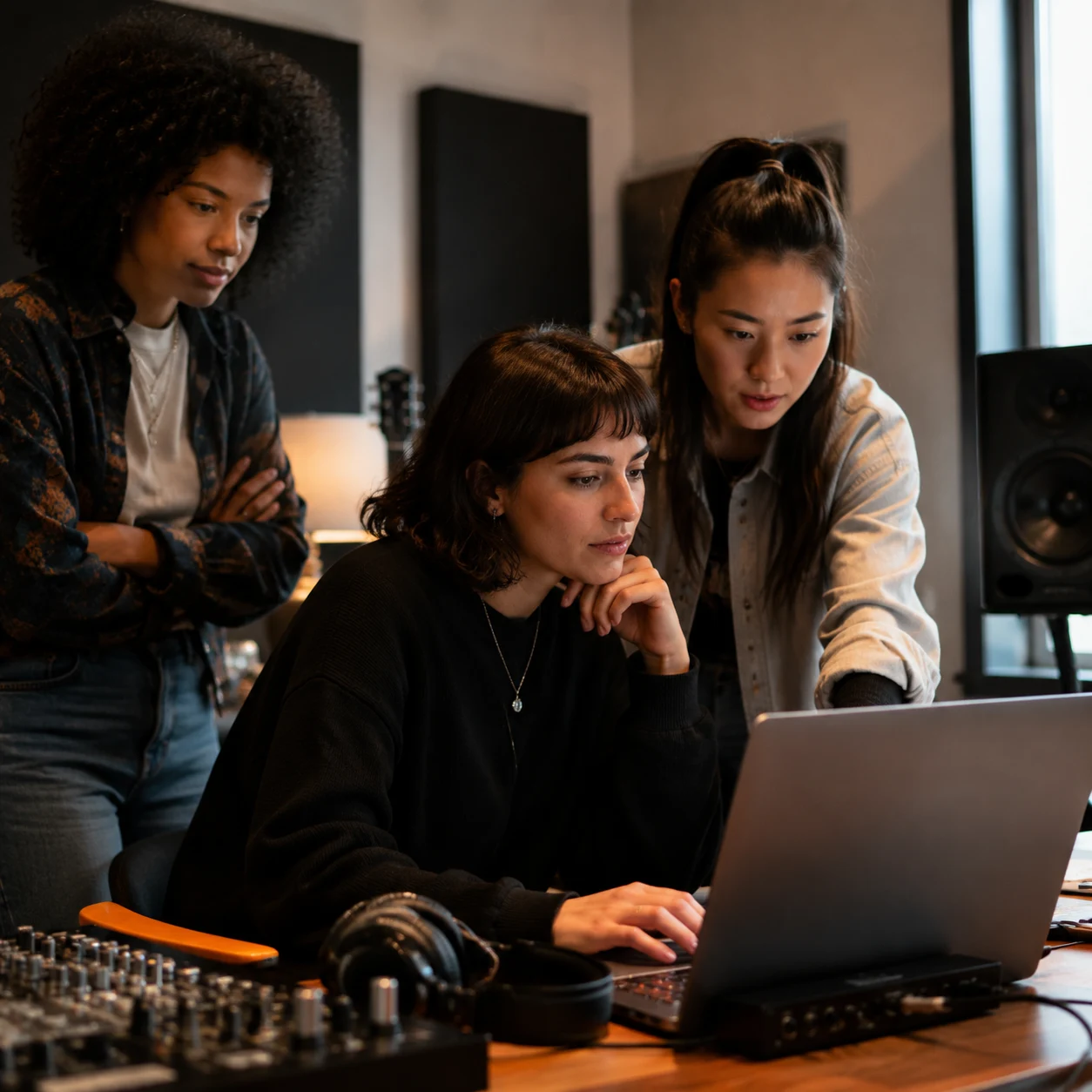
Teams with Approved Voices
Brands, games, and creative teams sometimes need the same vocal personality across many drafts. We help you keep approved models private or public as needed, so your team can reduce repeated setup and keep vocal identity consistent.
AI Singing Voice Generator Questions
Here are the things we would want to know too: training audio, custom voices, song covers, consent, quality, free trials, and commercial-use boundaries.
What is an AI Singing Voice Generator?
An AI Singing Voice Generator trains a custom voice model from audio samples, then helps you use that model in singing or cover workflows. In our case, the focus is reuse: you can build a vocal identity once, save it in your library, and come back to it for future demos or song cover tests.
How does CraftMusic AI's Singing Voice Generator work?
We start with the audio you upload or record, then extract vocals and train a model around that voice. When training is complete, the Singing Voice Generator saves the model in your library, where you can track status, search voices, and open a completed model inside the song cover workflow.
How much audio does the Singing Voice Generator need?
Our Singing Voice Generator works best when you provide enough clean, varied audio for the model to learn tone and phrasing. The page includes a duration meter with minimum, recommended, and maximum markers, so you can see whether your training set is ready before submitting.
Can I record audio instead of uploading prepared files?
Yes. You can record in the browser and use our suggested scripts as a starting point, or replace them with your own text. Recording is helpful for a quick sample, while uploaded files are better when you already have clean vocal takes for a custom voice model.
Why does a custom singing voice sound robotic?
Robotic results usually come from noisy input, inconsistent delivery, weak pronunciation, or training audio that does not represent the voice clearly. Use clean vocals, steady pacing, and natural expression. A better Singing Voice Generator model starts with better samples, then improves as you refine the source audio.
Can I use this for AI song cover workflows?
Yes. Once a model is complete, our AI Singing Voice Generator can send that custom singing voice into CraftMusic AI's AI Song Cover Generator. That handoff helps you test how the voice handles a target song without rebuilding the same vocal model for every cover idea.
Can I train a voice that is not mine?
Only train voices you own or have clear permission to use. We want the Singing Voice Generator workflow to be useful without encouraging impersonation or misuse. Avoid unauthorized cloning, misleading releases, or publishing results that could misrepresent another person.
Can I try the AI Singing Voice Generator for free?
Yes, you can start exploring the workflow before choosing a plan. Prepare samples, see how training is set up, and train models according to the credits available on your account. From there, you can decide whether the voice library fits your projects.
Can I use custom singing voices commercially?
Commercial use depends on the voice source, your permissions, the target song, and your CraftMusic AI plan. The safest path is to train authorized voices, keep records of consent, and review your license terms before releasing covers, client work, or brand content.