
Lofi Converter Online
Upload a track, loop, or voice memo and make a warm lo-fi version in your browser. CraftMusic AI adds slowed motion, low-pass tone, and vinyl texture, then lets you preview and download a WAV.
Drag and drop an audio file here.
Supports MP3, WAV, OGG, M4A, AAC, FLAC, and WMA.
What Is a Lofi Converter
CraftMusic AI is a lofi converter that turns an existing audio file into a warmer lo-fi version you can preview and download. The browser process slows the feel, rolls off bright highs, adds vinyl-style noise, and exports a WAV for your next edit. Use this lofi song converter for study mixes, background loops, remix sketches, or quick mood tests without building a DAW effects chain. Start with a source that already has a clear groove, melody, or vocal focus; the tool colors the file rather than rewriting the arrangement. A lofi converter changes tone and texture; it does not make uploaded copyrighted audio royalty-free, so upload material you have the right to use.
Turn Audio Into Lo-Fi in Three Steps
With CraftMusic AI, the lofi converter workflow stays simple: upload audio, render the lo-fi pass, preview the WAV, then download. Use the lofi song converter when speed matters.
Upload your source
Choose an MP3, WAV, OGG, M4A, AAC, FLAC, or WMA file you can legally process. Clear vocals, loops, beats, and instrumental ideas give the lofi converter more musical detail to preserve. Avoid clipped masters when you want a smoother result.
Add lo-fi texture
The lofi song converter renders a slower feel, low-pass warmth, and vinyl-style crackle in the browser. You get the sound of a focused effects chain without opening a DAW, setting plugin gain, or layering a separate noise file.
Preview and download
Play the converted file on the page, scrub the result, and download the WAV. The lofi converter output is ready for trimming, looping, or deeper editing in a video timeline, sampler, or production session.
Why Use This Lofi Converter
The lofi converter focuses on upload, preview, and WAV export, so you can test a warm lofi song converter result quickly.

Warm vinyl texture fast
CraftMusic AI softens harsh highs, slows the feel, and adds vinyl-style crackle while keeping the original idea recognizable. The lofi converter is useful when a beat or melody needs a calmer study-ready color, but you still want the hook and rhythm to stay clear.
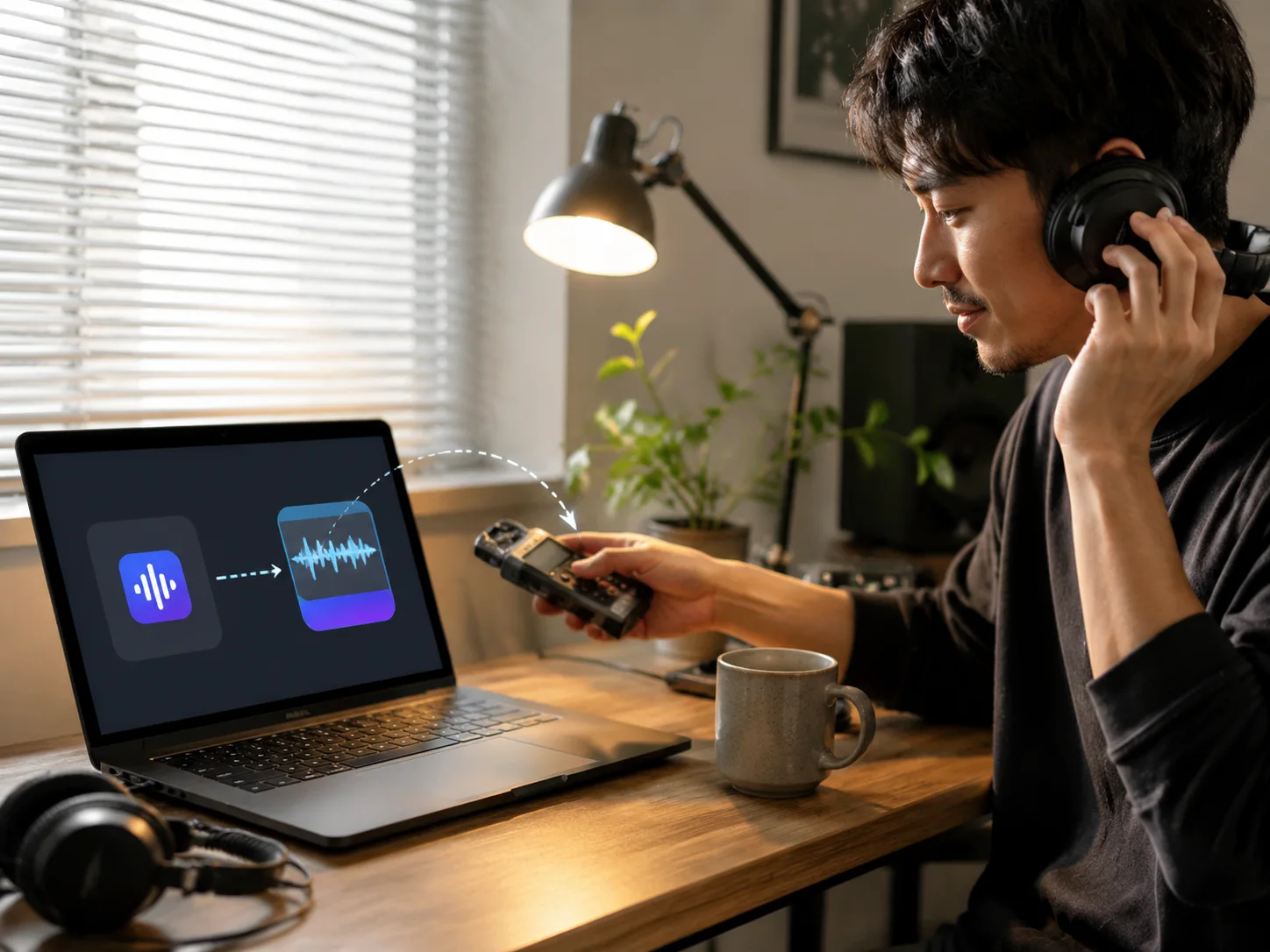
Browser conversion without a DAW
Upload audio and let the lofi song converter handle the first pass. You avoid plugin routing, tape-noise setup, and EQ automation when you only need a quick lo-fi sketch. That keeps casual tests separate from heavier production work.
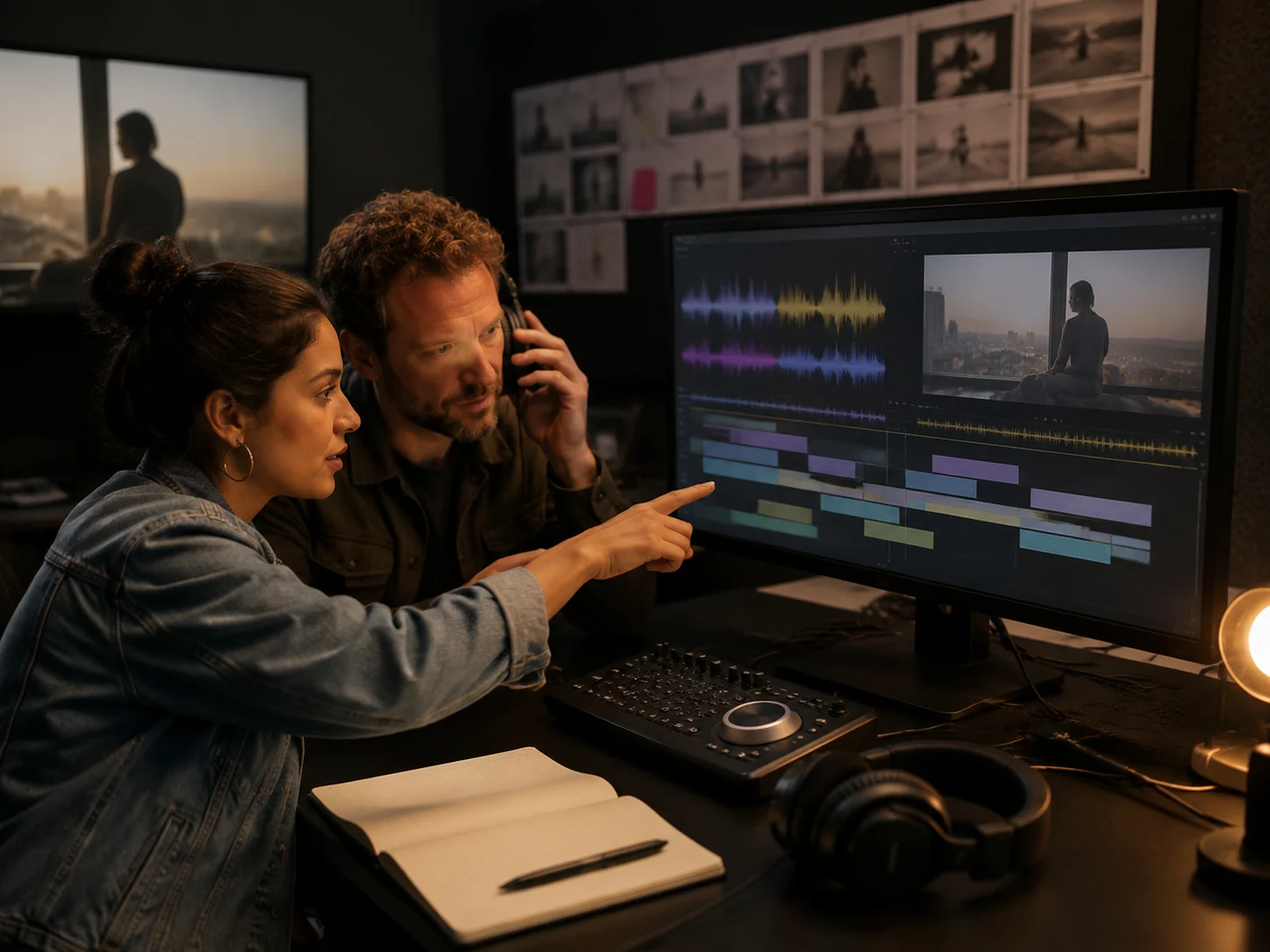
Preview before you keep editing
After rendering, listen on the page before downloading. The lofi converter lets you check the softened top end, slower motion, and noise layer before the file moves into a video edit, playlist, or DAW. If the source is too crowded, you can try a simpler loop.

Download a workable WAV
The converted WAV is not locked to the page. Use the lofi song converter output as a background bed, remix draft, game cue, or layer for a larger production. The file stays practical for handoff, review, and further editing.
Who Uses a Lofi Song Converter
A lofi converter helps creators who already have audio but need a softer version for a project, playlist, or fast creative test.

Video creators
Editors need background music that sits under speech and visuals. Convert a loop or draft cue, then judge whether the warmer version fits the cut before spending time on a full mix or licensing search.

Producers
A complete lo-fi remix takes arrangement and texture work. The lofi converter gives producers a first-pass color check, so they can decide whether the idea deserves a full session.

Study playlist curators
Simple instrumentals and gentle loops often work best for focus. Use the lofi song converter to soften a source before adding it to a study, reading, or journaling playlist where sharp transients would distract.

Game and podcast makers
Menus, intros, transitions, and ambient beds often start as quick sketches. The lofi converter turns a theme into a warmer reference file you can share or edit further.
Lofi Converter FAQ
Answers about formats, rights, browser processing, preview, WAV export, and cleaner lofi converter results.
What does a lofi converter do?
A lofi converter changes an existing audio file so it feels warmer, softer, and more vintage. CraftMusic AI uses slower playback, low-pass filtering, and vinyl-style noise to make a WAV you can preview, download, and edit.
How does CraftMusic AI's lofi song converter work?
CraftMusic AI processes your uploaded file in the browser. The lofi song converter reshapes the tone with reduced brightness, slower motion, and crackle, then exports a WAV instead of leaving you with a locked preview.
Can I turn any song into lo-fi?
You can upload common audio formats, but you should only process audio you own or have permission to use. A conversion does not create new copyright rights or make someone else's song royalty-free.
Which audio formats are supported?
The upload accepts MP3, WAV, OGG, M4A, AAC, FLAC, and WMA. Cleaner sources usually give the lofi converter better detail to preserve, while clipped or already distorted files may sound rougher.
Do I need music production software?
No. The lofi song converter runs from the page, so you do not need a DAW, tape plugin, noise pack, or EQ setup. You can still download the WAV and keep editing it elsewhere.
How can I get a cleaner lo-fi result?
Start with a clear source where the main melody, beat, or vocal is easy to hear. Dense mixes, clipping, and harsh noise are harder to soften, so simple loops often convert more predictably. If the first pass feels muddy, try a cleaner stem or shorter section.