
Slowed and Reverb Generator
Upload a song, slow the playback, shape the reverb tail, add subtle bass, compare the original with the processed track, then download WAV or MP3 from the slowed and reverb generator. Use the slowed reverb generator when you need one focused browser workflow.
Add an audio file
Drop MP3, WAV, M4A, AAC, OGG, or another browser-readable audio file. Your preview stays local in this tab while you shape the slowed reverb generator settings.
Effect controls
Shape the slowed mix
Speed
0.80x
Reverb
40%
Bass
0%
What is a slowed and reverb generator
CraftMusic AI is a slowed and reverb generator that turns an uploaded track into a slower, wider, more atmospheric edit without a full DAW session. A slowed reverb generator usually reduces playback speed, lets the pitch fall with that speed, adds a reverb tail, and sometimes lifts the low end. The useful result is not just slower audio. You need clear vocals, readable drums, controlled ambience, and an export that matches what you heard in preview. We built the slowed and reverb generator around the decisions creators repeat most often: choose a preset, check the original track against the processed track, adjust speed in small steps, keep reverb below the muddy point, and download WAV or MP3 when the edit is ready. The slowed and reverb generator workflow fits fan edits, short-form videos, study loops, DJ references, practice files, and private remix sketches, while still making copyright boundaries clear for public uploads.
Make slowed reverb songs online
With CraftMusic AI, a slowed and reverb generator online workflow takes 3 direct steps from upload to WAV or MP3 download, while the slowed reverb generator preview keeps each choice audible.
Upload a clean track
Open CraftMusic AI and add the clearest audio file you have. MP3 and WAV files are ideal, but most browser-readable audio formats can be previewed. A slowed and reverb generator works best when the source is not already clipped, distorted, or covered in room echo, because heavy source reverb usually becomes muddy after the effect.
Set speed and space
Start with the classic slowed preset or choose a faster Nightcore direction, then adjust speed by small 0.01 steps. Keep preserve pitch off when you want the deeper classic tone. Use the two preview tracks to hear the original and processed versions side by side, then raise reverb only until the vocal feels wider. A reliable slowed reverb generator should make the tradeoff audible before you download.
Download the finished edit
Check the busiest part of the song, not only the intro, then download WAV for a clean working file or MP3 for a smaller shareable file. The slowed and reverb generator renders your current speed, reverb, and bass settings into a complete audio file for your video timeline, DAW session, DJ prep folder, or private listening library. That makes the slowed and reverb generator useful for quick tests and finished drafts.
A focused slowed and reverb generator
Control speed, pitch preview, reverb, bass, waveform seeking, presets, and WAV or MP3 export in one slowed reverb generator workspace.
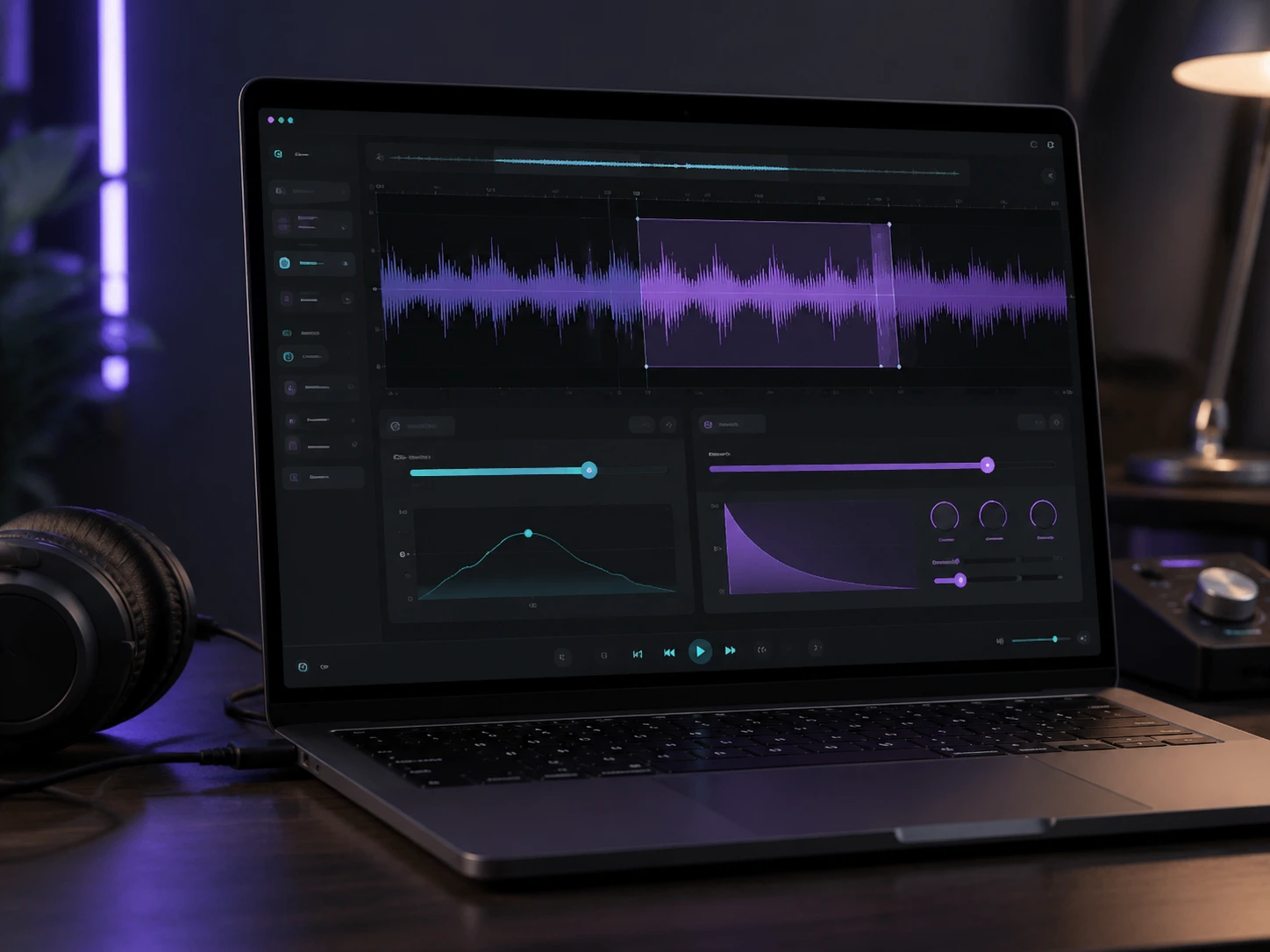
Create the classic slower deeper sound
CraftMusic AI gives you the core slowed and reverb generator controls immediately after upload, so you do not need Audacity, FL Studio, or a mobile editor for a quick mood shift. Start around 0.8x speed, listen to the pitch drop, and fine-tune the track by small increments instead of trusting a fixed preset. The slowed reverb generator stays simple for a first edit but precise enough to compare several versions before you commit.
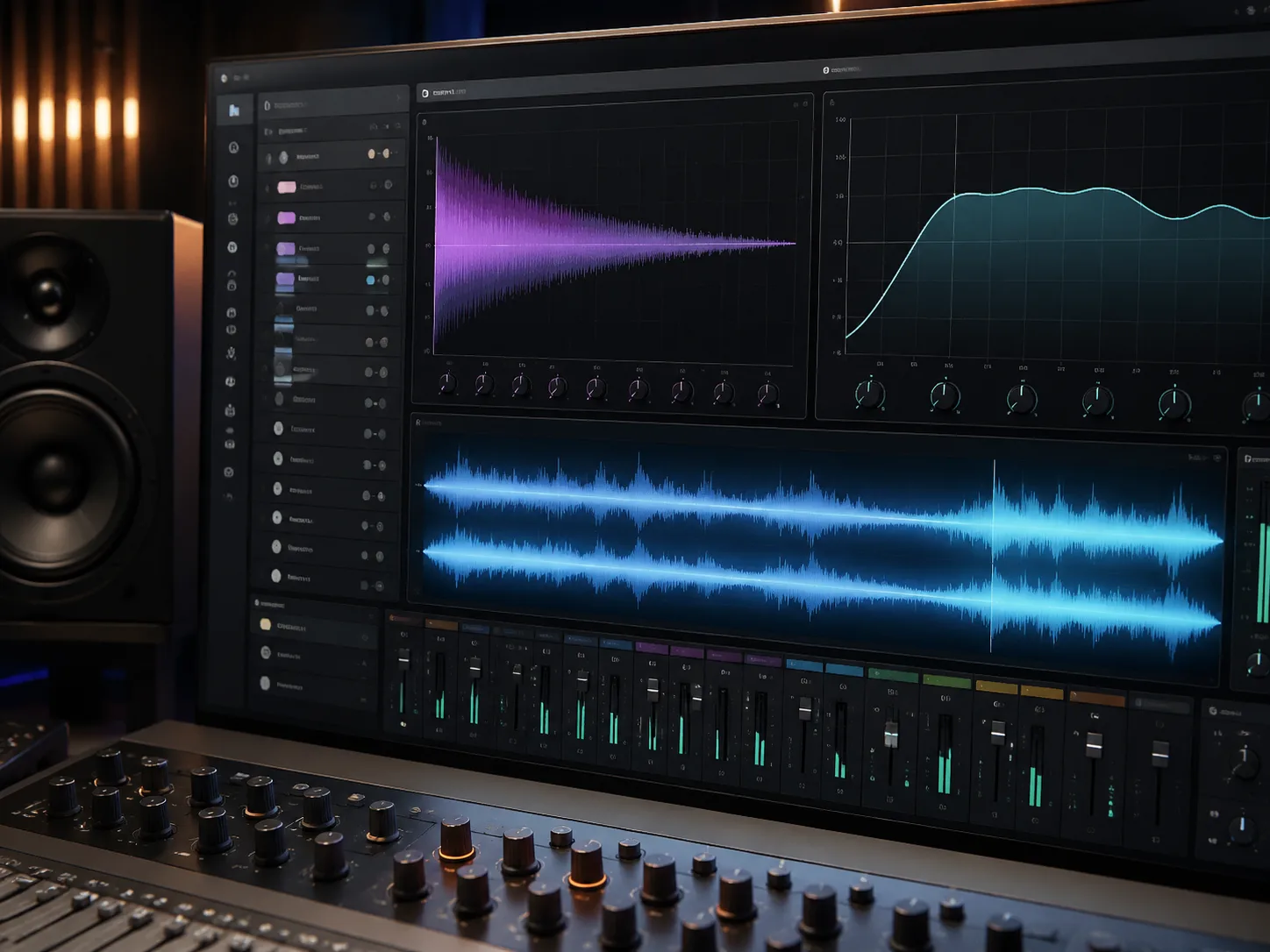
Keep reverb and bass under control
Many slowed reverb generator tools make the sound too wet because reverb and bass are treated like one big vibe switch. Our controls keep them separate, so you can add the dreamy tail people expect while protecting vocals, kicks, and bass lines from turning into a blurred wall. Subtle bass boost is useful when the slowed and reverb generator makes a track feel thinner, but it should not crush the mix.
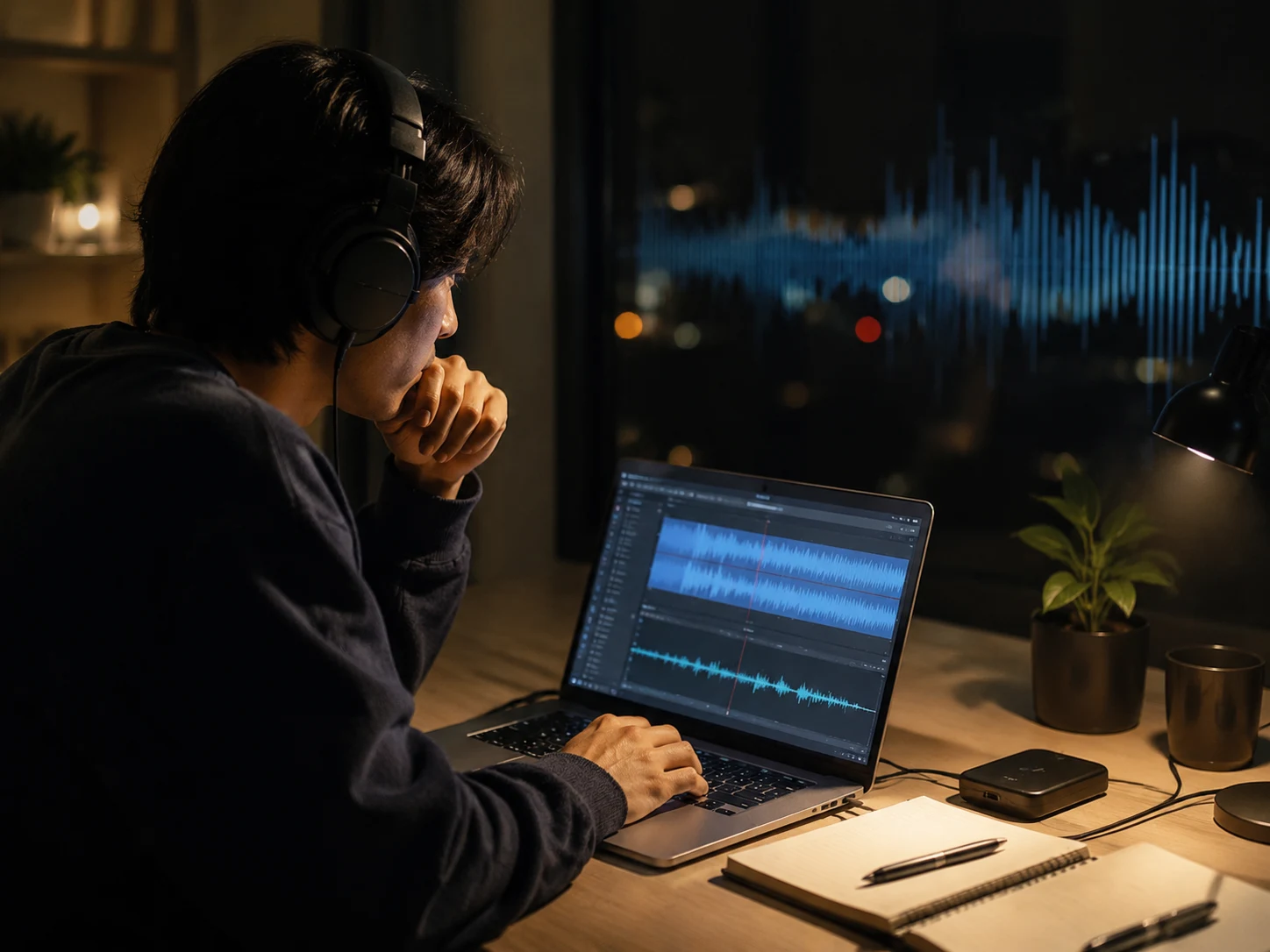
Compare two tracks before export
A two-track preview helps you judge whether the slowed and reverb generator is improving the song or simply making it softer. Play the original, switch to the processed track, click the waveform, or drag to the chorus so your decision is based on the hook and the densest section. Pitch preservation is available for slowed reverb generator preview checks when you want slower timing without the deeper classic tone.
Download WAV or MP3 when ready
When the edit feels right, the slowed and reverb generator renders the current settings and starts the download directly. Choose WAV when you want a clean file for trimming, mastering, or DAW cleanup. Choose MP3 when you need a smaller reference for quick sharing or a video draft. CraftMusic AI keeps the slowed and reverb generator workflow clear, but it does not turn copyrighted recordings into royalty-free material.
Who uses slowed reverb edits
Creators use a slowed and reverb generator when they need fast mood changes, direct comparison, and exportable audio without a complex session. The slowed and reverb generator keeps those decisions fast.
Short form video editors
A 20-second edit loses momentum when the audio pass takes 30 minutes in another app. Upload the song, test a slower pace, compare the two tracks, and download the file for Shorts, Reels, or TikTok with the exact mood your cut needs. The slowed and reverb generator keeps the work inside one browser flow.
Music fans and remix hobbyists
A dreamy version often takes 5 or 6 small setting changes, not one preset. Use the slowed reverb generator to hear how the hook, vocal, and bass change before you keep a private edit or rebuild the idea later in your DAW.

DJs and live creators
Testing an intro, transition bed, or late-night set idea should take minutes. A slowed and reverb generator gives you a reference file fast, so you can decide whether the tempo, key feel, and ambience deserve a more polished club edit.
Students and beginners
Speed, pitch, reverb, and bass can feel like 4 separate lessons. A slowed reverb generator puts them on one screen, making it easier to hear what each control changes and avoid the most common beginner mistake: adding too much reverb.
Slowed and reverb generator FAQ
Answers to common slowed and reverb generator questions about speed, pitch, browser rendering, WAV and MP3 downloads, sound quality, presets, and copyright boundaries.
What is a slowed and reverb generator?
A slowed and reverb generator is an audio tool that slows a song, often lowers the pitch with the speed change, and adds reverb for a wider space. It is used for fan edits, study loops, short videos, DJ references, and private mood versions of existing tracks.
How does CraftMusic AI slowed and reverb generator work?
CraftMusic AI uses browser audio processing to decode your file, adjust playback speed, add a generated reverb tail, shape bass, and render the result as WAV or MP3. The slowed reverb generator preview lets you check settings before creating the download.
Is slowed reverb the same as changing tempo?
No. Tempo change is only one part of the sound. A slowed and reverb generator also changes the space around the track and may change pitch if you want the classic deeper tone. Reverb amount, bass boost, and source quality all affect the final result.
Does slowing a song lower the pitch?
Classic slowed reverb usually lets pitch fall with playback speed. A 0.8x setting makes the song longer and deeper. The preview pitch-lock switch helps you compare timing without that pitch drop, but the traditional slowed and reverb generator sound keeps the deeper feel.
Can I make Nightcore or Daycore versions?
Yes. Presets in the slowed reverb generator cover slower edits, Daycore-style lower energy, sped-up references, and Nightcore-style faster playback. After choosing a preset, you can still adjust speed, reverb, bass, and preview position before downloading.
What audio formats can I upload?
You can upload common browser-readable audio such as MP3, WAV, M4A, AAC, and OGG. Support depends on your browser, so if one file fails to decode, export the source as MP3 or WAV and try again. Shorter files render faster while testing settings.
Why does heavy reverb make edits sound muddy?
Reverb repeats and blurs parts of the recording. When vocals, drums, and synths already share the same space, high reverb can smear consonants and weaken the groove. Start near 35% to 45%, then use the slowed and reverb generator preview to adjust by ear.
Should I download WAV or MP3?
Download WAV when you want a cleaner working file for a DAW, video editor, or later conversion. Download MP3 when you need a smaller reference file. Both buttons render the current slowed reverb generator settings before the download starts, so the slowed and reverb generator export matches your preview.
Can I upload slowed reverb edits to YouTube?
The tool can process audio, but it does not grant rights to copyrighted songs. If you upload an edit of someone else's recording, claims or takedowns may still happen. Use music you own, have licensed, or are allowed to transform.
Is this slowed reverb generator free to try?
CraftMusic AI lets you start the browser workflow without a DAW or plugin setup. Upload a file, preview the effect, compare two tracks, and test settings directly on the page. Check the current product flow for available download options.
What settings should beginners try first?
A practical starting point is 0.8x speed, about 35% to 45% reverb, and little or no bass boost. Listen to the chorus and the densest part of the song, not only the intro. Those settings create a balanced slowed reverb generator baseline.
Do I need music production experience?
No. A slowed and reverb generator keeps the main choices visible: speed for feel, pitch behavior for tone, reverb for space, bass for weight, and preview for checking the result. The slowed reverb generator layout helps beginners hear when a vocal gets blurry and make useful settings.