




What Is an AI Beat Maker
An AI beat maker creates instrumental music from a text prompt, style choices, and optional lyrics. With CraftMusic AI, you describe the project, groove, drum character, bass, mood, and vocal space; the AI beat maker produces two drafts you can preview, compare, and download. It is different from a drum machine, where you manually place each hit in a repeating pattern. The beat maker develops a fuller musical direction for rap, video, podcasts, demos, and other creative work, while the general AI music generator remains the broader choice for complete songs and vocal-led ideas.
An AI Beat Maker for Clear Creative Direction
Build around the project, groove, low end, and vocal space you actually need instead of settling for a generic instrumental.
Turn a Creative Brief into a Beat
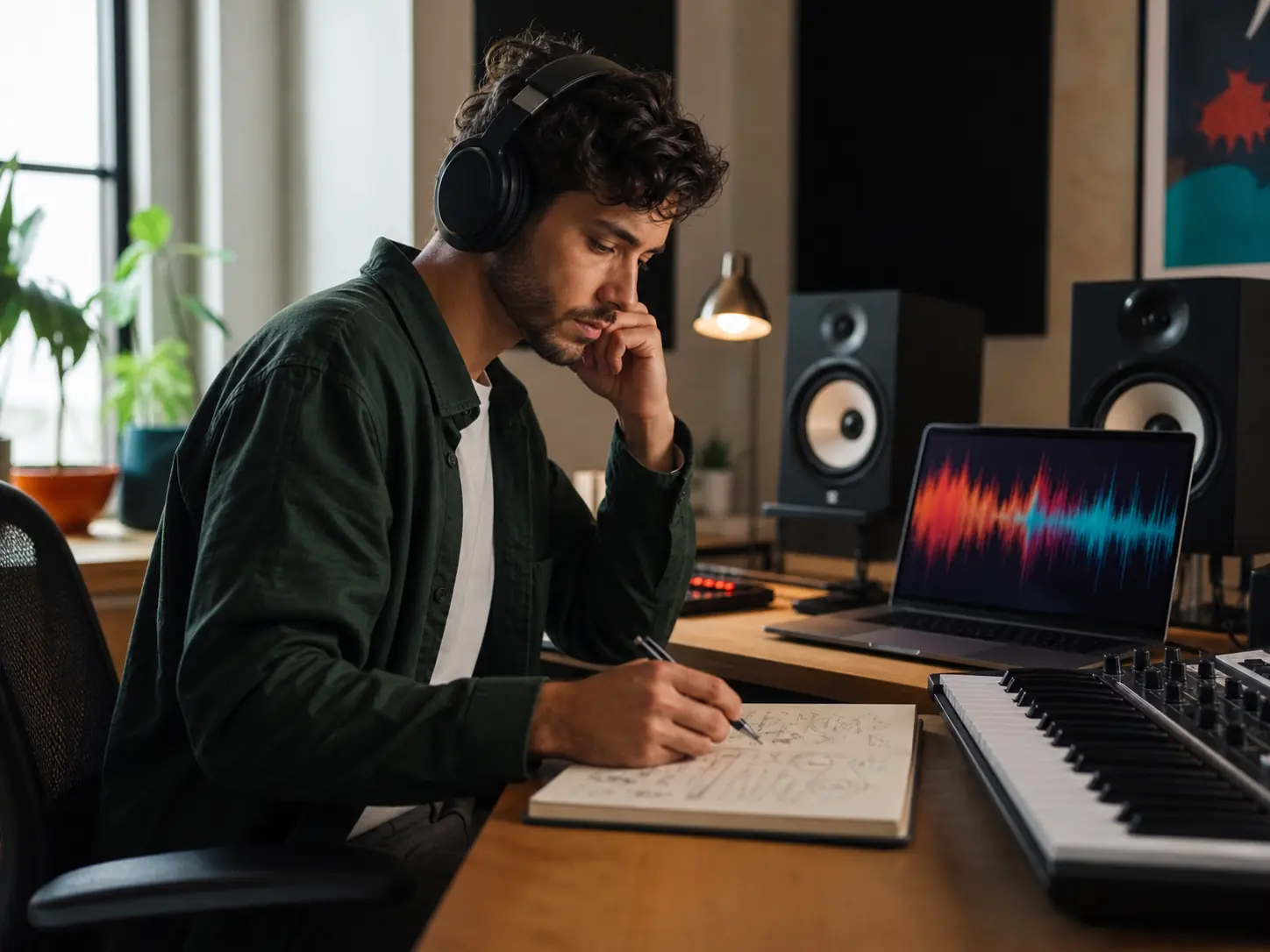
Start with the job your beat has to do. Describe a rap demo, product reel, podcast intro, freestyle session, or late-night study video, then add the mood and movement that should carry it. The AI beat maker translates that plain-language direction into two instrumental drafts, giving you audible options before you spend time arranging a session from scratch.
Shape the Drums, Groove, and Low End
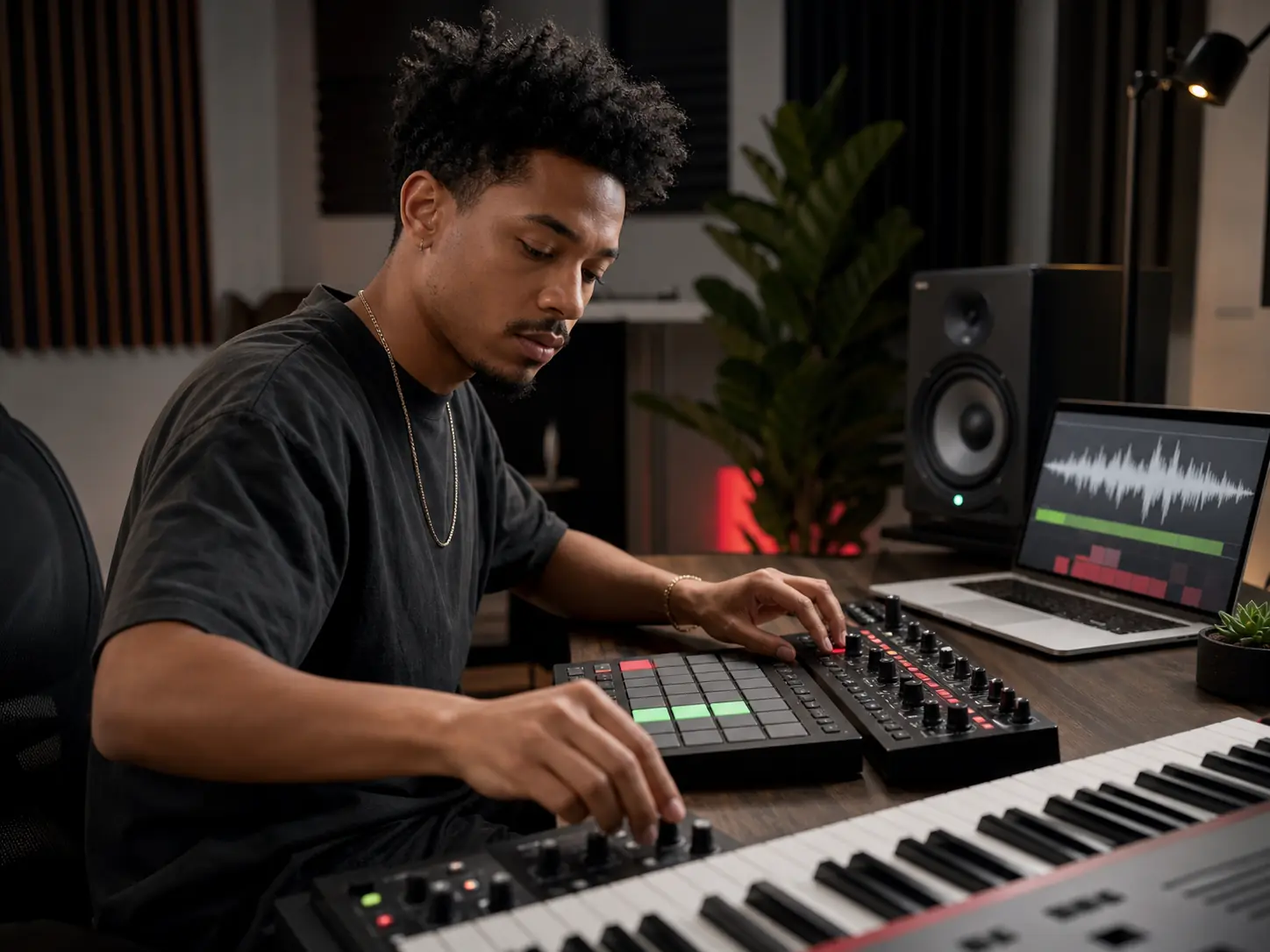
Tell the AI beat maker what should lead the rhythm: tight trap hats, dusty boom-bap drums, a relaxed lo-fi pocket, syncopated percussion, deep 808 movement, or a restrained bass line. Style tags help connect those sounds to mood and production character. You can compare how each result balances punch, swing, texture, and energy instead of choosing from a fixed loop library.
Leave Space for Vocals or Voiceover
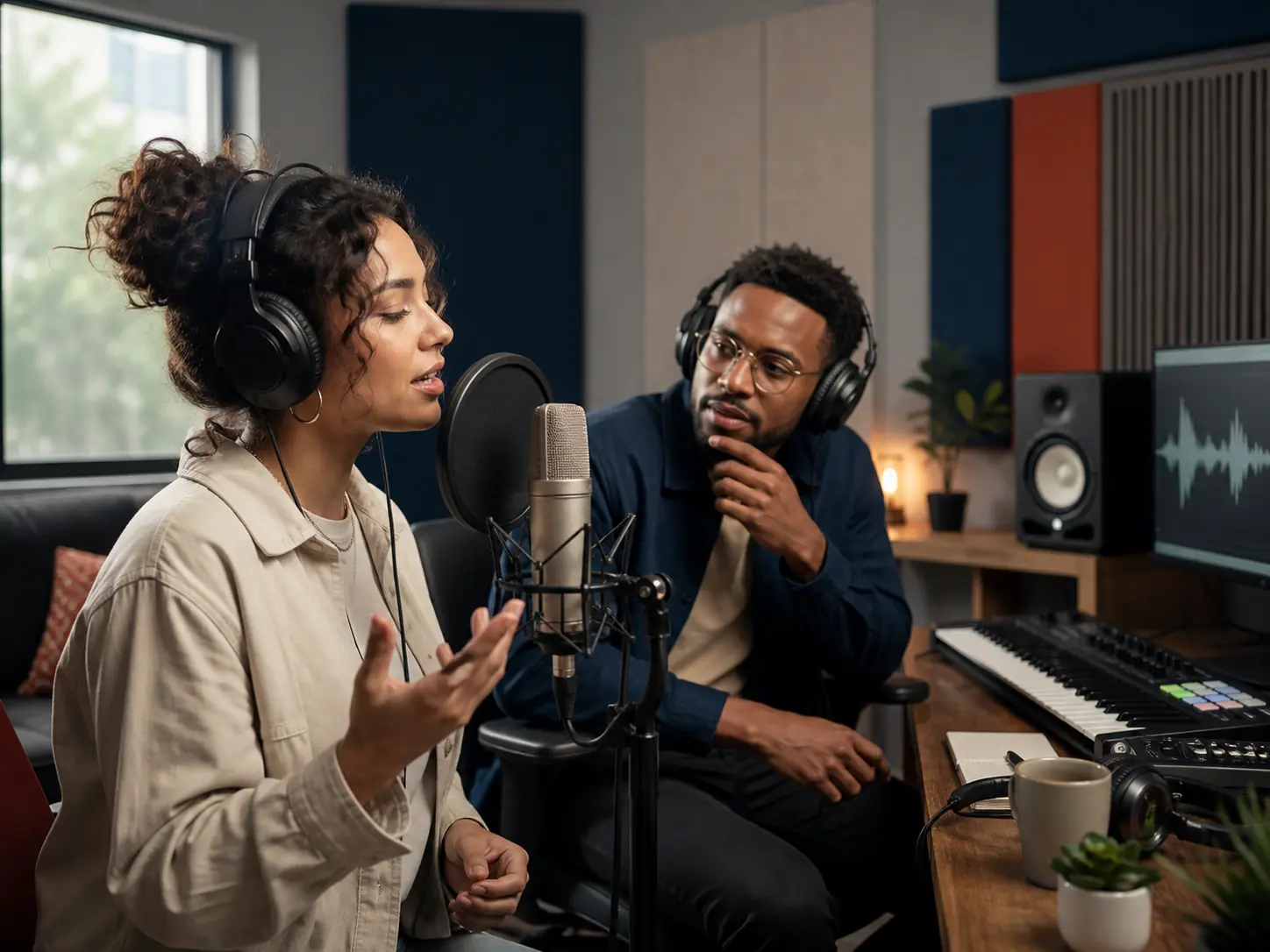
A useful instrumental supports the part that will sit above it. Ask for a sparse verse pocket, a wider chorus lift, a clean center for narration, or a fully instrumental background with no lead vocal. In custom mode you can also provide lyrics when a vocal sketch helps define the arrangement. The beat maker lets rappers, singers, editors, and podcasters test the musical space before recording or cutting the final project.
Compare, Preview, and Download
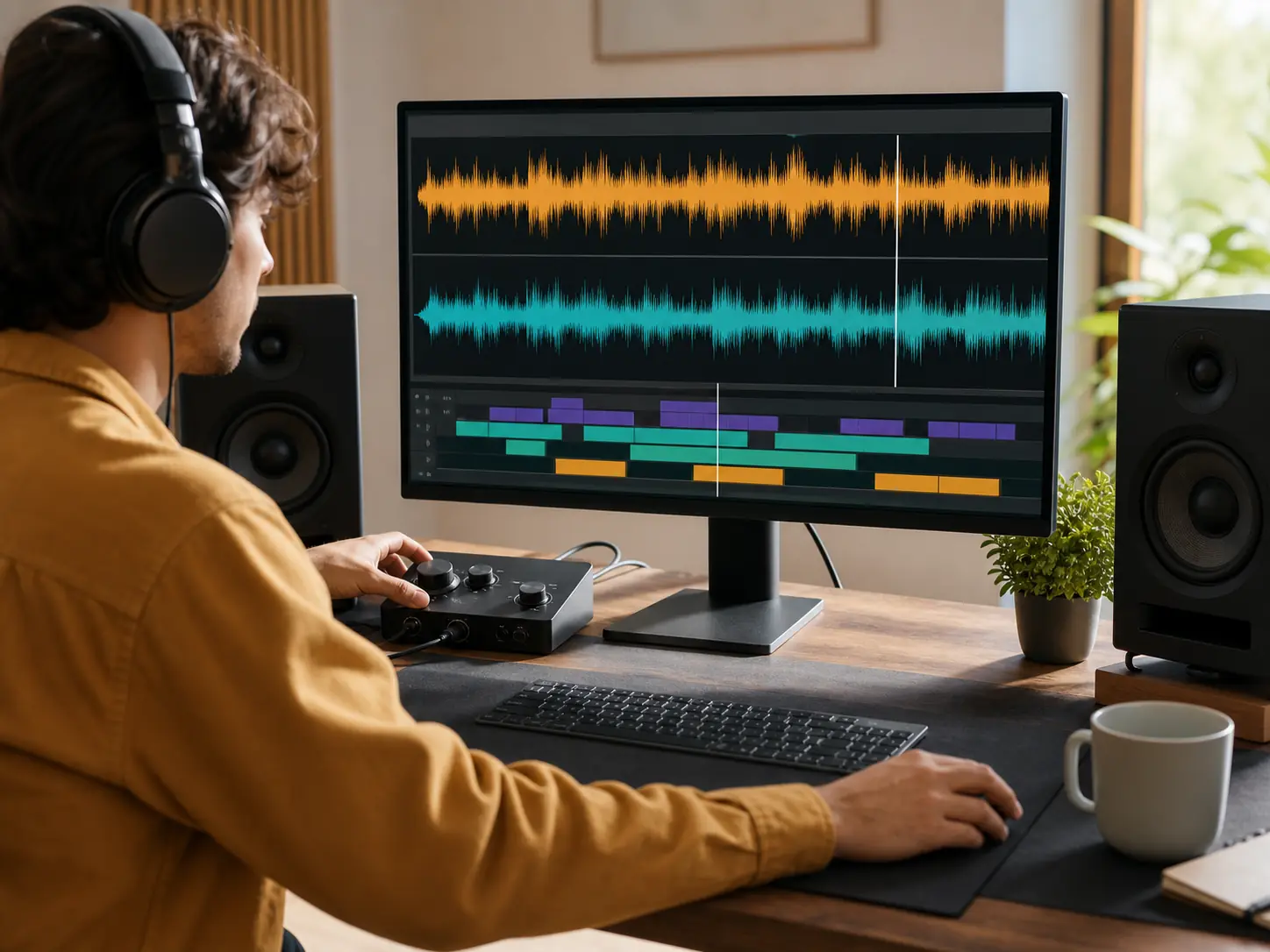
Generate two directions from the same brief and listen for the details that matter in context: whether the kick supports the bass, the hook arrives at the right intensity, and the arrangement leaves enough room for speech or vocals. Revise one part of the prompt when needed, then download the stronger beat for your writing, editing, or production workflow under the rights included with your CraftMusic AI plan.
Make Beats Online in Three Steps
Move from a project brief to downloadable beat drafts by making three focused decisions about purpose, sound, and fit.
Describe the Project and Energy
Open the AI beat maker and explain where the instrumental will be used. Name the rap demo, short video, podcast, stream, game scene, or writing session, then describe the emotional arc. Include whether the beat should stay steady in the background, build into a hook, or create open sections for vocals.
Choose a Beat Direction
Select a main style such as trap, hip-hop, boom bap, lo-fi, R&B, pop, electronic, or cinematic, then add two or three audible details. Mention drum character, bass movement, tempo feel, mood, and production texture. Keep the brief specific enough to guide the groove without stacking contradictory genres and instructions.
Generate, Compare, and Download
Generate two drafts and preview both inside your real use case. Check the pocket, low-end balance, transition energy, and room for the lead voice. If the direction is close, revise one detail rather than replacing the entire brief. Download the better beat when it supports the project and your plan includes the rights you need.
Who Uses an AI Beat Maker
The online beat maker gives creators a practical starting point when the right groove matters more than opening another empty project.
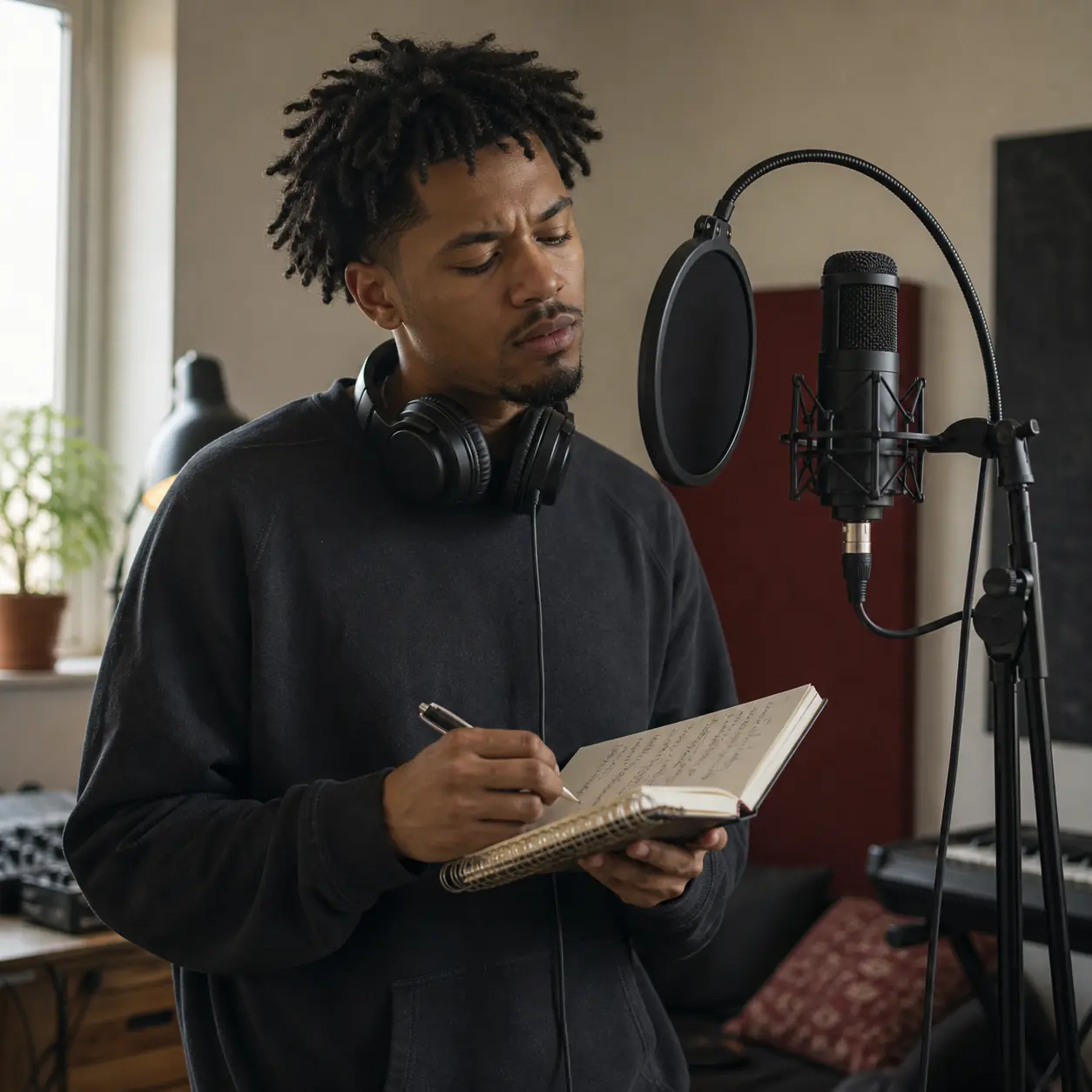
Rappers and Vocalists
Writing changes when the instrumental already has a pocket. Describe the cadence, emotional tone, verse density, and chorus lift you want; then compare two beats while you test bars, melodies, and ad-libs. A focused brief helps the AI beat maker leave room for the voice instead of filling every frequency with competing parts.
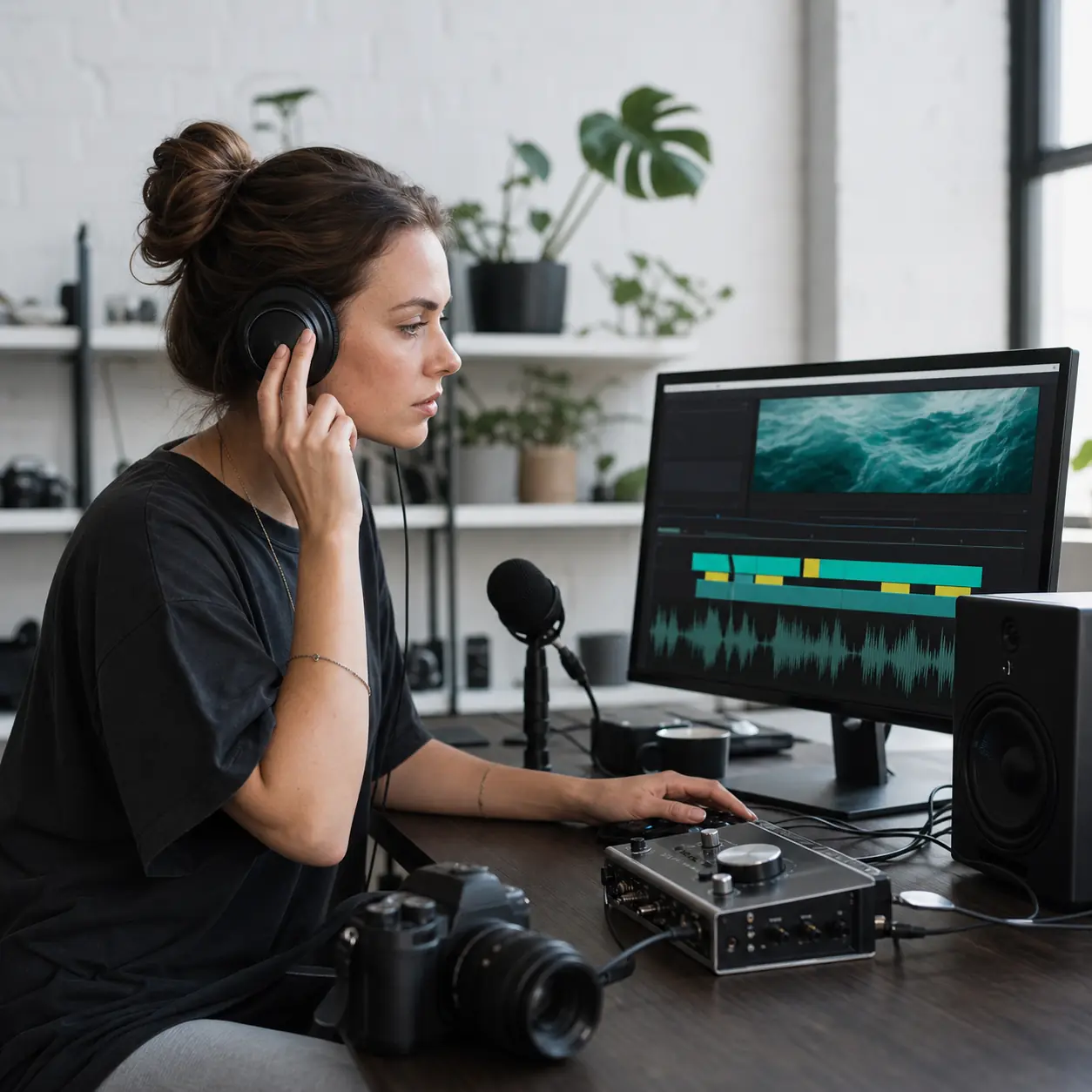
Video and Podcast Creators
Background music has to follow the edit without fighting dialogue. Request an intro, steady middle section, restrained low end, and a lift for transitions or calls to action. Preview the generated beats against your timeline, then choose the option whose accents, mood, and instrumental space support the story.
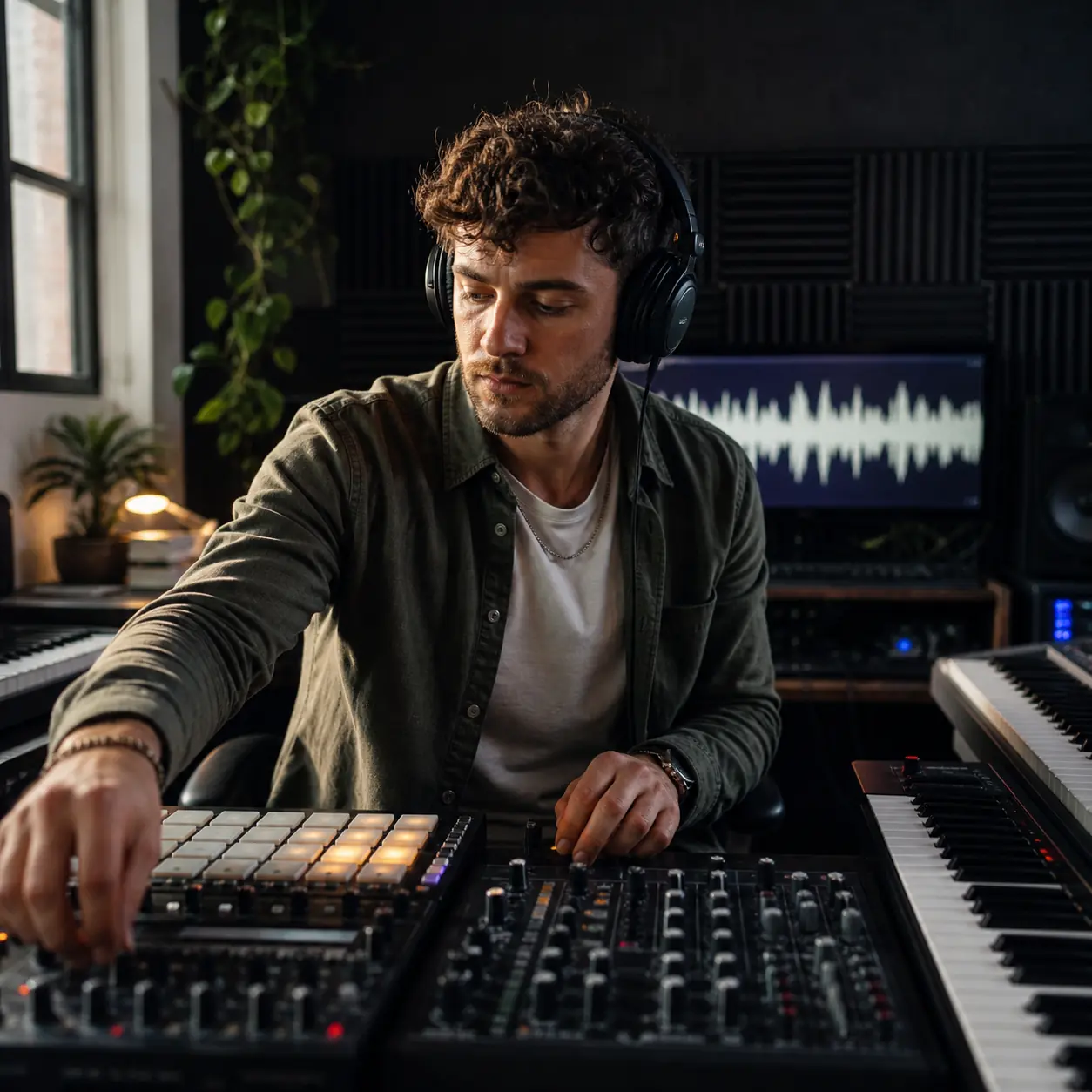
Independent Producers
Early production is often a comparison problem rather than a mixing problem. Use the AI beat maker to test a dry boom-bap pocket against a modern trap direction, or a warm lo-fi texture against cleaner electronic drums. Bring the strongest idea into your wider workflow when it earns more arrangement and mix work.
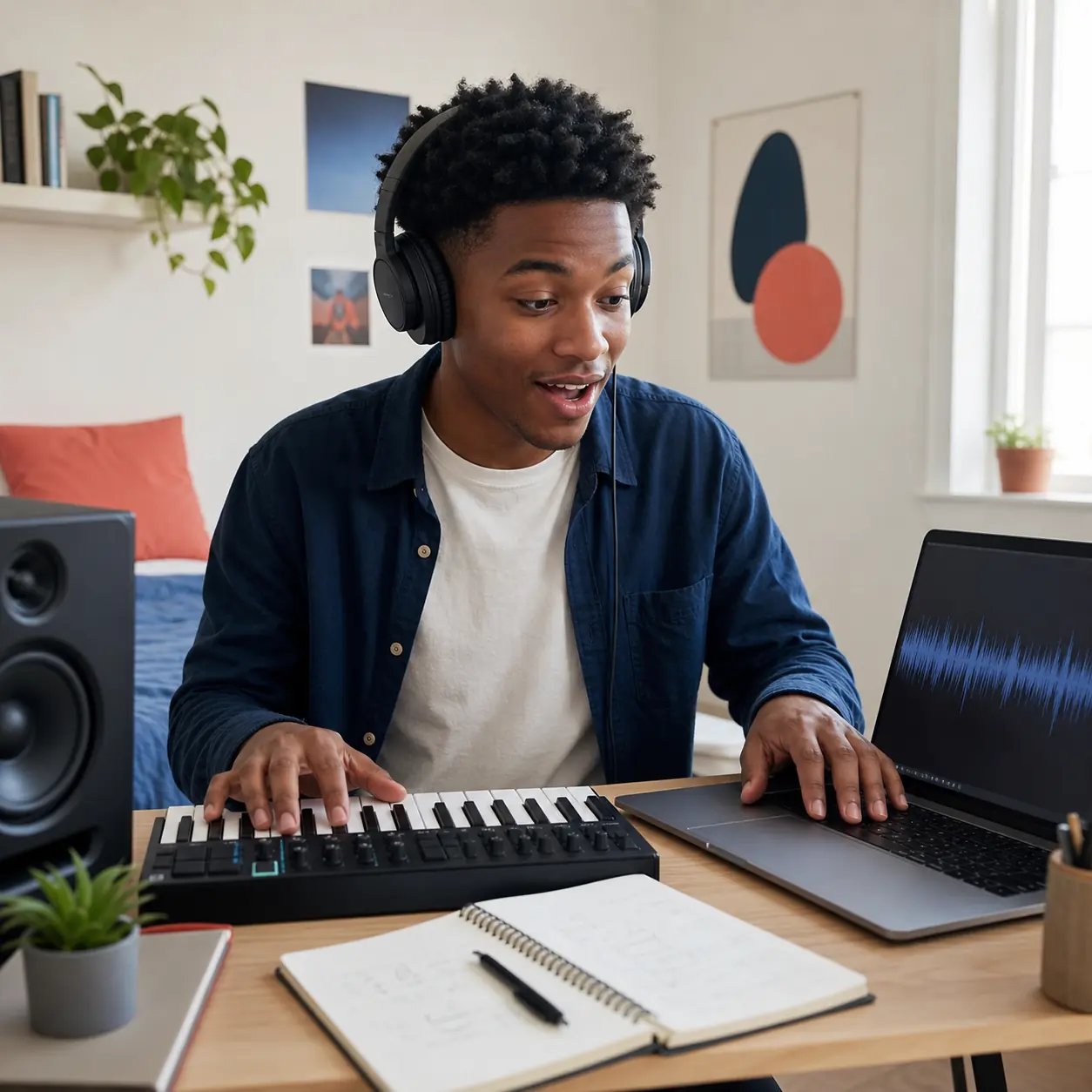
First-Time Beat Makers
A blank DAW can force decisions about drums, bass, harmony, sound selection, and structure all at once. Start with a plain-language scene and a few audible anchors. The online beat maker returns something you can hear, evaluate, and revise, helping you build creative judgment before learning every production tool.
AI Beat Maker Questions
Plan a clearer prompt, choose an instrumental direction, understand credits, and decide how a downloaded beat can fit your project.
What does an AI beat maker create?
An AI beat maker turns a written creative brief into instrumental music. You can describe genre, mood, drums, bass, energy, production texture, and the space needed for vocals or narration. CraftMusic AI generates two drafts so you can compare groove and arrangement before choosing a result for songwriting, video, podcasts, games, or other projects.
Do I need a DAW or music theory to make beats online?
No DAW or formal music theory is required to start. Use familiar language to describe the scene, style, rhythm, and feeling you want. The online beat maker gives you audible drafts to evaluate in the browser. You can download a result for direct use or take it into a DAW later when the project needs detailed editing, arrangement, recording, or mixing.
Can the AI beat maker create instrumentals without vocals?
Yes. Turn on instrumental mode when you need a backing track with no lead vocal. Explain what should occupy the foreground, such as drums, bass, keys, guitar, synths, or atmospheric texture, and say how much room to leave for a rapper, singer, narrator, or dialogue. This keeps the generation focused on musical support rather than an invented vocal performance.
What beat styles can I generate?
You can prompt directions such as trap, hip-hop, boom bap, lo-fi, R&B, pop, electronic, cinematic, drill, house, funk, reggae, and ambient. Results are usually clearer when one main style leads and two or three details define the sound. For a Phonk-specific workflow, use the dedicated Phonk Maker; for manual step sequencing, use the Drum Machine.
How do I write a useful AI beat prompt?
Include four things: the project, the main style, the groove or energy, and the sounds that matter most. For example, ask for a spacious trap beat for a reflective rap verse, with crisp hats, controlled 808s, soft keys, and a wider chorus lift. Concrete audible details give you more useful criteria when comparing the two drafts.
Can I add lyrics or plan space for a singer?
You can use custom mode with lyrics when a vocal sketch should guide the song structure, or choose instrumental mode when you only need the beat. For a future recording, describe the intended verse and chorus density, ask for a clean vocal center, and avoid too many competing lead instruments. Preview the result while speaking, singing, or rapping over it to judge the available space.
Does creating an AI beat use credits?
Music generation is tied to your CraftMusic AI account and available credits. The interface shows the current credit requirement before you start, and it asks you to sign in when an account is required. Credit amounts and plan allowances can change, so use the live AI beat maker and pricing information as the current source rather than assuming every generation is unlimited or free.
Can I download and use generated beats commercially?
You can download generated results, but commercial-use rights depend on the license included with your active CraftMusic AI plan. Check the plan terms before using a beat in client work, advertisements, monetized videos, games, podcasts, or a public music release. Generating new audio does not automatically give every account the same publishing or commercial rights.