
Upload Music
Support MP3, WAV, OGG, M4A, AAC, FLAC, WMA
From My Music
Select from workspace
Upload Music
Support MP3, WAV, OGG, M4A, AAC, FLAC, WMA
From My Music
Select from workspace

AI Music Mastering
Upload your track and a reference song. The AI analyzes the reference's loudness, tone, and dynamics — then returns a studio-quality master in minutes.

Professional Audio Mastering Without the Studio Bill
Traditional mastering costs $50–200 per track. CraftMusic AI's AI music mastering delivers reference-matched results in minutes, free in your browser — no plugins, no engineers, no waiting.
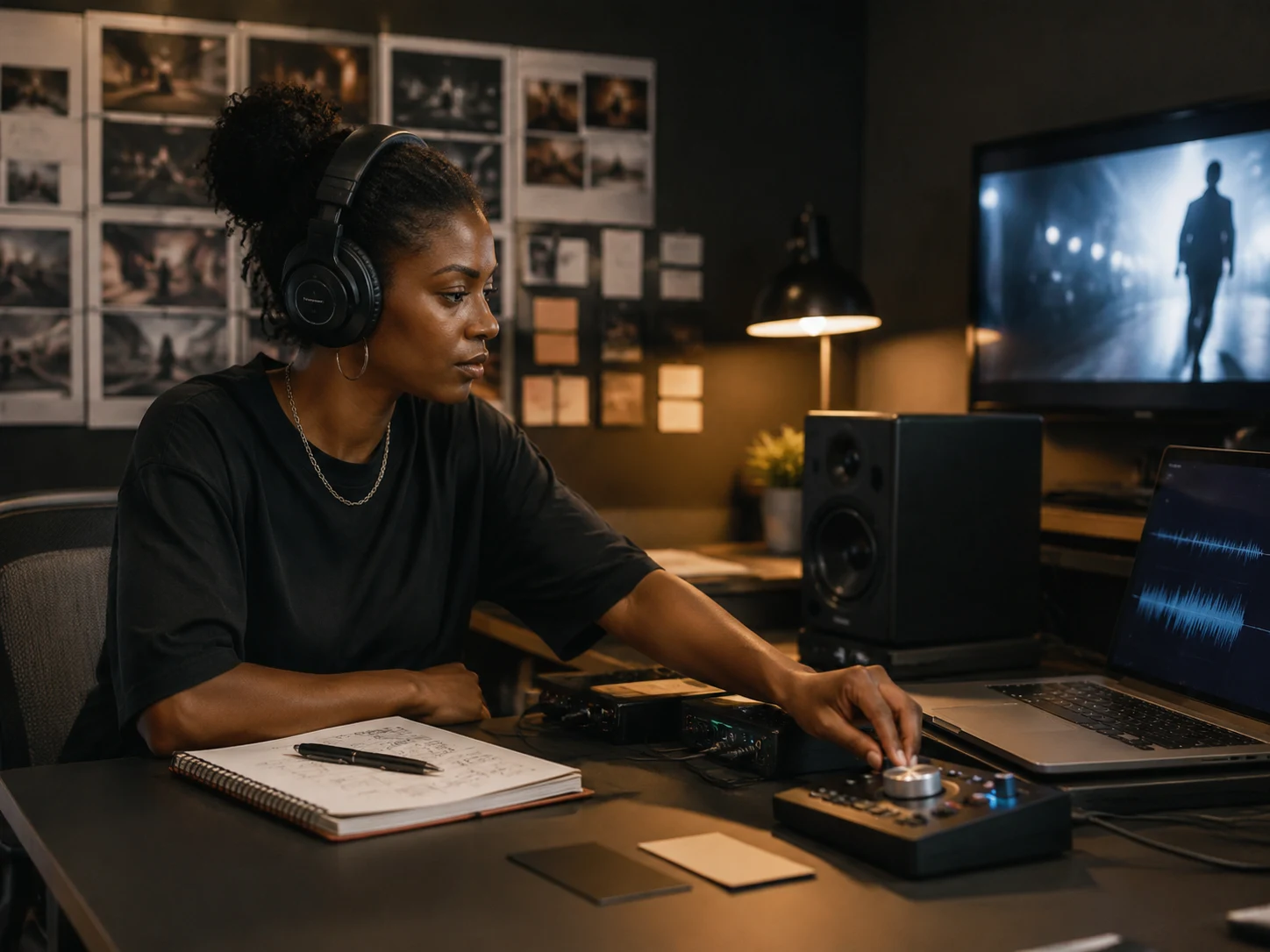
Reference-Matched AI Music Mastering
Upload any commercially released song as your reference. CraftMusic AI's AI mastering analyzes its loudness, tonal balance, and stereo width — then applies the same processing to your target track so it sits in the same sonic space.
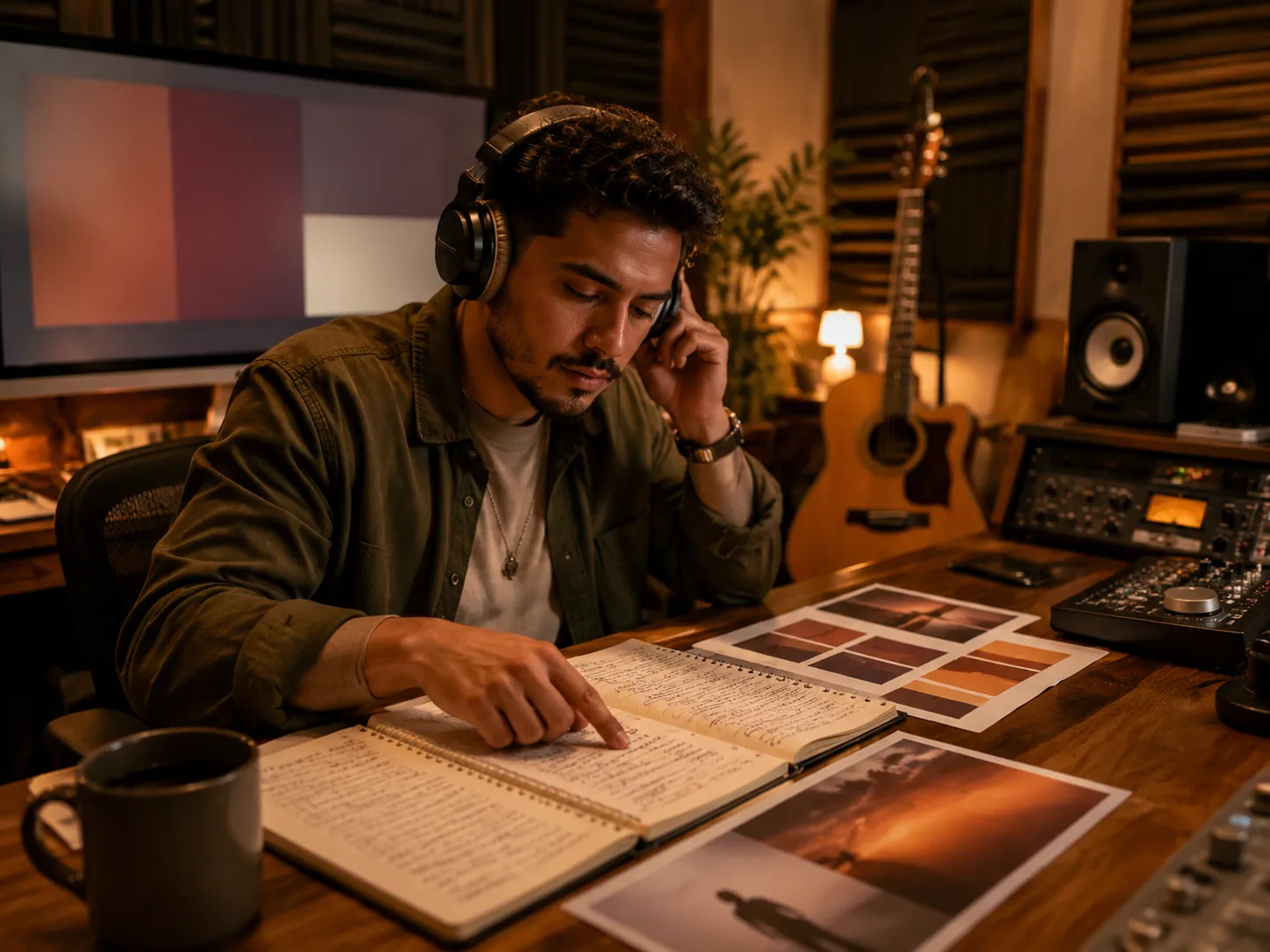
Preserve Your Creative Intent
Our AI mastering enhances technical quality without overprocessing your mix. The arrangements, dynamic feel, and artistic decisions you made in the studio stay exactly as you intended — only the master gets better.
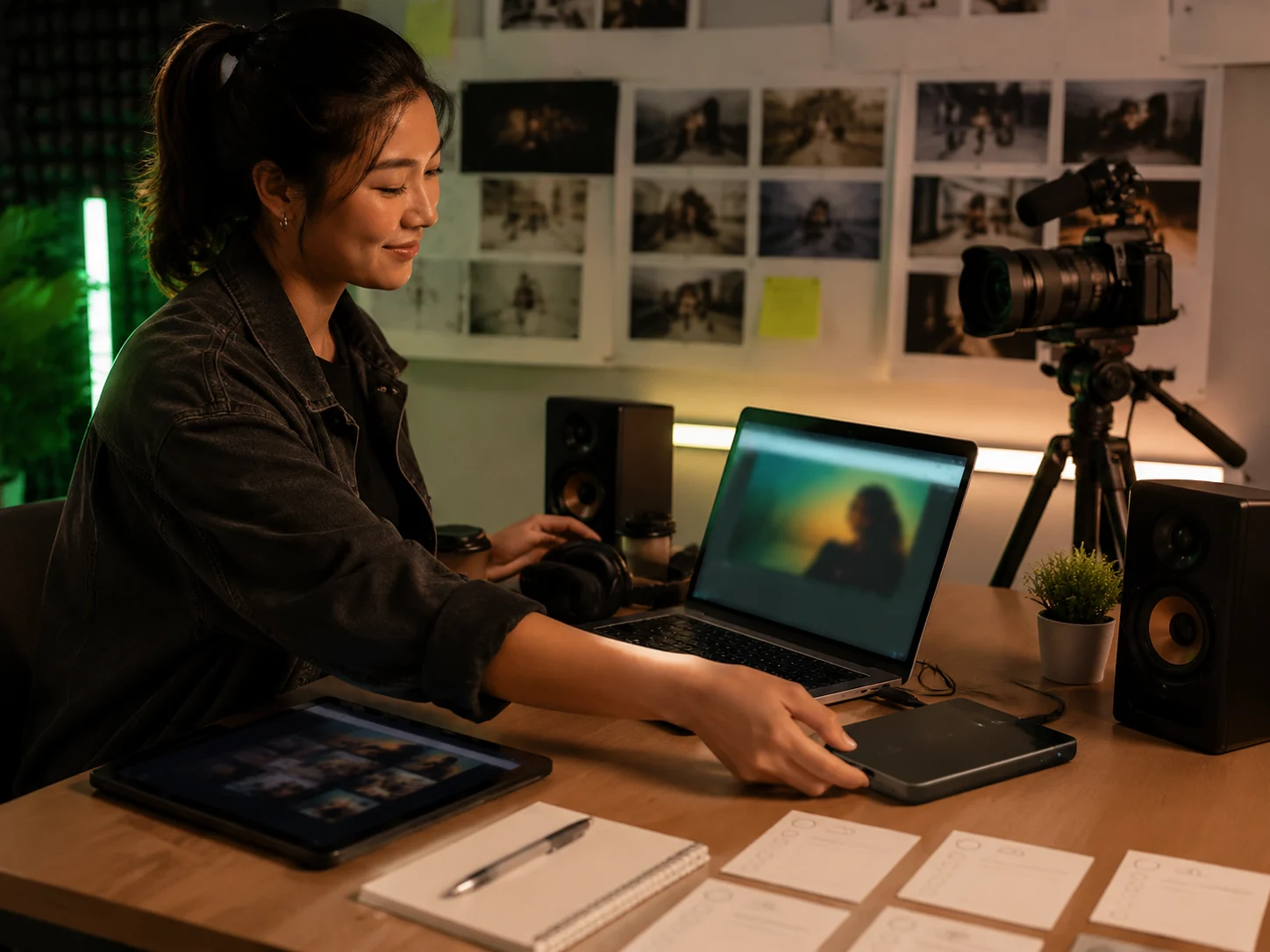
No Plugins, No Learning Curve
Browser-based AI mastering means zero installation. Upload your two files, submit, and download a finished master in minutes. No DAW required, no audio engineering knowledge needed — just results.
Who Uses CraftMusic AI for AI Mastering
From bedroom studios to indie labels, anyone who needs professional-quality masters without the studio fees relies on our AI music mastering tool.
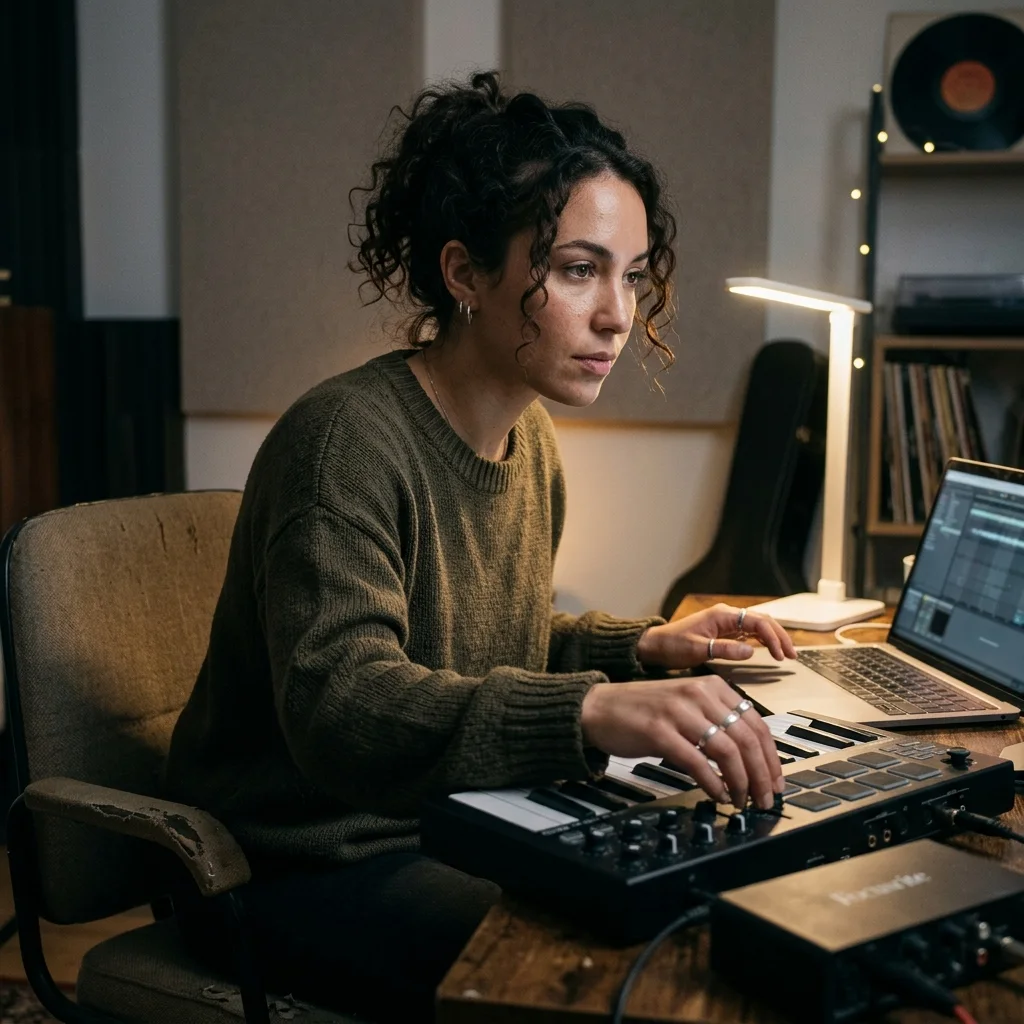
Independent Artists
Release music that sounds competitive on streaming platforms. Our AI mastering matches your tracks to the loudness and tonal profile of top-charting songs — without the $100–200 per-track studio fee.
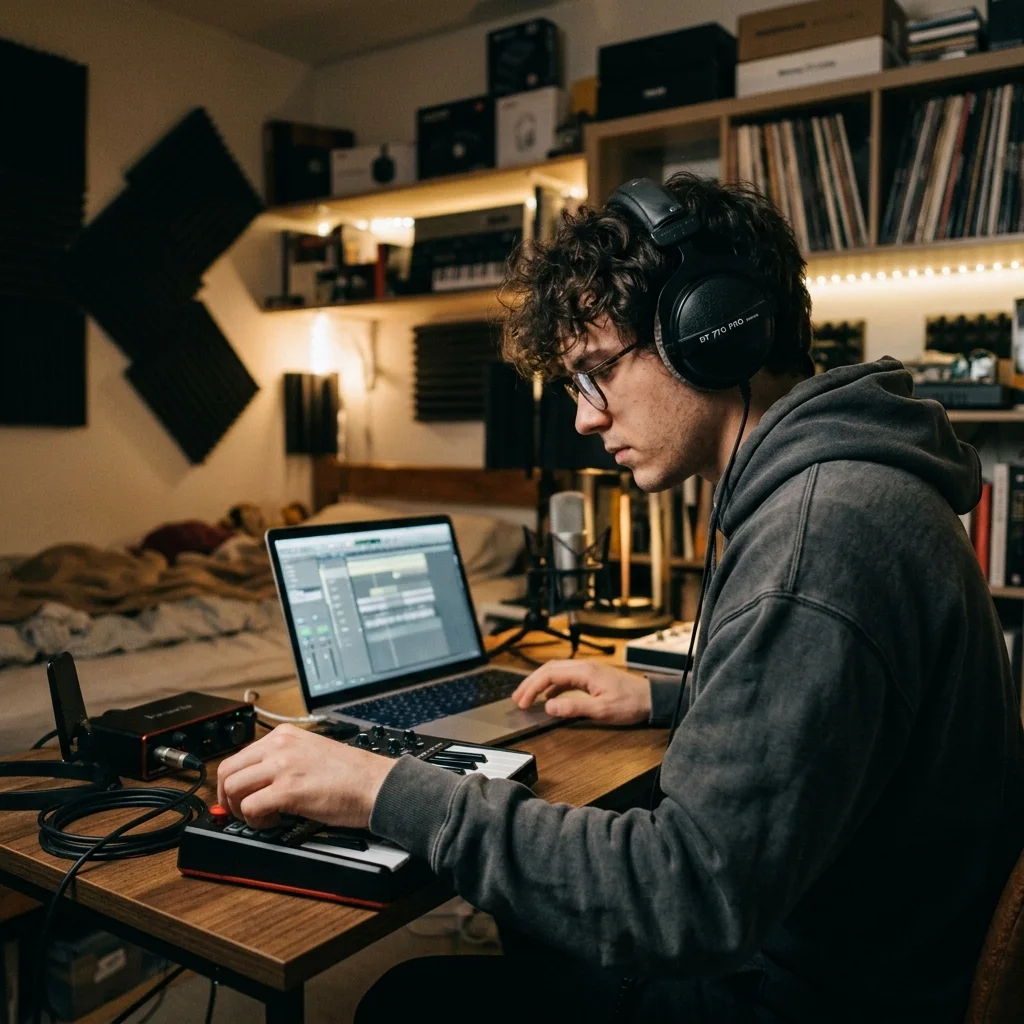
Bedroom Producers
Understand what professional AI mastering actually does by comparing your input mix to the processed output. Use reference tracks you already love to guide the result and train your ears at the same time.
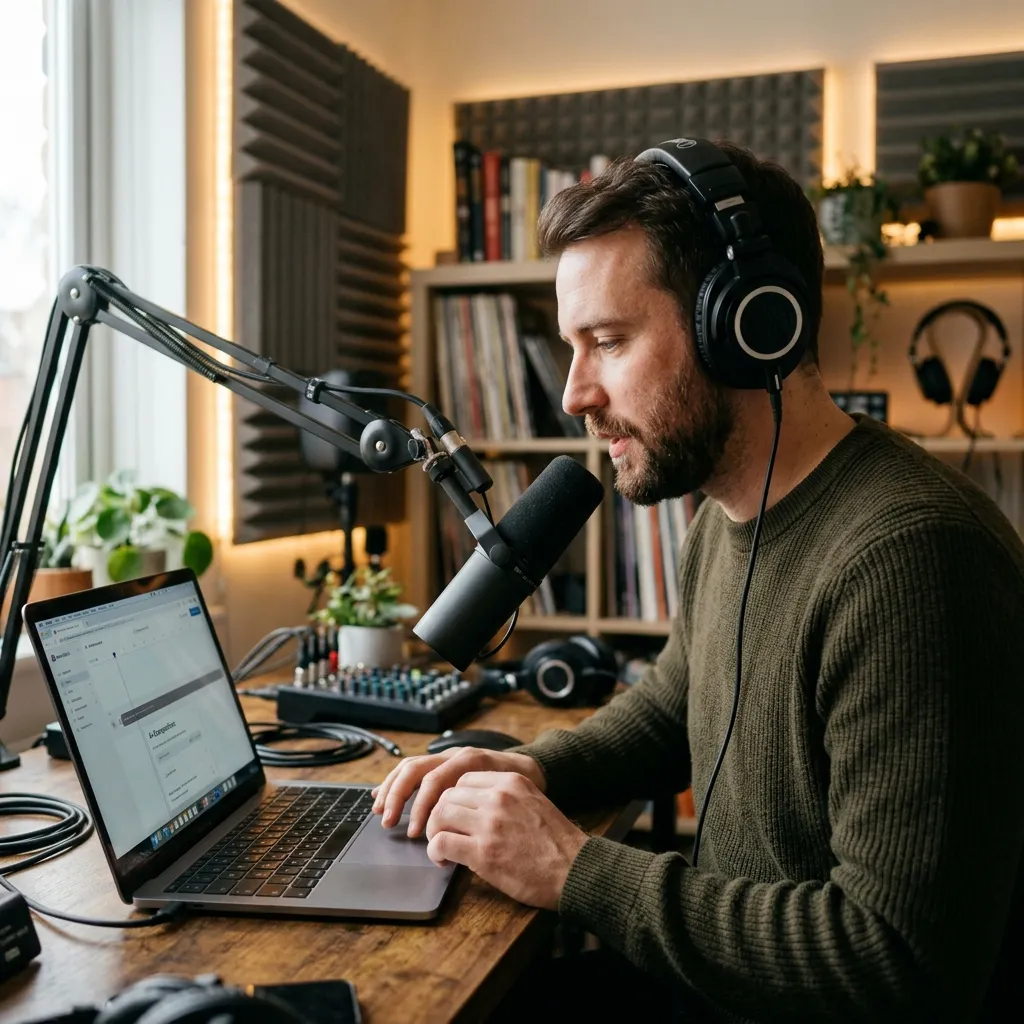
Content Creators
Make your music cuts match the loudness and clarity of mainstream releases on YouTube, TikTok, and Instagram Reels. No more tracks that sound quiet or muddy next to licensed background music.
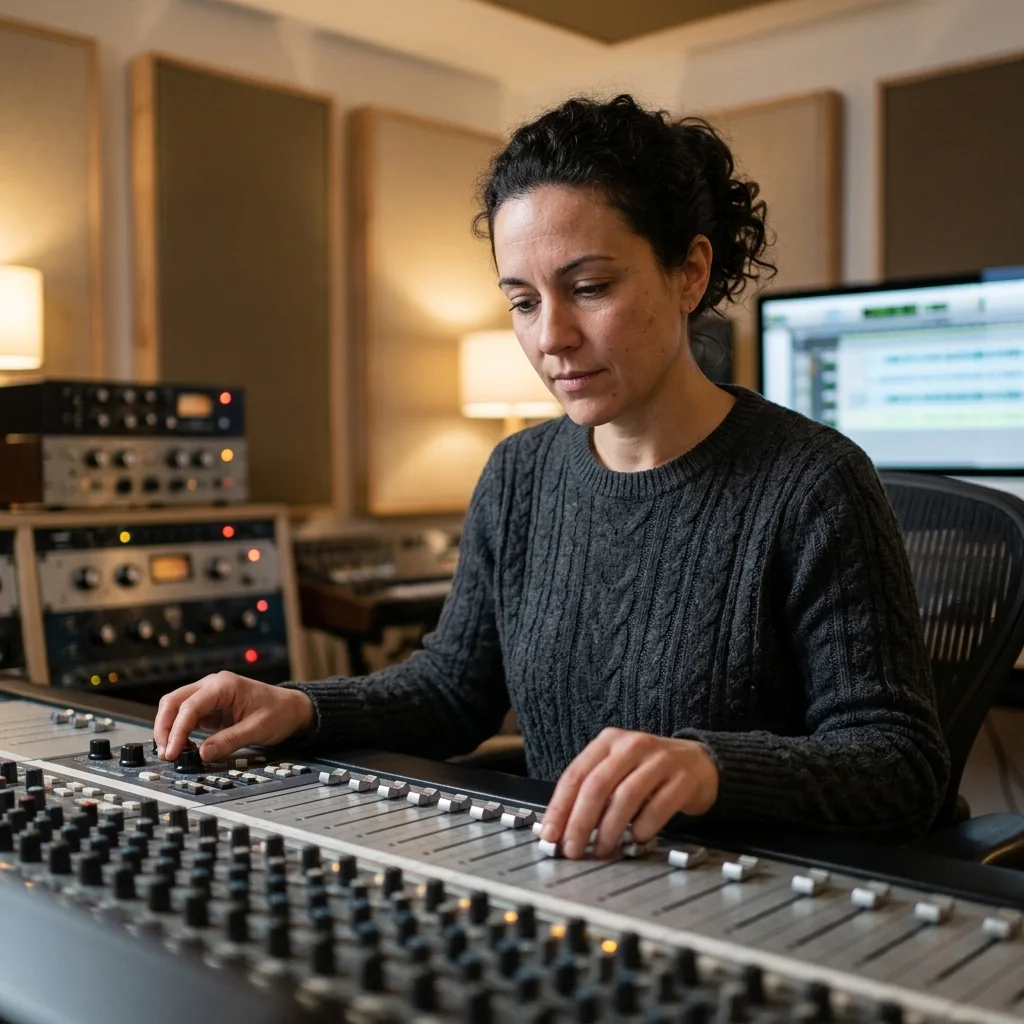
Small Labels and Studios
Speed up post-production for multiple artists without hiring a mastering engineer for every project. CraftMusic AI's AI mastering handles the technical heavy lifting so your team stays focused on creative decisions.
How to Use AI Music Mastering
CraftMusic AI's AI mastering needs just two files. No account setup, no software installation — the entire process happens in your browser in minutes.
Upload Your Target Track
Select the audio file you want to master — MP3, WAV, OGG, M4A, AAC, FLAC, or WMA. This is the mix that will be processed by the AI mastering engine.
Upload a Reference Track
Choose a commercially released song that has the sound you want to match. The AI analyzes its loudness, tonal balance, and dynamics as the mastering target.
Submit and Let CraftMusic AI Work
CraftMusic AI's AI mastering processes both files and applies reference-matched EQ, compression, and loudness normalization. Most tracks complete in under two minutes. Track progress in your history panel.
Download Your Finished Master
Get your mastered file directly in the browser. The output is ready for Spotify, Apple Music, YouTube, or any platform that expects a professionally mastered audio file.
AI Music Mastering — Frequently Asked Questions
Common questions about reference-based AI mastering, how the process works, and what to expect from the output.
What is AI music mastering?
AI music mastering is the automated process of applying professional audio processing — EQ, compression, stereo enhancement, and loudness normalization — to a recorded mix. CraftMusic AI's AI mastering uses a reference track to guide those decisions, matching your mix's frequency response and loudness to a song you already know sounds right.
How does reference-based AI mastering work?
You upload two files: your target track (the mix to be mastered) and a reference track (a commercial release with the sound you want to match). CraftMusic AI's AI analyzes the reference's spectral characteristics — tonal balance, stereo width, loudness — and applies equivalent processing to your mix, without copying its musical content.
What audio formats are supported?
Both your target and reference tracks can be uploaded as MP3, WAV, OGG, M4A, AAC, FLAC, or WMA files. The AI mastering output is delivered as a high-quality MP3 at 320 kbps.
Will my track sound identical to the reference after AI mastering?
No — and it should not. AI mastering matches the spectral and loudness characteristics of the reference, not its musical content. Your arrangement, melody, and mix decisions remain unchanged. The reference sets the technical target; your track keeps its identity.
Can I use the mastered track for commercial releases?
Yes. You own the copyright to your original recording, and the mastered output is entirely yours. There are no third-party samples or AI-generated content in the output — only your recording, processed. For licensing details, see our pricing page.
Is CraftMusic AI's AI music mastering free to use?
You can start for free. Each AI mastering job consumes credits. Free accounts receive a starting credit balance, and additional credits are available through paid plans. Visit our pricing page to compare options.
How long does AI mastering take?
Most tracks complete in under two minutes. Processing time depends on file size and current server load. You can monitor real-time status in your mastering history panel — no need to stay on the page while it runs.
What makes a good reference track for AI mastering?
Choose a reference track that is close to your target mix in genre, tempo, arrangement density, and release goal. A quiet acoustic demo should not be mastered against a loud EDM single, because the tonal balance and compression target will be wrong for the song. For best results, use a commercially released file that already has the low-end weight, vocal brightness, stereo width, and final loudness you want. CraftMusic AI uses that reference as a technical guide, so a focused choice gives AI music mastering a clearer target. Avoid low-quality rips, live recordings with crowd noise, or tracks that are already distorted, because those artifacts can point the processing in the wrong direction. If you are unsure, test two references from the same genre and compare which result keeps your mix more natural.
Should I fix my mix before using AI mastering?
Yes. AI mastering can improve loudness, tone, width, and consistency, but it cannot fully repair a mix with clipping, buried vocals, distorted exports, or unbalanced instruments. Leave some headroom, avoid heavy limiting on the mix bus, and export the cleanest version you have. If your snare is too loud or the vocal is too quiet, fix that in the mix first. Then AI mastering can polish the track instead of fighting problems that should be solved before the mastering stage. A good rule is to listen at low volume before uploading: the vocal, kick, bass, and main hook should still feel balanced. If the mix already communicates the song clearly, the final master can focus on translation, impact, and release-ready loudness.
Why does CraftMusic AI use both a target track and a reference track?
Many online mastering tools apply a generic preset. CraftMusic AI asks for a target and a reference so the AI mastering engine can make decisions around the sound you actually want. The target track carries your performance, arrangement, and mix choices. The reference track tells the system where the finished master should land in loudness, tonal balance, stereo image, and dynamic feel. That makes AI music mastering more useful for creators who have a specific release sound in mind. The reference does not replace your song or copy another artist's recording. It works more like a technical compass, helping the system understand whether you want a warm, open, punchy, bright, or dense master. For repeat releases, AI music mastering also helps you keep several singles closer in tone and loudness.