
Audio Duration
Choose automatic length or set a custom duration


Prepare Your Lyrics for a Stronger First Draft
A lyrics to song AI workflow works best when your words already show where the sections change and your style note explains the sound you want.
Label the Song Sections
Mark [Verse], [Chorus], and [Bridge] so the generator can read your intended structure instead of treating every line the same.
Describe the Musical Direction
Add genre, mood, tempo, instruments, and production references such as intimate acoustic pop or energetic synth rock.
Guide the Vocal
Choose a vocal direction and write words the way you want them pronounced. Shorter lines often leave more room for natural phrasing.
What Is a Lyrics to Song AI Generator?
A lyrics to song AI generator turns words you provide into an audible song draft with vocals, melody, and instrumental arrangement. This page is for composing music around existing lyrics; it does not replace a lyrics-writing tool or the broader prompt-to-music workflow.
Turn Written Lyrics Into an Audible Song
The lyrics to song AI generator keeps your words at the center while you explore melody, vocals, arrangement, and production direction.
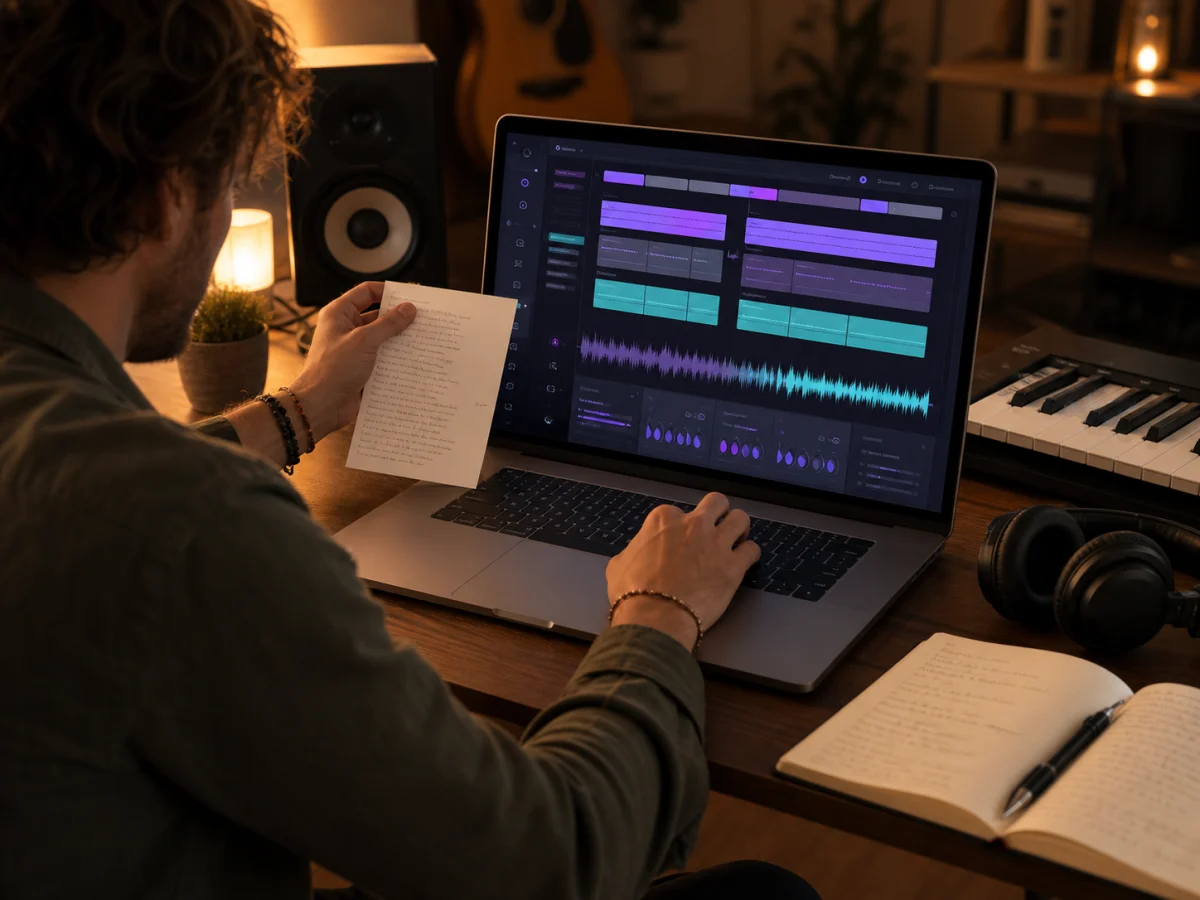
Paste Complete Lyrics or a Rough Draft
Start with lyrics you wrote and have permission to use. Keep section labels in place, then revise awkward lines before the next render. If you only have a theme or hook, use the AI Lyrics Generator first and return here when the words are ready for music.
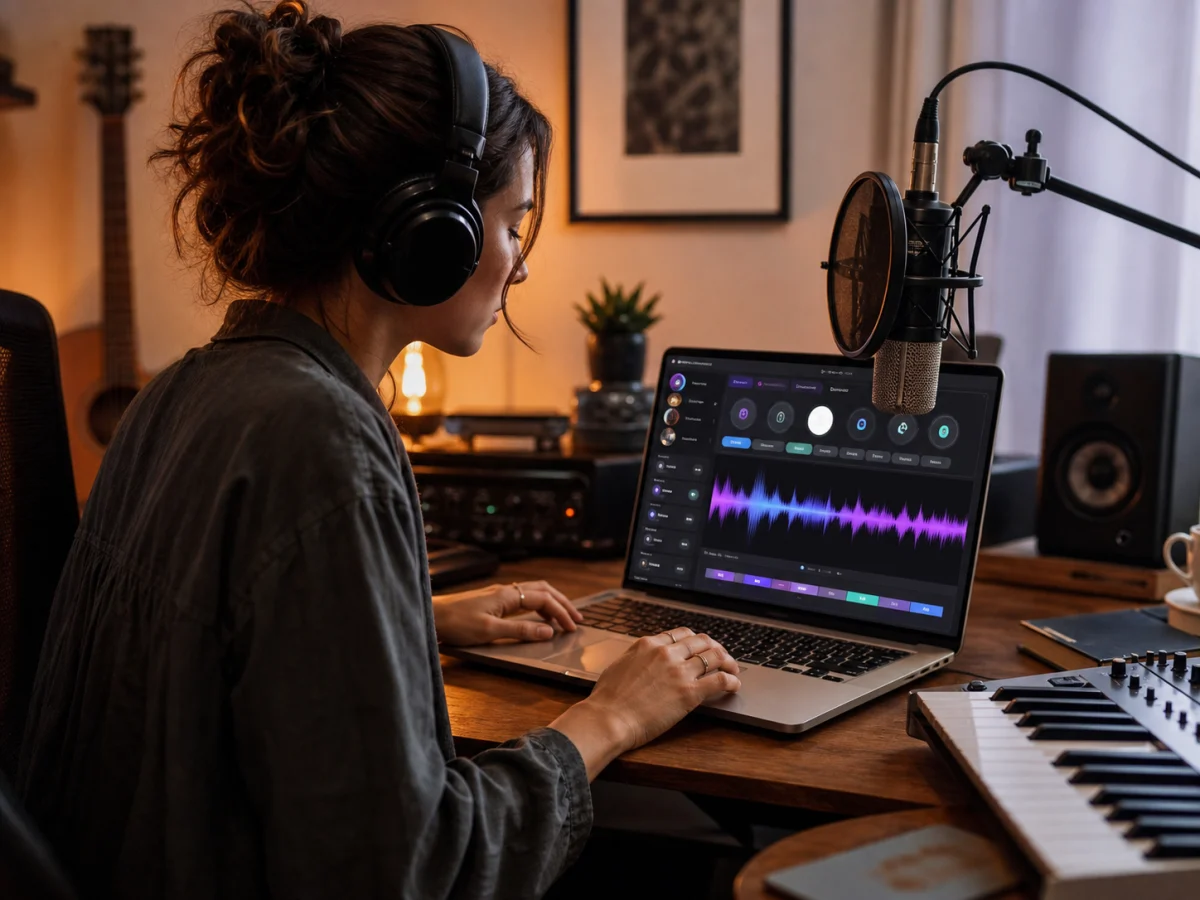
Direct the Sound and Vocal
Choose genre, mood, instruments, vocal direction, and production details without rewriting the lyric itself. For a broader idea-to-track workflow that can start from a short prompt, open the AI Music Generator.
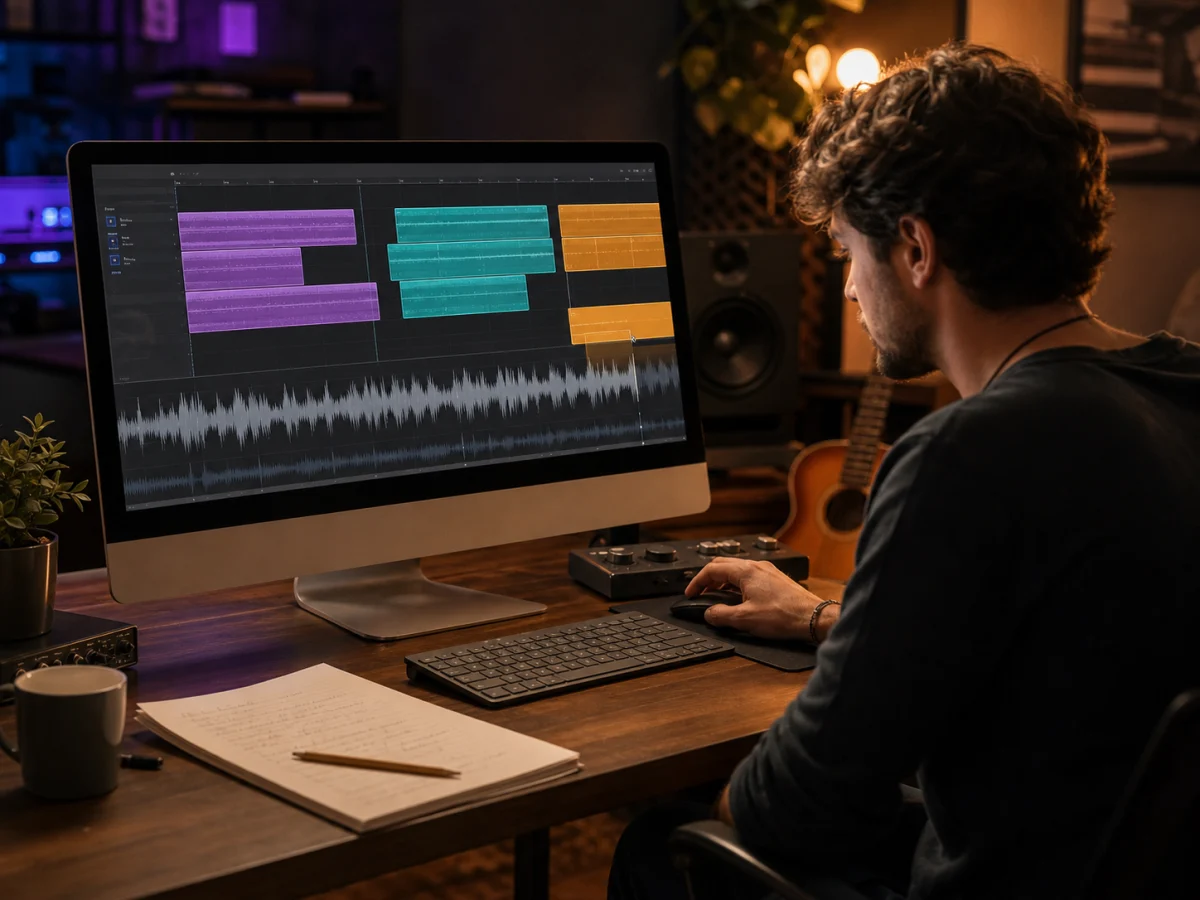
Shape Verses and Choruses
Use clear section labels and line breaks to show where the song should build, repeat, or change direction. The AI interprets that structure when creating melody and phrasing, although every render can vary.
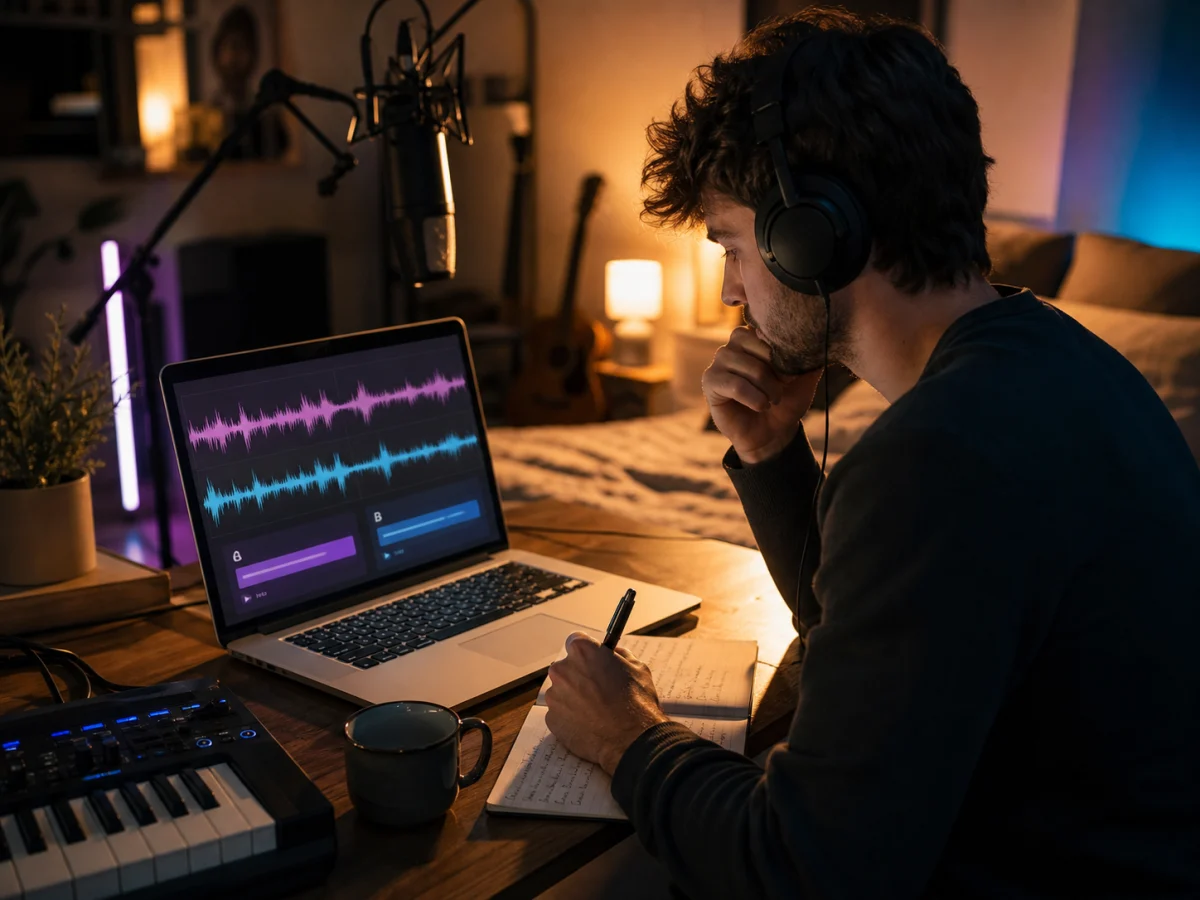
Compare and Refine Drafts
Generate more than one version, then listen for lyric clarity, chorus lift, vocal fit, and arrangement balance. Adjust the style note or a few difficult lines before creating the next draft; download options depend on your active plan.
Turn Lyrics Into a Song in Three Steps
The lyrics to song AI generator opens in Custom mode so you can place your own words directly into the song workflow.
Paste and Structure Your Lyrics
Add lyrics you own or are allowed to use. Mark verses, choruses, and bridges, then check spelling and line breaks before you generate.
Choose the Sound
Add a title, musical style, mood, instruments, and vocal direction. Keep the description specific enough to guide the arrangement without demanding one exact melody.
Generate Listen and Refine
Create a draft, listen for pronunciation and phrasing, then adjust difficult lines or style tags. Compare versions and keep the one that best supports your lyrics.
Who Uses an AI Lyrics to Song Generator?
This lyrics to song AI workflow helps creators hear written words as music before committing to a full production session.
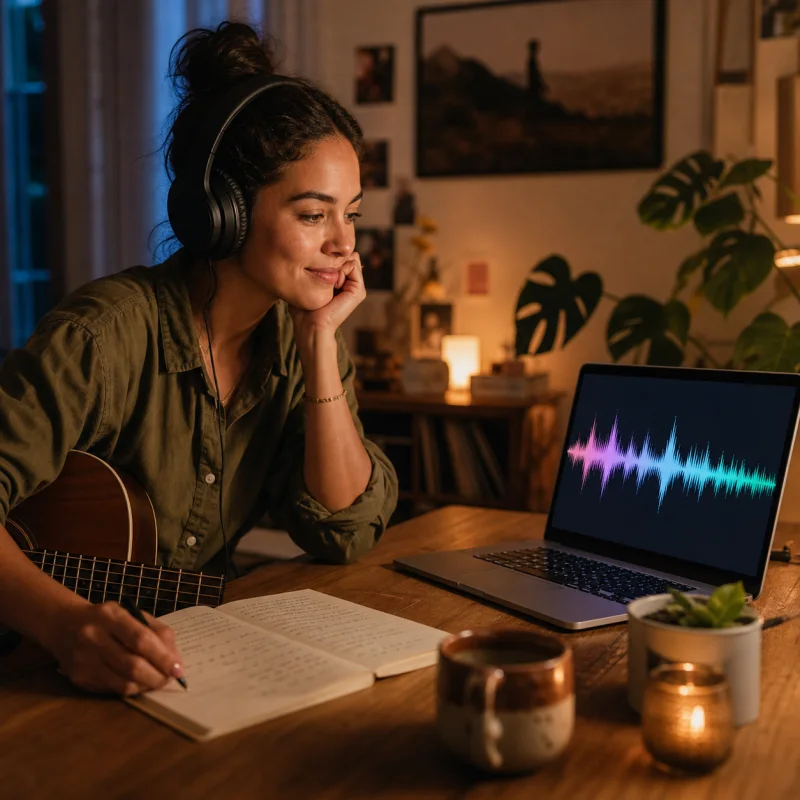
Songwriters Without Production Tools
Hear how a verse and chorus might move together without arranging every instrument in a DAW. Use the draft to test pacing, repetition, and whether the hook arrives at the right moment.
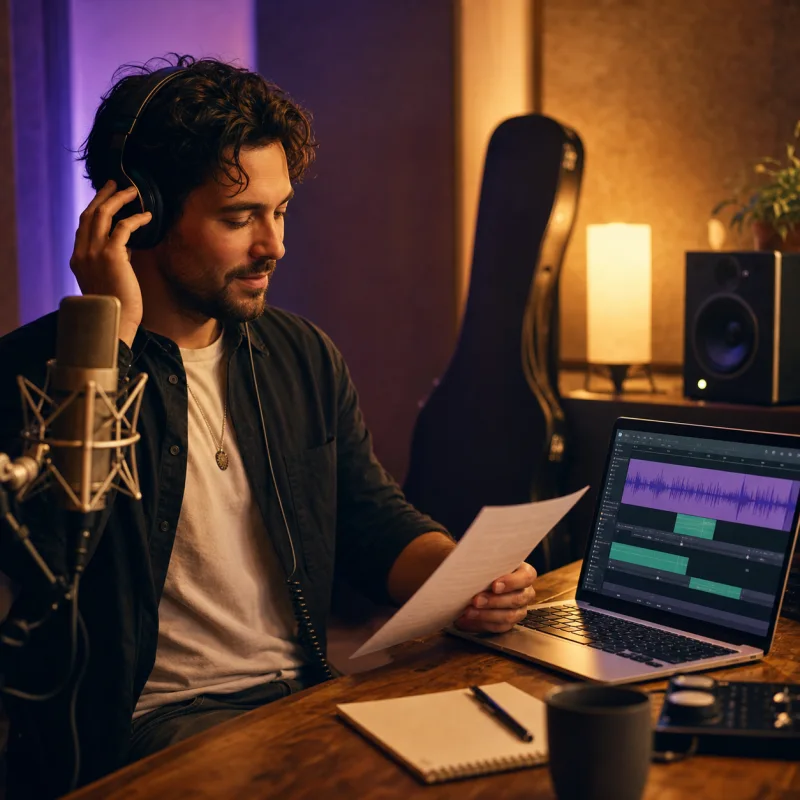
Independent Artists Preparing Demos
Turn a lyric sheet into a reference track for collaborators, rehearsals, or early direction. Compare vocal and genre options before investing in a studio arrangement.
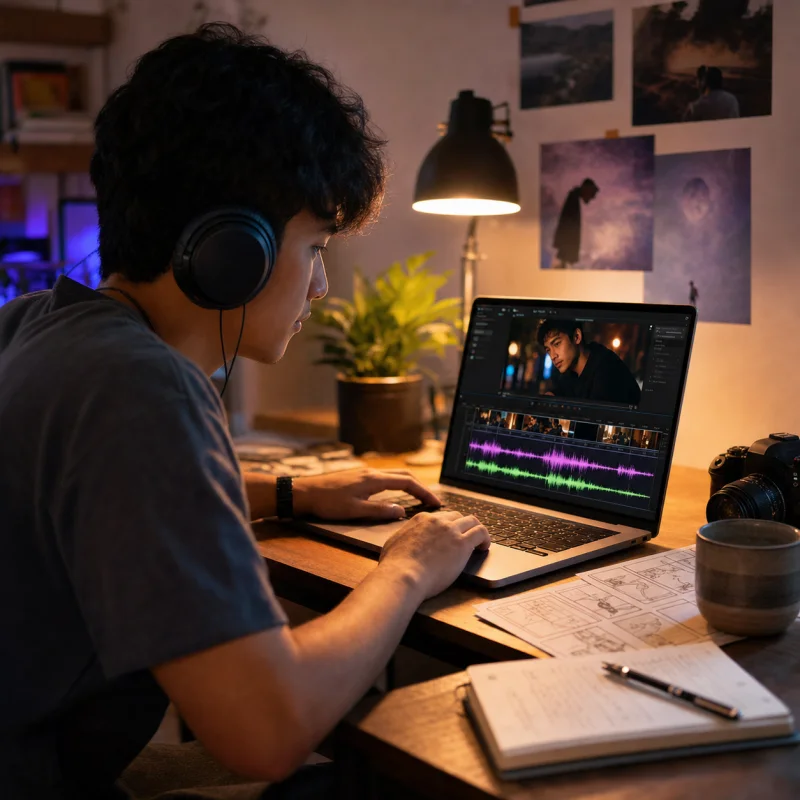
Creators Scoring Personal Projects
Build an original song draft for a private video, story, celebration, or concept piece using lyrics that match the project instead of adapting a generic stock track.
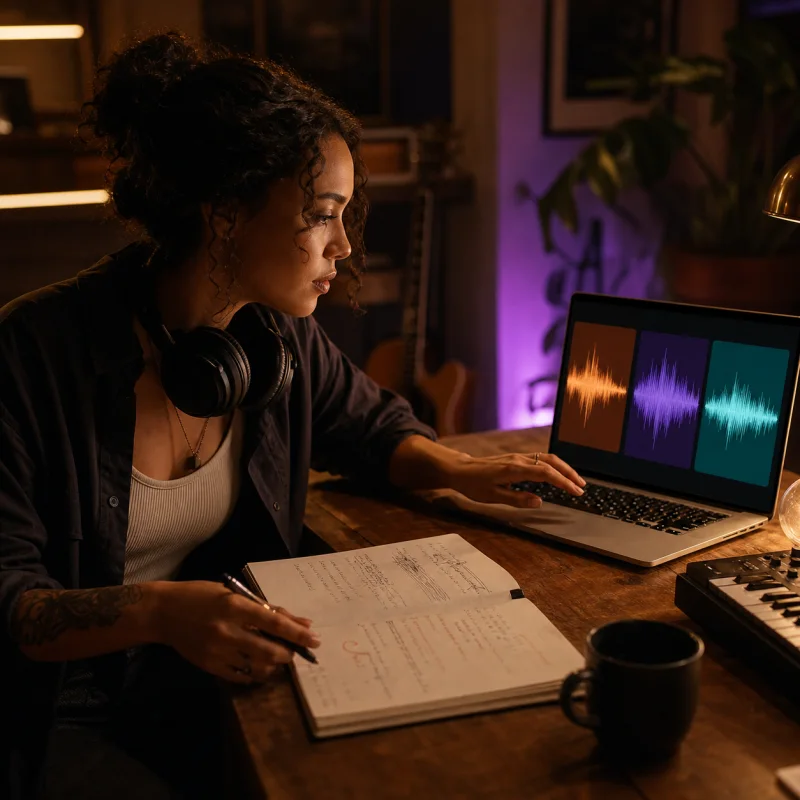
Lyricists Testing Musical Directions
Try the same words as acoustic pop, R&B, rock, or another style to learn which rhythm and vocal character make the lyric feel most natural.
Lyrics to Song AI FAQ
Lyrics to song AI answers about input, formatting, controls, limits, credits, downloads, and usage rights.
Can I use my own lyrics?
Yes. Paste lyrics you wrote or have permission to use, then add style and vocal direction. Do not submit copyrighted lyrics unless you have the necessary rights.
How should I format lyrics before generating?
Use line breaks and labels such as [Verse], [Chorus], and [Bridge]. Keep repeated choruses written where you want them and check unusual names or pronunciation before rendering.
Will the AI sing every word exactly as written?
Not always. AI generation can change pronunciation, timing, emphasis, or phrasing between drafts. Shortening crowded lines and spelling difficult sounds more clearly can help.
Can I choose the genre mood and vocal direction?
Yes. Custom mode lets you describe the style and choose available vocal controls. Treat these as creative directions rather than a guarantee of one exact melody or performance.
How long can my lyrics be?
The current lyrics input accepts up to 5,000 characters. If a draft is longer, tighten repeated sections or divide the song into a more focused version before generating.
Is the lyrics-to-song generator free?
You can use available account credits to try music generation. Credit costs, included usage, and access limits can vary by plan, so check the current pricing shown in your account.
Can I download and use the generated song commercially?
Download access and commercial usage rights depend on your active plan and license. Review the current license terms, and make sure you also hold the rights to any lyrics you submit.
What if I need help writing the lyrics first?
Start with CraftMusic AI's AI Lyrics Generator to develop a theme, verses, chorus, rhyme, or structure. Then bring the finished draft back to this page to turn the lyrics into a song.