
Free Online Metronome
Set BPM, choose a click sound, and practice with a steady 4 beat pulse in your browser. CraftMusic AI keeps tempo work fast, focused, and free of setup.
Online Metronome for Focused Timing
An online metronome gives you a steady browser click at the BPM you choose, so timing practice can start without a DAW, phone app, signup, or audio upload. CraftMusic AI keeps the core controls visible: set metronome BPM, choose tick, snap, kick, or hi-hat, adjust volume or mute, then follow the four beat display with beat 1 accented. Use the free online metronome for scales, vocal warmups, dance counts, scratch recordings, lessons, and rehearsal timing when you need a simple pulse that stays focused on practice rather than setup.
Build Better Timing One BPM at a Time
With CraftMusic AI, online metronome practice starts by choosing a clean BPM, listening for beat 1, and raising tempo gradually.
Start below your target tempo
Open CraftMusic AI and choose a metronome BPM you can hold cleanly for 4 full bars. If you do not know the song tempo yet, estimate it first with the BPM tapper, then return to the online metronome for practice. Use the slider or plus and minus buttons for exact 1 BPM changes, then treat the metronome as a steady reference while your hands, voice, or movement settle into the pulse.
Match the click to the room
Choose tick for focused solo practice, snap when headphones need a sharper transient, kick when dancers or rehearsal groups need a lower pulse, and hi-hat when a lighter click fits beside a loop. Our free online metronome keeps volume and mute beside the sound selector, so you can switch between audible practice and visual 4 beat tracking without losing the tempo.
Repeat clean bars before speeding up
Press Start, follow the 4 beat indicators, and use the accented downbeat as your reset point. If your timing drifts, keep the browser metronome at the same BPM until the phrase feels relaxed. After several clean passes, move up by 2 to 5 BPM. That small-step routine turns tempo practice into measurable progress instead of another rushed run-through.
How CraftMusic AI Supports Real Practice
CraftMusic AI combines free online metronome access, clear BPM control, visible beats, and session-ready click sounds for repeatable timing.
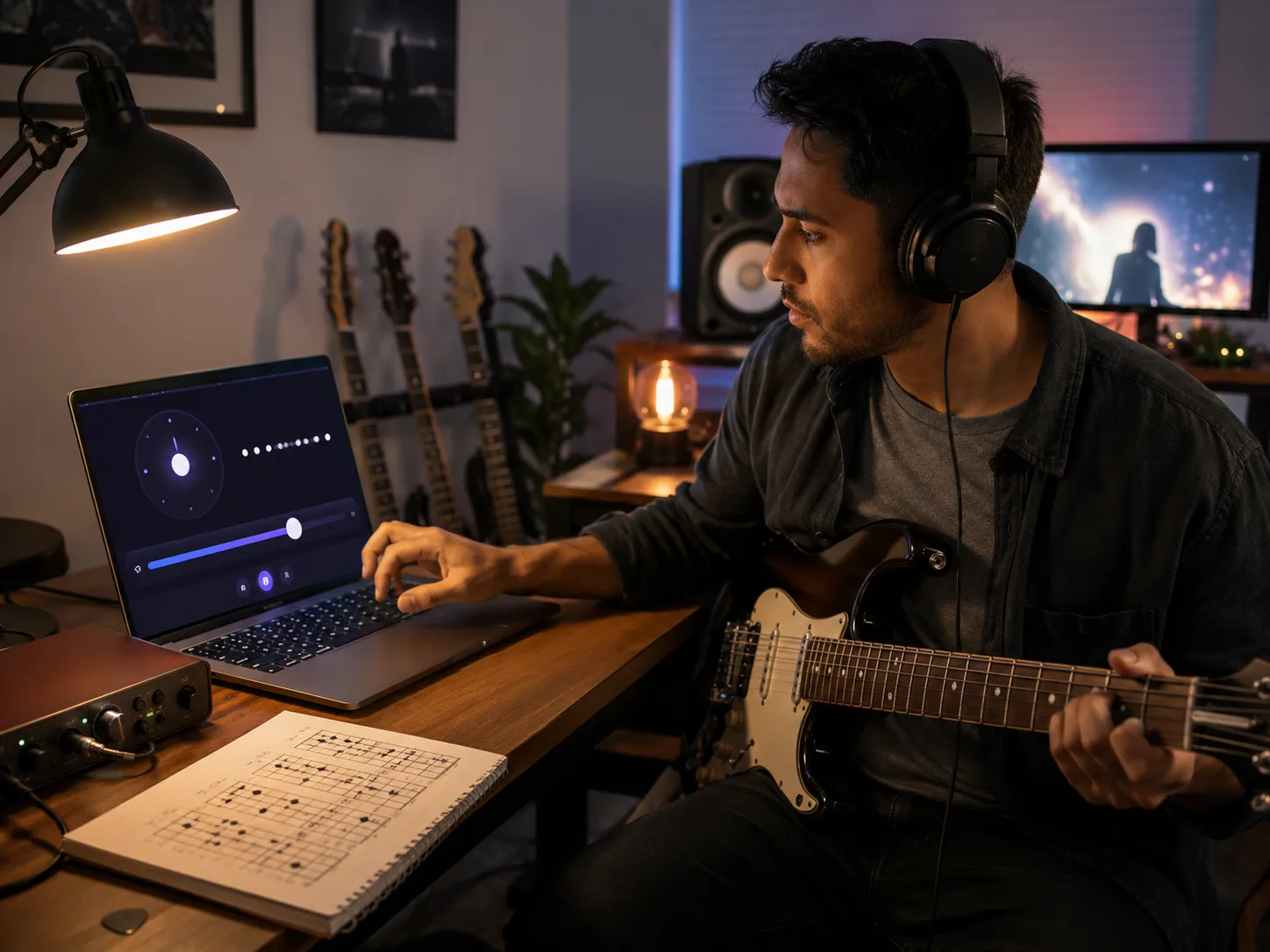
Steady Clicks From the Audio Clock
CraftMusic AI schedules each click with the browser audio clock, helping the online metronome feel steadier than a basic screen timer during scales, vocal warmups, groove drills, and short recording count-ins. You choose the BPM, press Start, and hear a consistent pulse while you focus on landing notes, syllables, or steps in the same place each time.
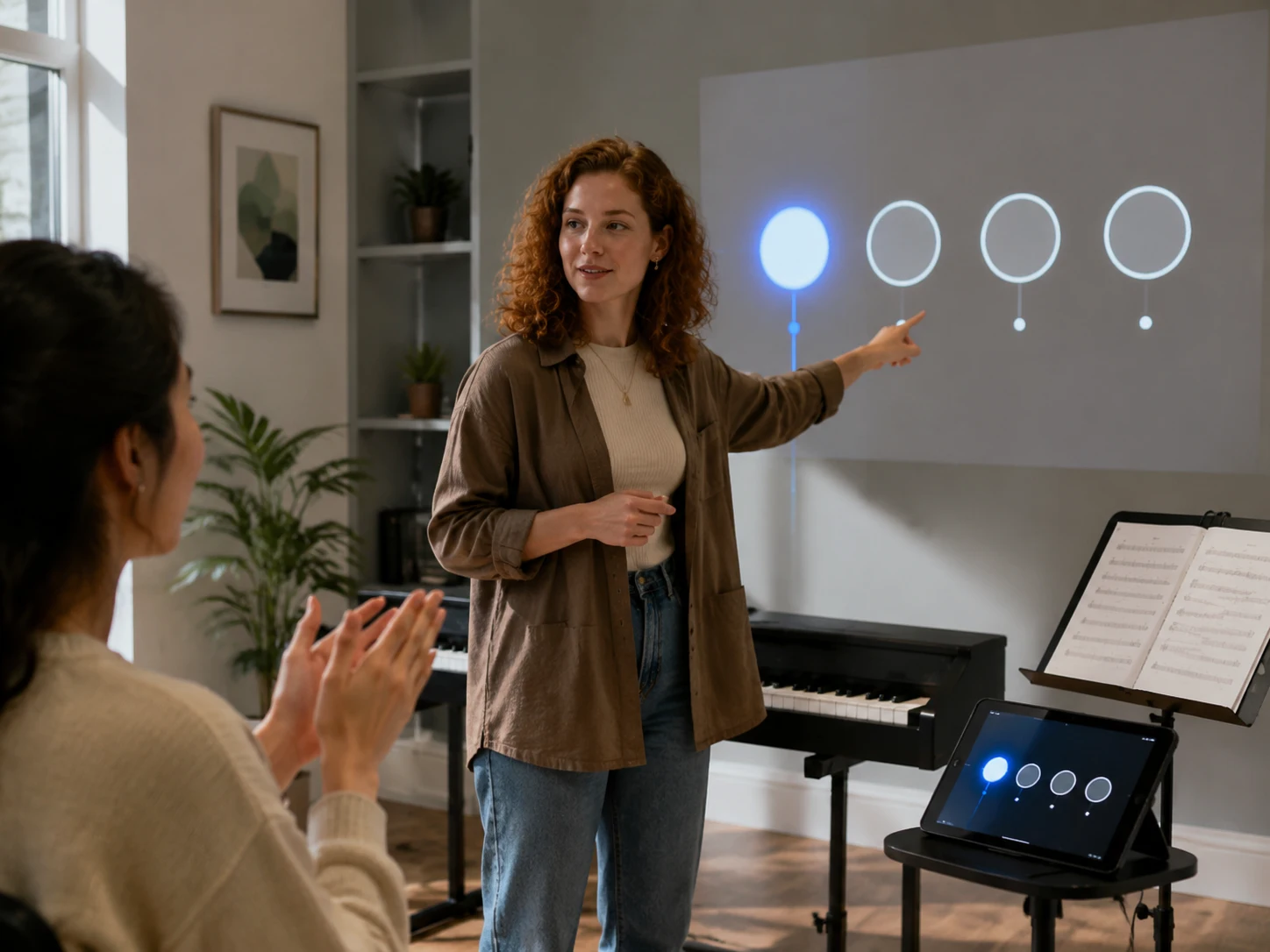
Four Beat Feedback Keeps the Bar Visible
Beat 1 gets the strongest emphasis, and the 4 beat indicators show where you are in the bar while the free online metronome runs. That visual reference helps during quiet lessons, muted practice, dance counts, clapping drills, and moments when a phrase keeps arriving early. Sound and sight work together, so timing problems become easier to notice and fix.
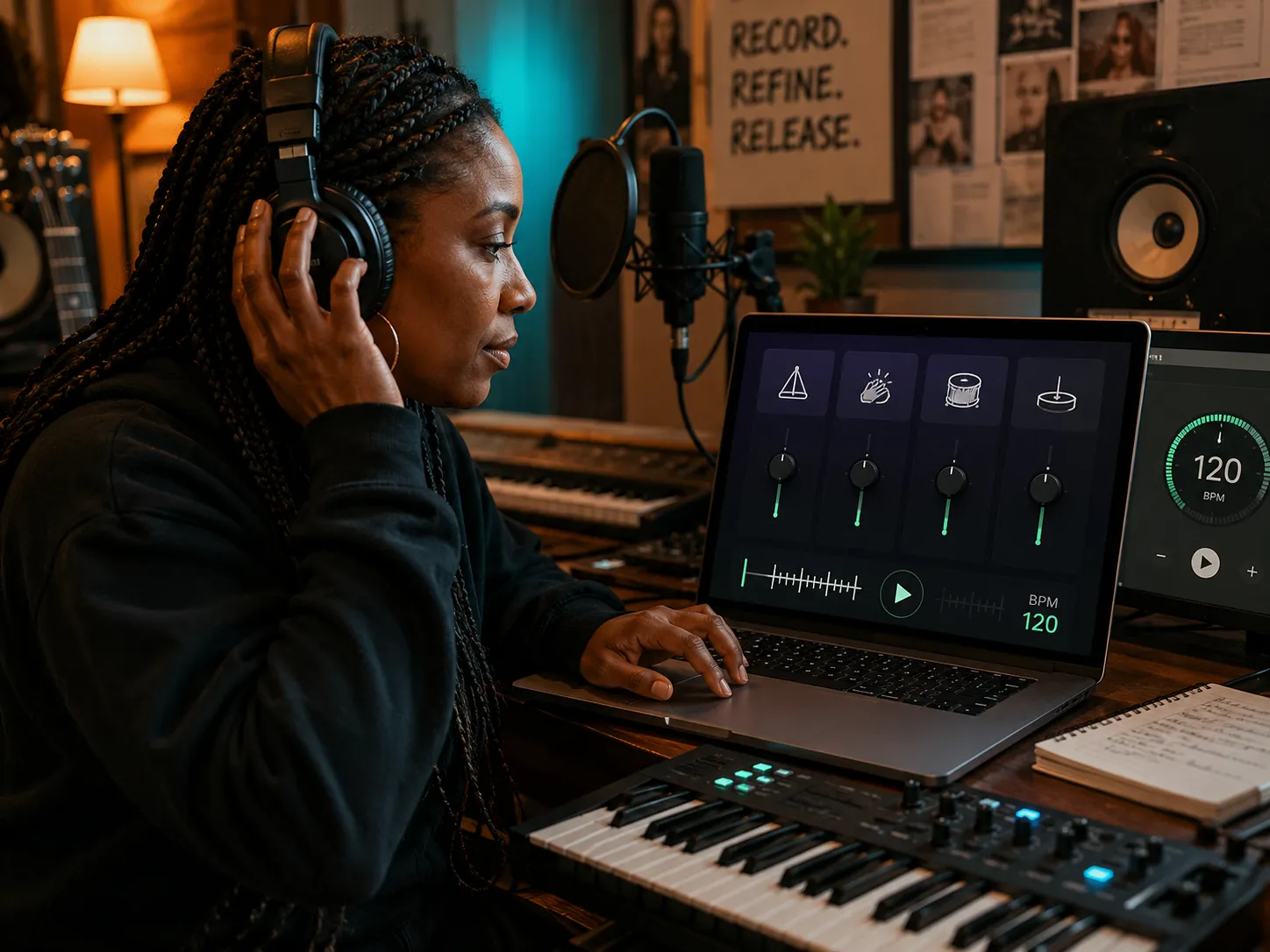
Click Sounds Fit Different Sessions
A practice metronome should not force the same click into every room. Our browser metronome includes tick, snap, kick, and hi-hat sounds so the pulse can cut through guitar, piano, headphones, laptop speakers, or a coaching space. Change sound, volume, or mute without resetting the metronome BPM you already chose.
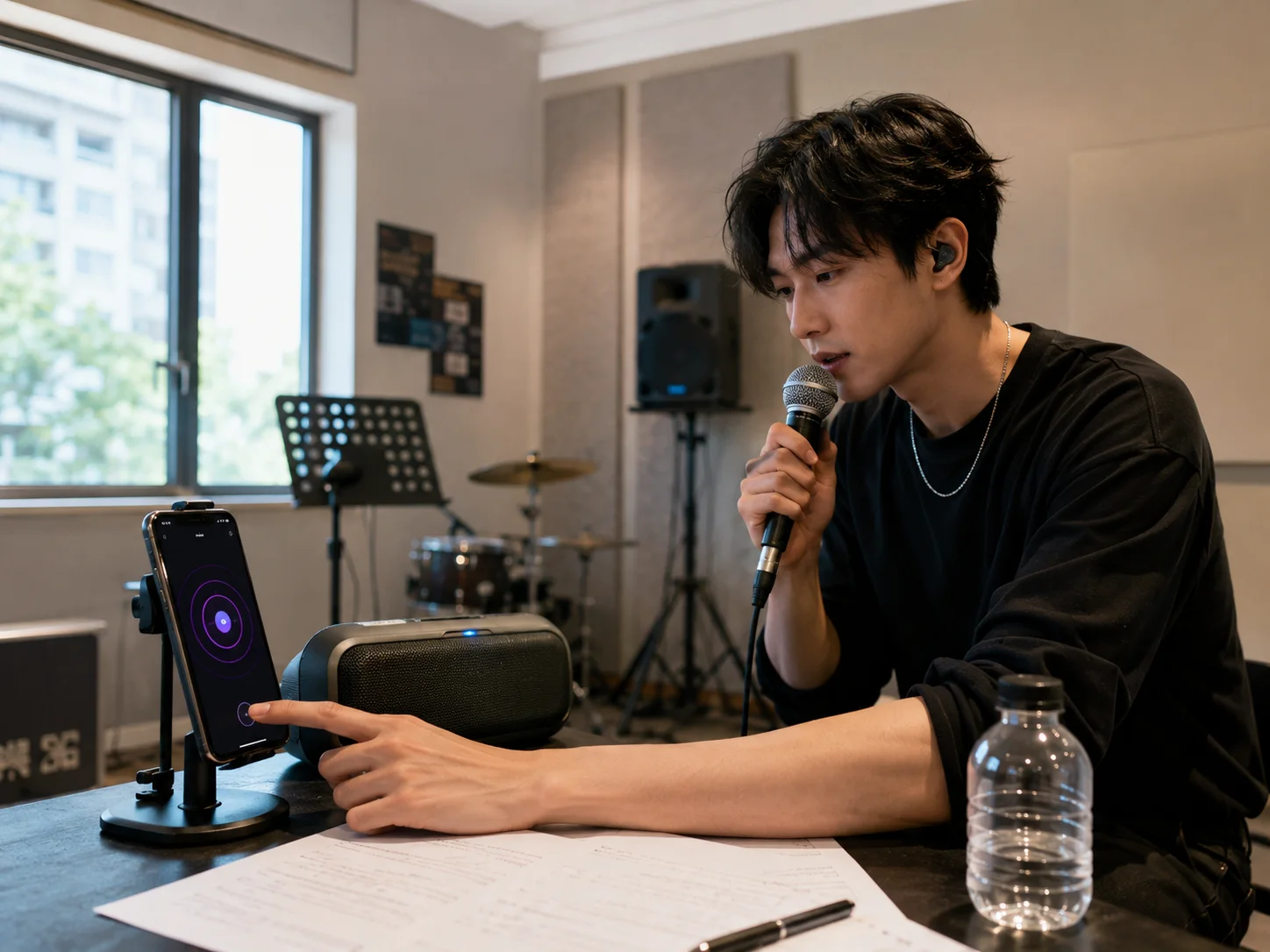
No Uploads Downloads or Setup
Start timing work before a lesson moment, take idea, or rehearsal cue disappears. The free online metronome generates its click in your browser, so no audio upload, app install, or DAW template is required. Keep it beside a playlist, chart, video lesson, phone stand, or production session whenever you need a steady pulse now.
Who Benefits From a Browser Metronome
The online metronome helps players, creators, dancers, and teachers turn one BPM into a repeatable practice reference.
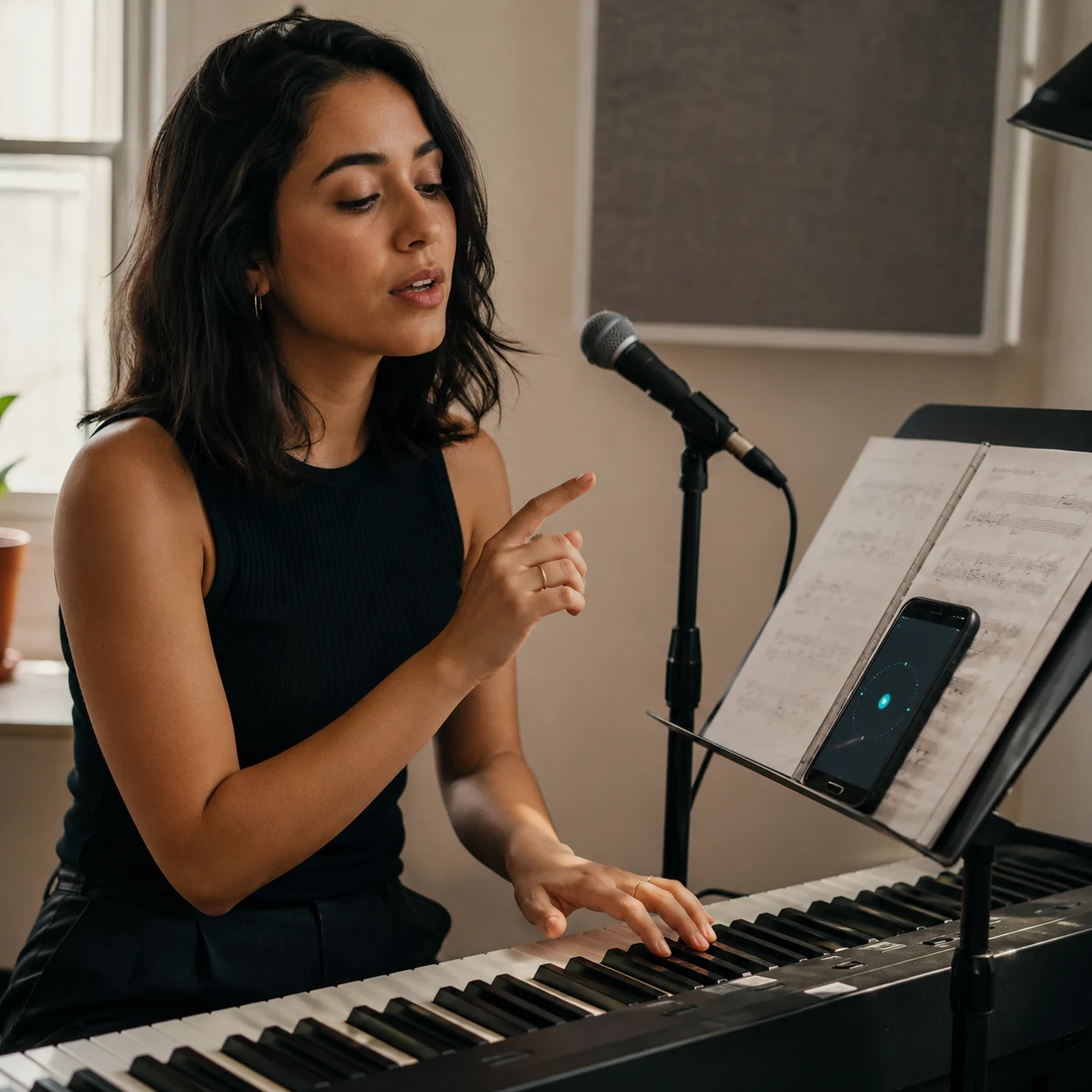
Musicians and Vocalists
Rushing the same hard bar for 30 minutes can hide the real timing problem. Slow the phrase with the free online metronome, lock in 4 clean bars, then raise the tempo in small steps. Guitarists, pianists, drummers, singers, and wind players can keep one practice metronome open while moving from warmups to repertoire.
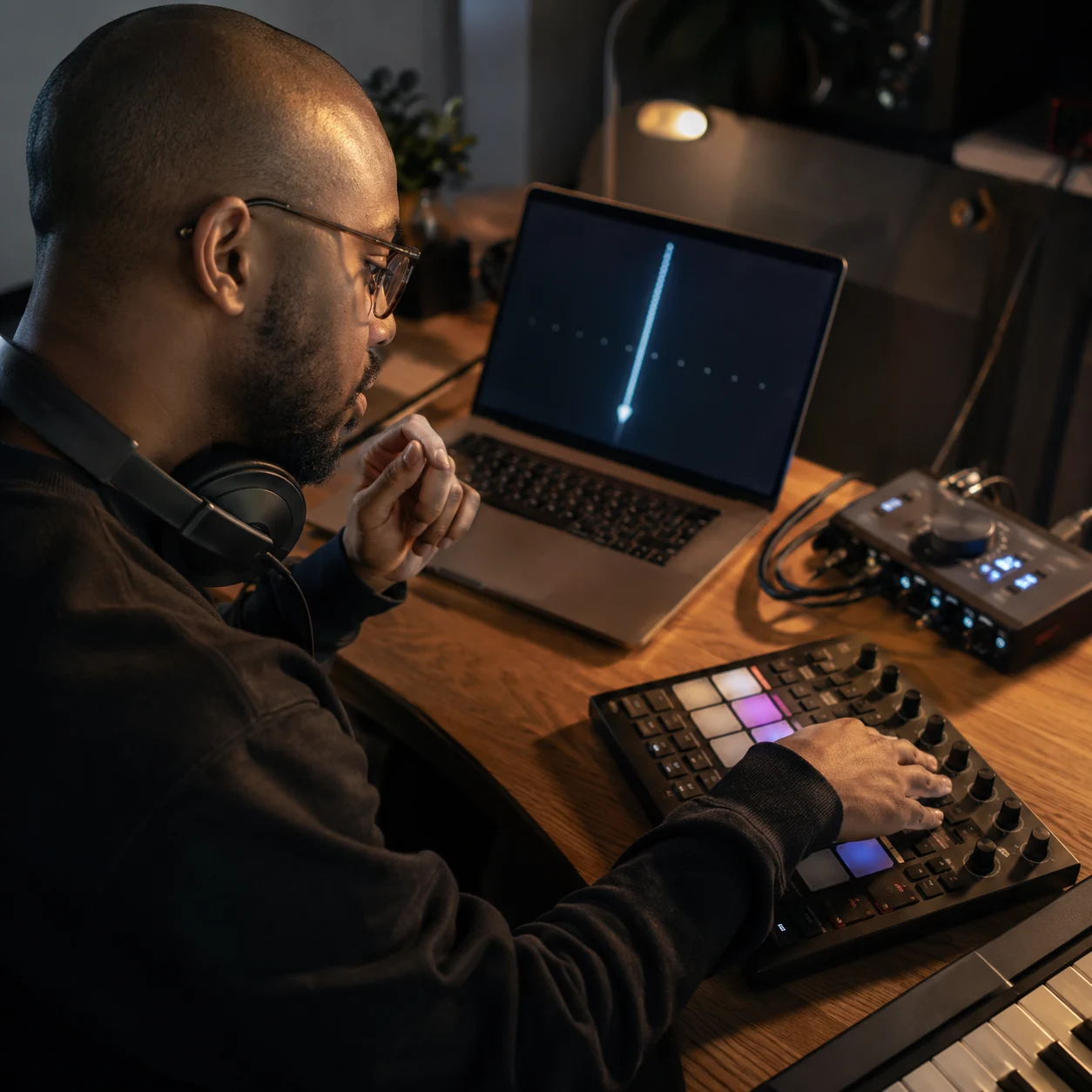
Producers and Recording Creators
Opening a full DAW just to check a count-in can break writing momentum. Set metronome BPM in the browser, count 1 bar before a scratch vocal or MIDI idea, and keep the click running while you test whether the groove needs a tighter, slower, or more energetic pocket.
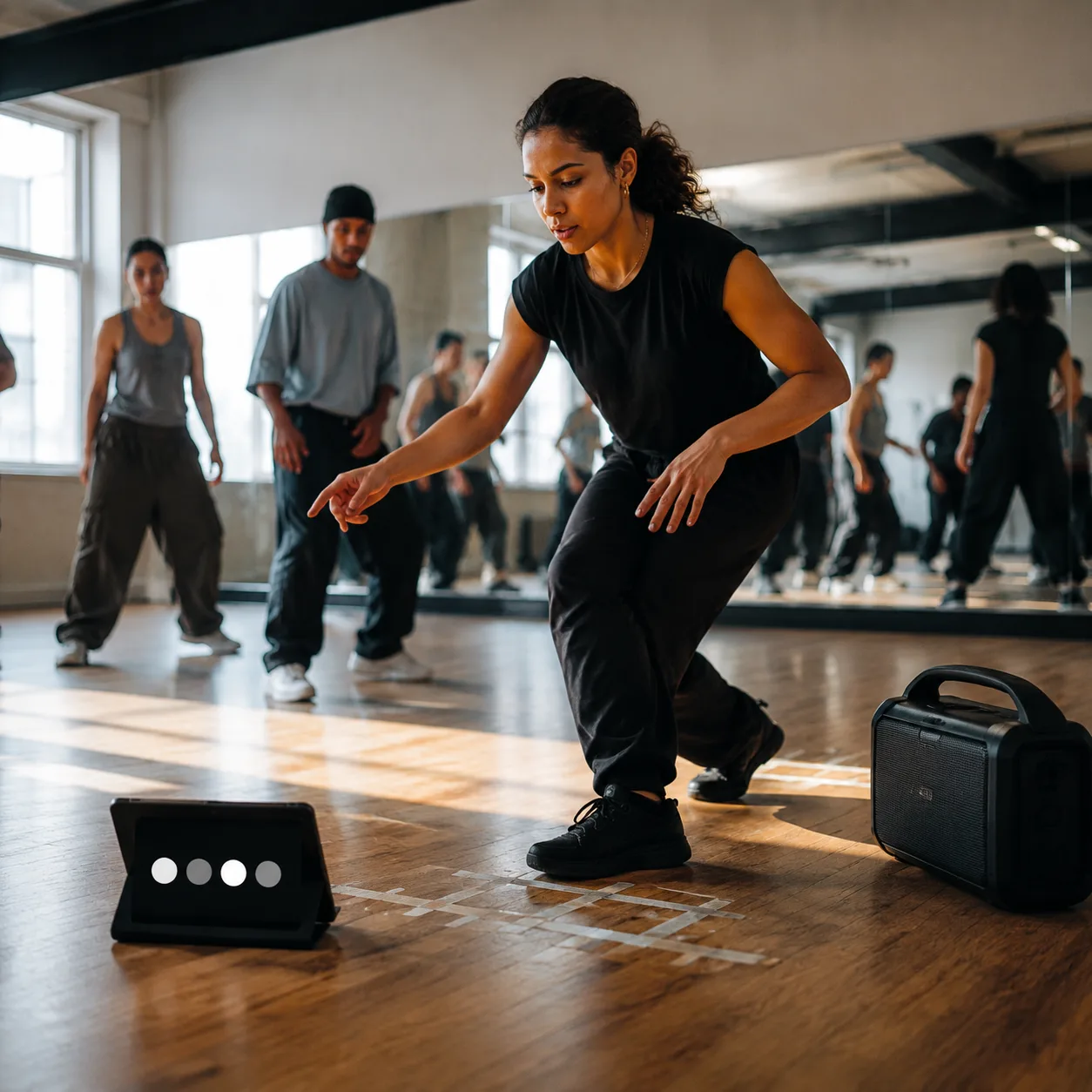
Dancers and Choreographers
A routine can feel relaxed at 96 BPM and crowded at 104 BPM, especially across 8 count phrases. Use the browser metronome for warmups, footwork, and choreography checks. The kick sound gives the room a stronger pulse while the 4 beat indicators keep the downbeat visible from across the floor.
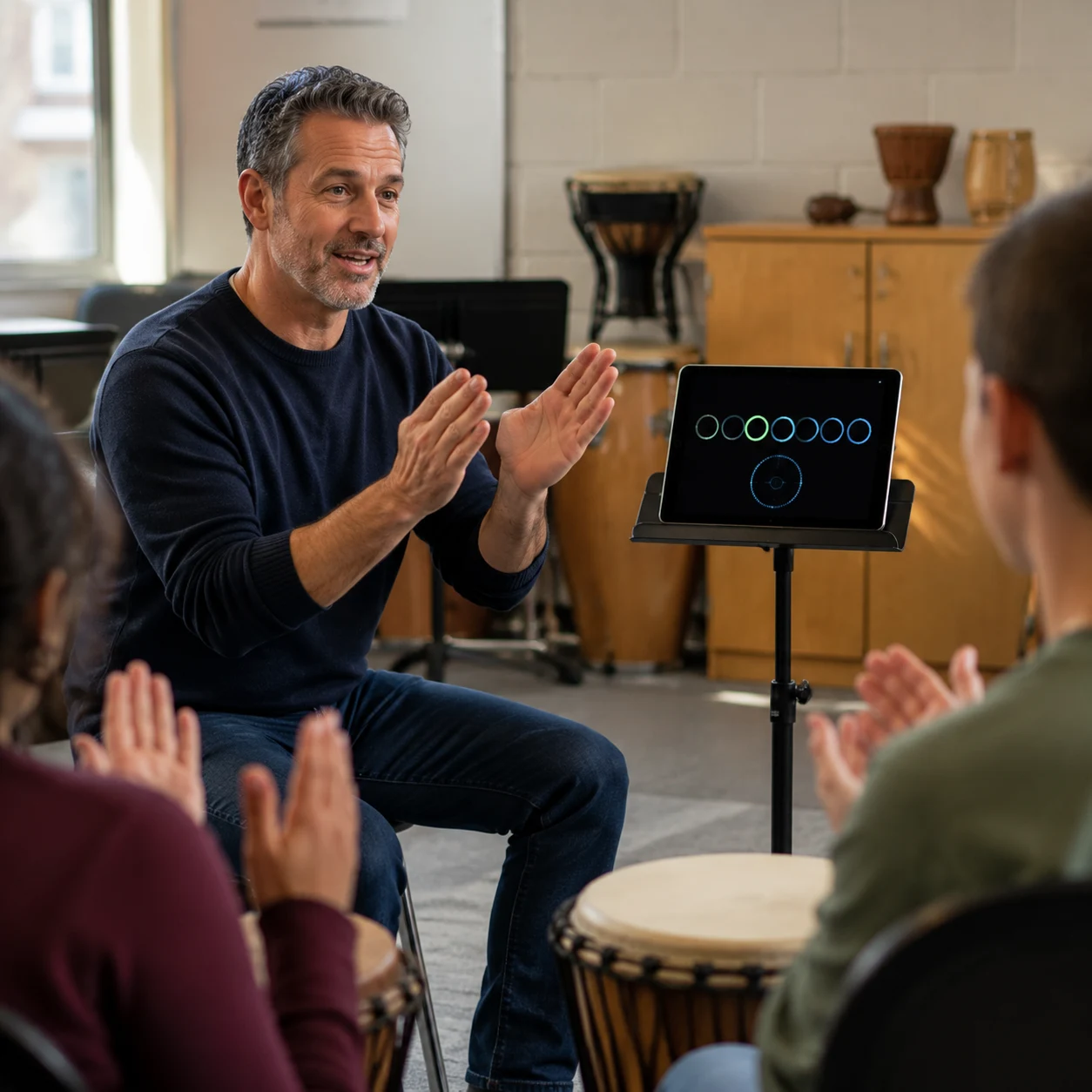
Teachers and Coaches
Group lessons move faster when the tempo tool is already visible. CraftMusic AI lets teachers set a free online metronome for clapping games, ensemble entrances, sight-reading, and 5 BPM comparison drills. Students can hear the pulse, watch the beat cycle, and understand exactly what changed.
Online Metronome FAQs
Answers about free online metronome accuracy, BPM choices, 4/4 practice, browser use, click sounds, and related tempo tools.
What is an online metronome?
An online metronome is a browser tempo tool that plays a steady click at the BPM you choose. CraftMusic AI online metronome adds 4 beat visual feedback, an accented downbeat, volume control, mute, and several click sounds for timing practice without installing software.
Is CraftMusic AI accurate enough for daily practice?
CraftMusic AI schedules clicks with the browser audio clock, which is steadier than relying only on a visual timer. Device load, speakers, and Bluetooth latency can still affect what you hear, so wired headphones or direct speakers are better when tight practice timing matters.
What BPM should I start with?
Choose a BPM where you can repeat the passage cleanly for several bars. Many musicians start 20 to 30 BPM below the target tempo, then raise the online metronome by 2 to 5 BPM after each clean pass. Control matters more than speed at first.
Can I use the free online metronome for 4 4 practice?
Yes. The free online metronome uses a clear 4 beat cycle with an accented first beat, which fits common 4/4 practice, dance counts, warmups, and recording count-ins. Follow the lights when you need visual confirmation of the bar.
Do I need to upload audio first?
No. The browser metronome creates its own click on your device, so no song, sample, or rehearsal recording has to be uploaded. If you need to discover a song tempo first, use a BPM tapper or key and BPM finder before returning to the practice metronome.
Does the browser metronome work on mobile?
Yes. CraftMusic AI runs in the browser on desktop, tablet, and phone. Keep the free online metronome visible, set your metronome BPM, and use the 4 beat indicators when phone speakers are too quiet for a lesson, dance room, or rehearsal space.
Which click sound should I choose?
Use tick for focused practice, snap for a sharper headphone click, kick for dancers or room playback, and hi-hat for a lighter pulse beside loops. The best sound is the one you can hear clearly without overpowering the instrument, voice, or movement you are practicing.
How is a metronome different from a BPM tapper?
A metronome plays a tempo for you to follow, while a BPM tapper measures the tempo you tap from music you are hearing. Use the online metronome when you already know the BPM and need a steady pulse. Use a tapper when the tempo is unknown.