
MIDI Editor Online
Open a browser MIDI Editor when a melody needs one clean fix, not a full DAW session. CraftMusic AI gives you an Online MIDI Editor for piano roll edits, playback checks, and MIDI file cleanup before the idea moves into production.
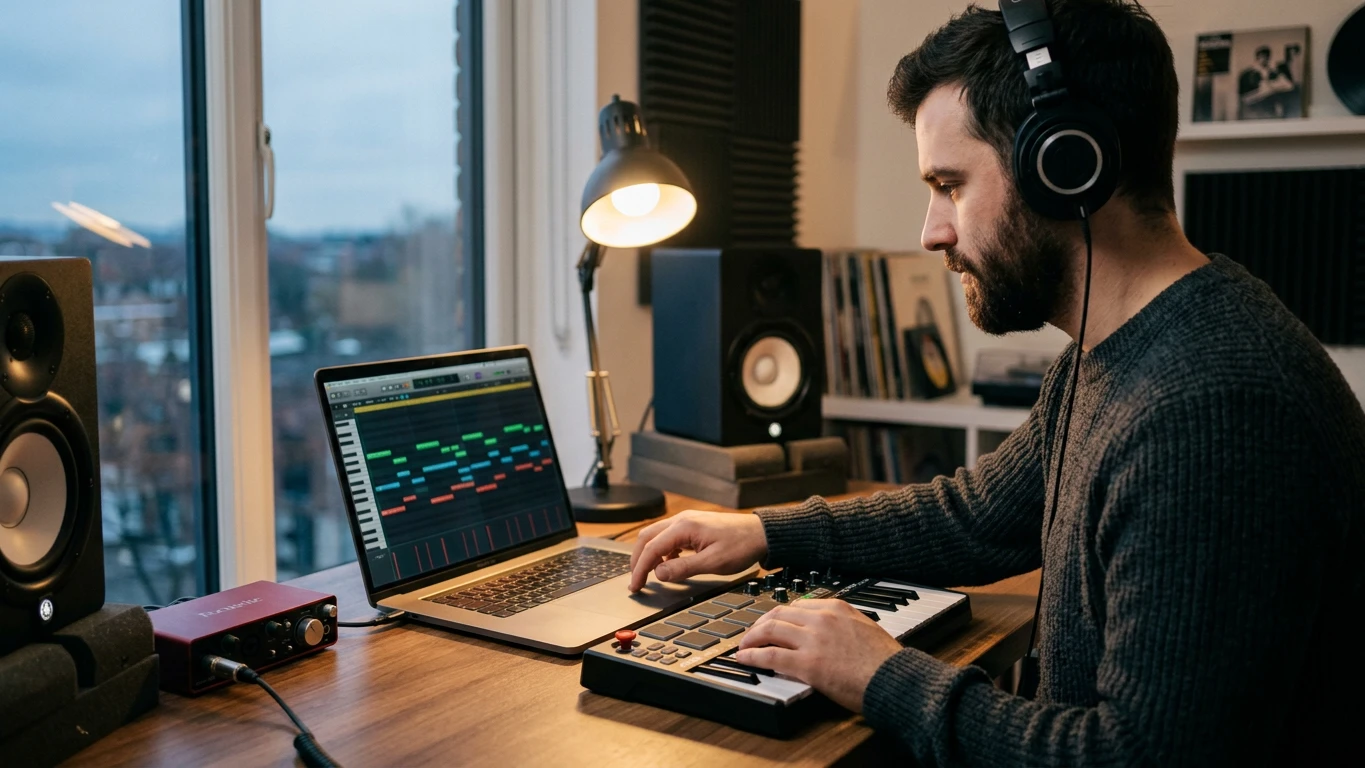
Edit MIDI ideas without opening a full DAW
With CraftMusic AI, the editor turns quick piano roll edits into a focused 3 step workflow for sketches and finished files.
Open or import your MIDI file
Start the Online MIDI Editor in your browser, then open the MIDI idea you want to inspect. Use it for a downloaded melody, a rough chord progression, a drum pattern, or a file moved from the Audio to MIDI Converter. A browser editor is useful because MIDI stores notes, timing, velocity, pitch, and control data rather than finished audio, so small changes can reshape the performance before you commit to sound design.
Fix notes timing and velocity
Use the piano roll to move notes, shorten overlaps, stretch phrases, repair wrong pitches, and adjust velocity so the part feels intentional. The Online MIDI Editor keeps the work visual: low notes, high notes, long sustains, tight stabs, and rhythm mistakes are easier to spot than they are in a text list. When a hook feels close but not finished, this browser workspace helps you correct the musical data before exporting.
Preview then export your result
Play the edited passage, check the groove, and repeat until the part lands cleanly. Export the MIDI file when the arrangement is ready for your DAW, notation app, virtual instrument, game engine, or collaborator. The goal is not to replace a full production suite. The editor gives you a fast browser workspace for the edits that usually block the next creative decision, especially when the file only needs a clearer rhythm, cleaner voicing, or more natural note dynamics.
A MIDI Editor built for fast musical decisions
Use an Online MIDI Editor when note level edits matter more than installing software or loading a full production session for one quick fix.
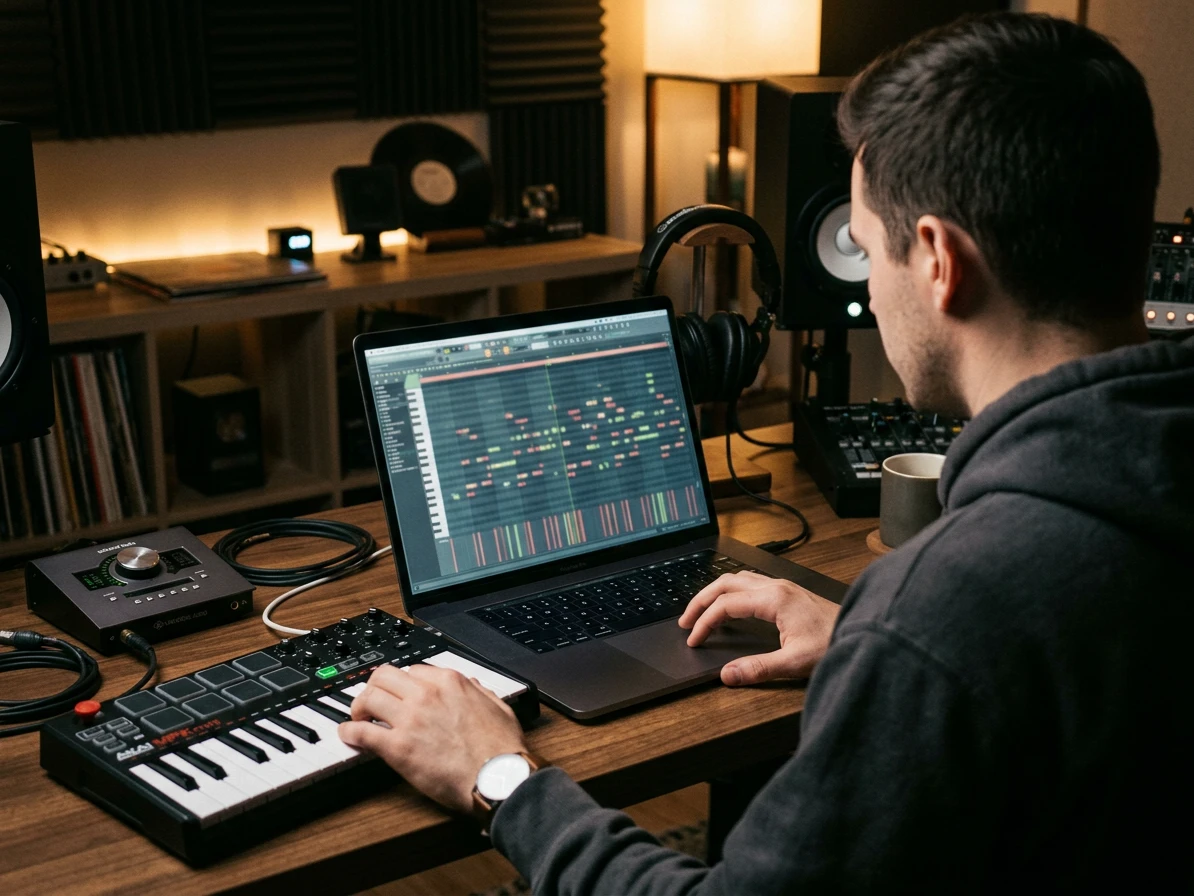
Edit notes in a real piano roll
CraftMusic AI gives you a visual piano roll, so you can drag pitches, resize notes, spot overlaps, and shape phrases with the same mental model producers already use. The Online MIDI Editor is especially helpful for fixing generated melodies, cleaning up files created by the Audio to MIDI Converter, or testing a chord change before you open a bigger session.
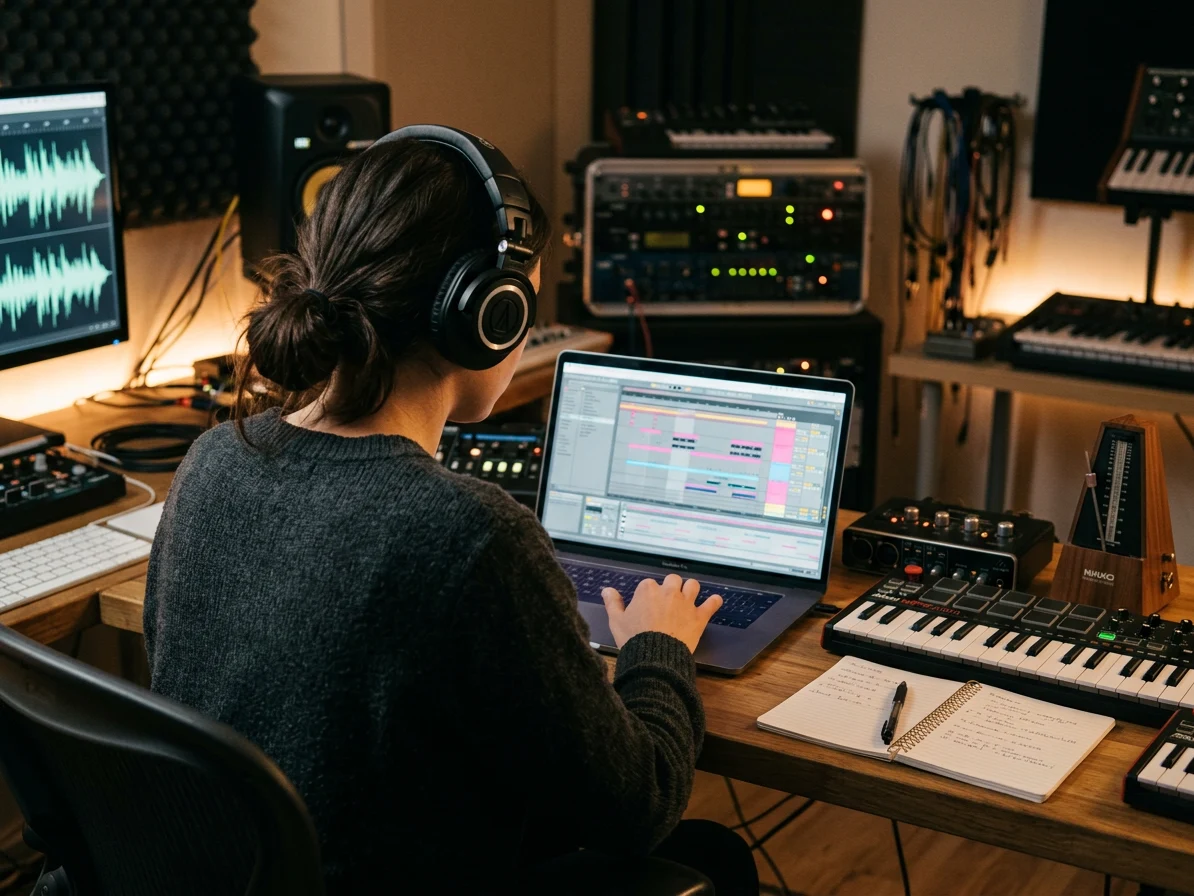
Clean up timing velocity and tempo
A useful editor must handle more than pitch. Adjust timing, note length, velocity, and tempo context so a part feels played instead of pasted. Use the Online MIDI Editor to tighten drums, soften a piano line, make bass notes land with the kick, or correct a rushed melody before it becomes audio.

Open MIDI fast without desktop setup
Small MIDI changes should not require a plugin scan, template load, or 2 GB project folder. This Online MIDI Editor runs in the browser, making quick edits practical on a laptop during writing, teaching, client review, or sample sorting. Keep the workspace open when you need to inspect a file, audition an idea, and move on.
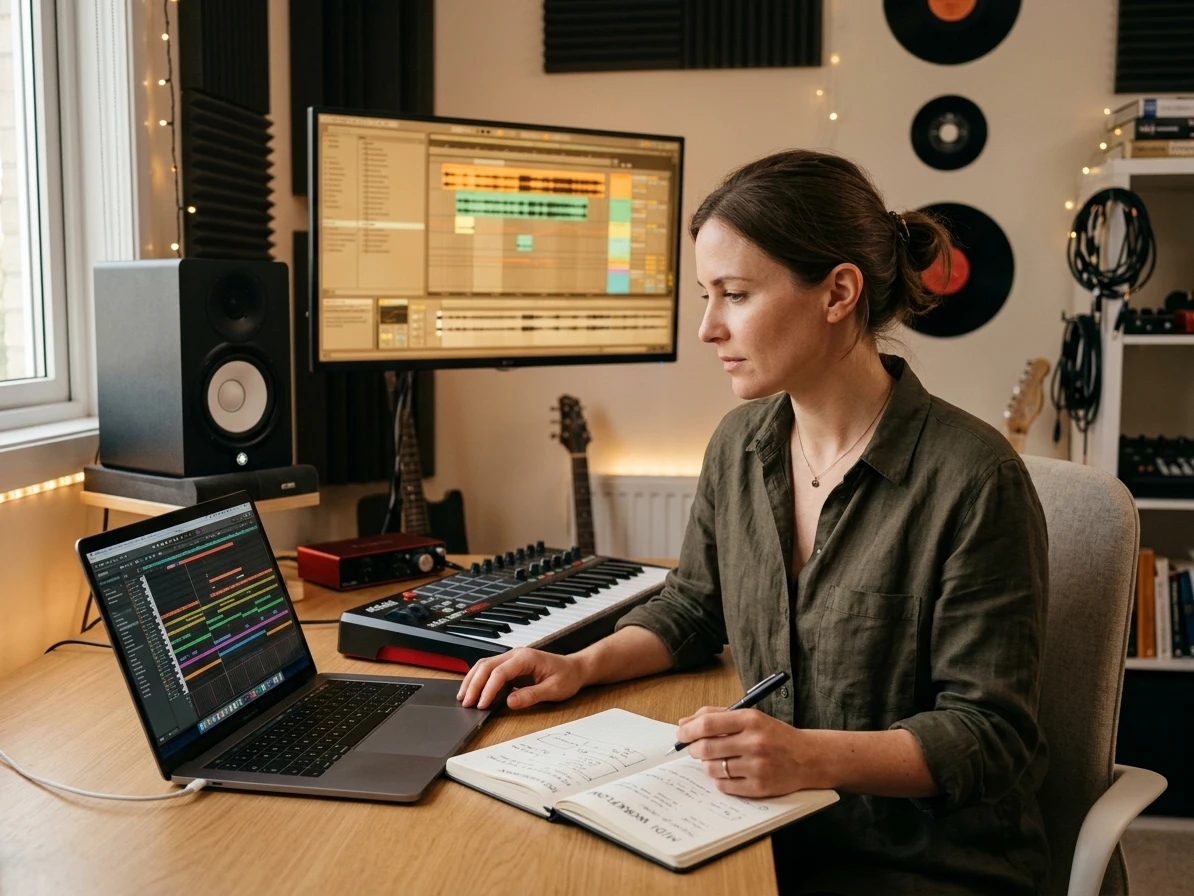
Export files ready for your DAW
When the notes are right, export a clean MIDI file and continue in your usual production stack. The editor supports the handoff producers care about: sketch in the browser, repair the musical data, then bring the result into a DAW, notation workflow, virtual instrument, or game audio pipeline without rebuilding the part from scratch.
Who needs a browser based MIDI Editor
The Online MIDI Editor supports writers, producers, teachers, and creators who need precise MIDI edits without a heavy setup.
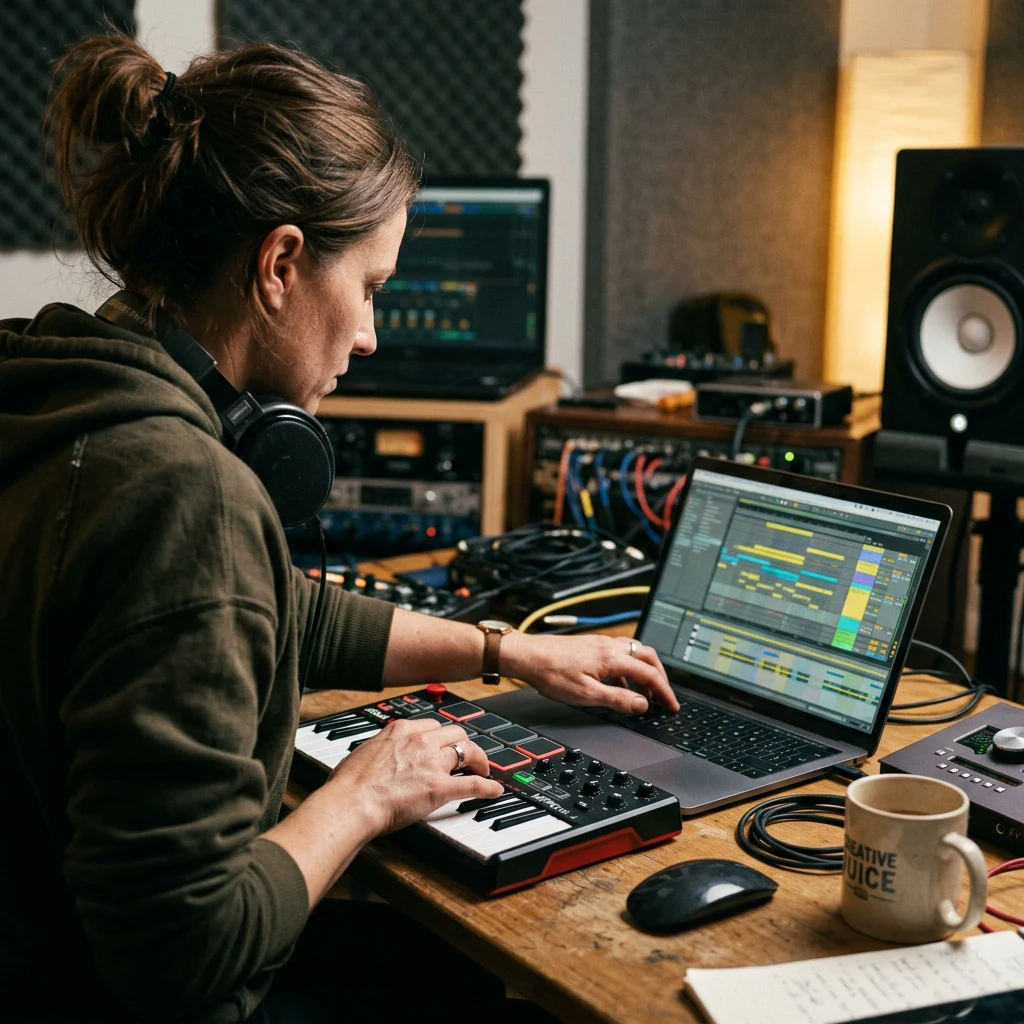
Producers fixing MIDI ideas
A 4 bar hook can lose momentum when every correction requires opening a full production template. Use the editor to repair pitches, timing, and velocity in minutes, then drag the cleaned file into your DAW for sound design. The Online MIDI Editor keeps the early writing loop focused: adjust the musical idea first, choose the synth or sampler later.

Songwriters building demos
Demo writing often starts with a melody that is almost right but still has 3 or 4 awkward notes. This editor helps you reshape phrases, test chord movement, and export a tighter sketch for vocal writing or arrangement. Instead of re recording the idea, use the Online MIDI Editor to make the composition clearer before sharing.

Teachers and students
Lessons move faster when a student can see notes, rhythm, and velocity on the same screen. The piano roll gives teachers a browser friendly way to show why a phrase sounds rushed, how a chord is voiced, or where a melody jumps too far. Students can explore notes and chords on the Virtual Piano, then use the Online MIDI Editor when they have a MIDI file to inspect or edit.
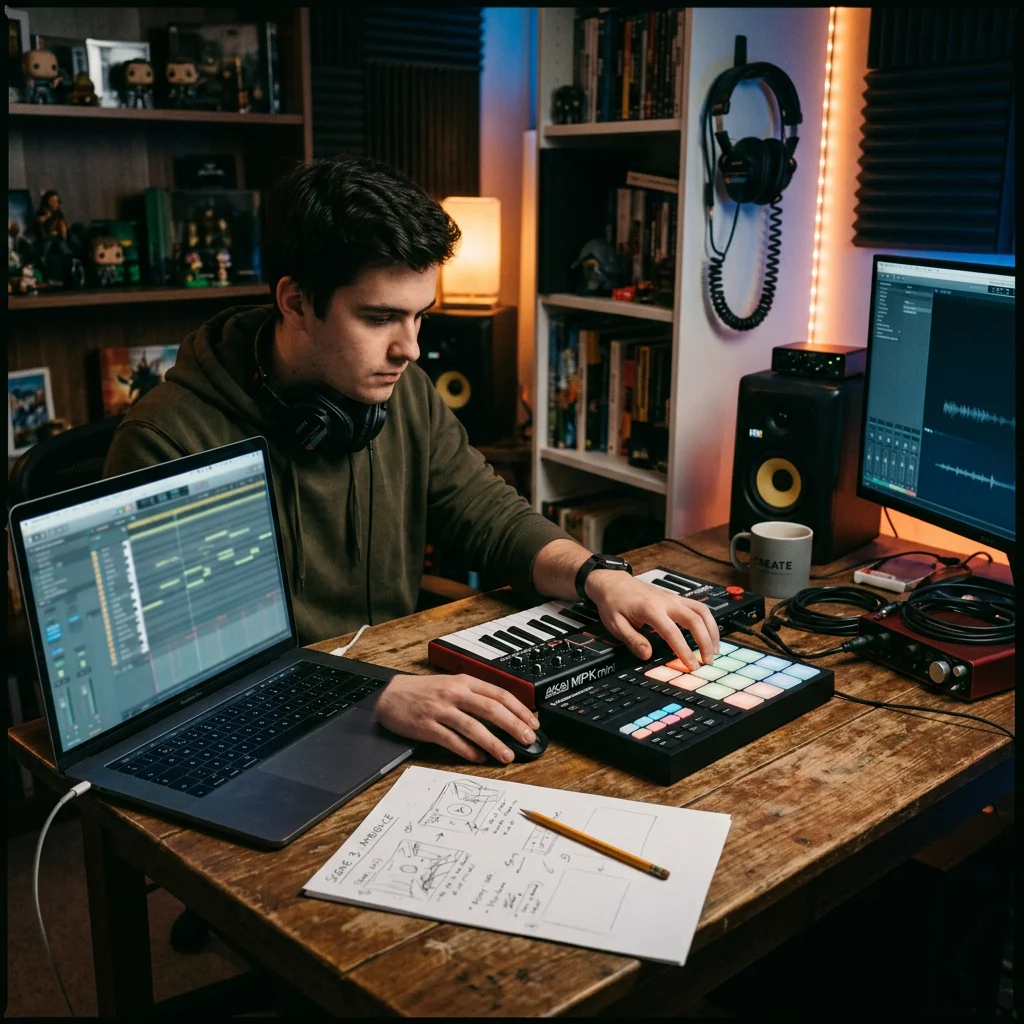
Video and game creators
A loop for a short video, stream alert, prototype game, or explainer may only need 30 seconds of musical data. Use the editor to trim notes, adjust repetition, and export a reusable file for your audio toolchain. The Online MIDI Editor helps creators keep lightweight music assets organized before committing to final instruments.
MIDI Editor FAQ
Answers about using CraftMusic AI, editing MIDI files online, piano roll workflow, export, privacy, and when to use a full DAW.
Can I edit MIDI after converting audio to MIDI?
Yes. Convert a clear vocal, guitar, piano, or synth idea into a MIDI draft first, then open the file in the MIDI Editor to fix timing, pitch, note length, velocity, and false notes before moving it into your DAW.
What is a MIDI Editor?
A MIDI Editor is a tool for changing the musical instructions inside a MIDI file: notes, pitch, timing, length, velocity, tempo, and related performance data. CraftMusic AI lets you make those edits visually in a browser piano roll. It is useful when the composition is right but the performance data needs cleanup.
How does CraftMusic AI MIDI Editor work online?
CraftMusic AI MIDI Editor opens a browser based workspace where you can inspect notes, edit the piano roll, preview playback, and export the result. The Online MIDI Editor focuses on fast note level changes instead of a full mixing environment, so you can fix a file quickly before moving it into a DAW or notation workflow.
Can I edit MIDI files without installing software?
Yes. The Online MIDI Editor is designed for browser editing, so you can open the page, work on MIDI notes, and export the cleaned file without installing a desktop workstation. That makes it practical for quick fixes, classroom use, client review, travel sessions, and small arrangement changes that do not need a full production setup.
What can I change in the piano roll?
You can use the MIDI Editor to change pitch, note length, timing, velocity, and phrase structure in a visual piano roll. Those controls cover the edits most people need when a melody, bass line, chord progression, or drum pattern is close but not finished. The goal is accurate musical cleanup before final sound design, arrangement review, or handoff to another collaborator.
Can I export edited MIDI for my DAW?
Yes. After you finish editing, export the MIDI file and continue in your DAW, notation app, virtual instrument, or game audio workflow. The browser workspace is built for that handoff: use it for fast data cleanup, then use your production tools for mixing, sound selection, automation, and final delivery.
Is an Online MIDI Editor the same as a DAW?
No. An Online MIDI Editor is narrower than a DAW. It focuses on the MIDI data itself, while a full DAW handles recording, mixing, effects, routing, and mastering. CraftMusic AI keeps the workflow focused so quick note edits do not become a full session management task.
Can I try the MIDI Editor for free?
Yes. CraftMusic AI provides browser access so you can start editing MIDI ideas with low friction. Use the MIDI Editor to test the piano roll workflow, clean a small file, and decide if it fits your writing or production process before you move deeper into the CraftMusic AI workspace.
Can I use this as a MIDI file editor online?
Yes. CraftMusic AI works as a MIDI file editor online for quick piano-roll changes, timing cleanup, note length edits, velocity adjustments, playback checks, and MIDI export before you move the file into a DAW.