
Happy Birthday
Very familiar / C4-C5
First notes: C4 C4 D4 C4 F4
Play melodies, test chords, and learn note names in your browser. Switch between a clear beginner keyboard and a full 88-key piano layout whenever you need more range.
Follow this phrase from left to right. Tap the highlighted C4 piano key, or press the matching keyboard shortcut directly underneath it.
Current phrase
1 / 4
Next note
C4
Shortcut
Q
Phrase progress
1 / 6
Notes
Keyboard
Mode
Keyboard shortcuts
Visible range
C3-B5
Last note
C4
Audio
Tap a key
CraftMusic AI Virtual Piano is a browser piano keyboard for playing notes, checking chords, and learning keyboard geography without installing an app. The page is designed for people who want sound and guidance now: first-time players, students on shared devices, creators checking a melody, or anyone who needs a quick Online Virtual Piano before opening a full studio tool. Start with a readable beginner layout, follow one guided song, then move into the 88 key virtual piano when a melody needs more register. The Online Virtual Piano keeps labels, sustain, shortcuts, sampled sound, and beginner-friendly practice cues close together so you can play piano online and make progress in a single short session.
This section gives first-time players just enough keyboard knowledge to start a song without reading sheet music. Learn one landmark, follow one phrase, and let the shortcut row turn the Virtual Piano into a gentle practice path.
Guided songs
A compact song list for guided practice. Choose one title, then use the note row and keyboard shortcuts in the piano above.
Very familiar / C4-C5
First notes: C4 C4 D4 C4 F4
Very familiar / G3-A4
First notes: G3 C4 C4 C4 E4
Easy / C4-G4
First notes: C4 E4 F4 G4
Easy / G3-G4
First notes: G3 C4 E4 C4
Easy / D4-B4
First notes: G4 G4 G4 D4 E4
Easy / G3-F4
First notes: C4 C4 D4 E4 C4
Keyboard basics
Use these tiny rules while the Virtual Piano highlights notes and shortcuts. They are intentionally simple: find C, read the white-key loop, notice distance, then press the matching letter.
2 black keys
Look for a group of two black keys. The white key just to the left is C, and many beginner songs either start there or feel finished when they return there.
C D E F G A B
White keys repeat the same seven names. After B, the next white key starts again at C, so the keyboard is a repeating map rather than 88 unrelated keys.
Step or skip
Moving to the next white key is a step. Jumping over one or more keys is a skip. Songs become easier when you can see whether the melody walks or jumps.
Q W E keys
The shortcut row maps to visible piano notes. Say the note name once, press the letter, then watch which key lights up so your hand and ear learn together.
First practice plan
Use the Online Virtual Piano like a tiny lesson instead of an open-ended toy. The routine stays short so beginners finish with one real melody, not a page of theory.
Turn labels on and find three C keys. Notice the two-black-key group each time, then press the matching shortcut when C appears in the song guide.
Start Happy Birthday and play only the first phrase until it feels easy. Stop before rushing; a clean phrase teaches more than a fast full song.
Hide labels or watch only the shortcut row. If you miss a note, the guide waits, so you can correct the pattern without losing your place.
Turn sustain on for a slow song or shift the shortcut octave for a brighter sound. End by playing the phrase freely once, even if it is simple.
CraftMusic AI keeps the Virtual Piano focused on the controls that turn a first song into repeatable practice.
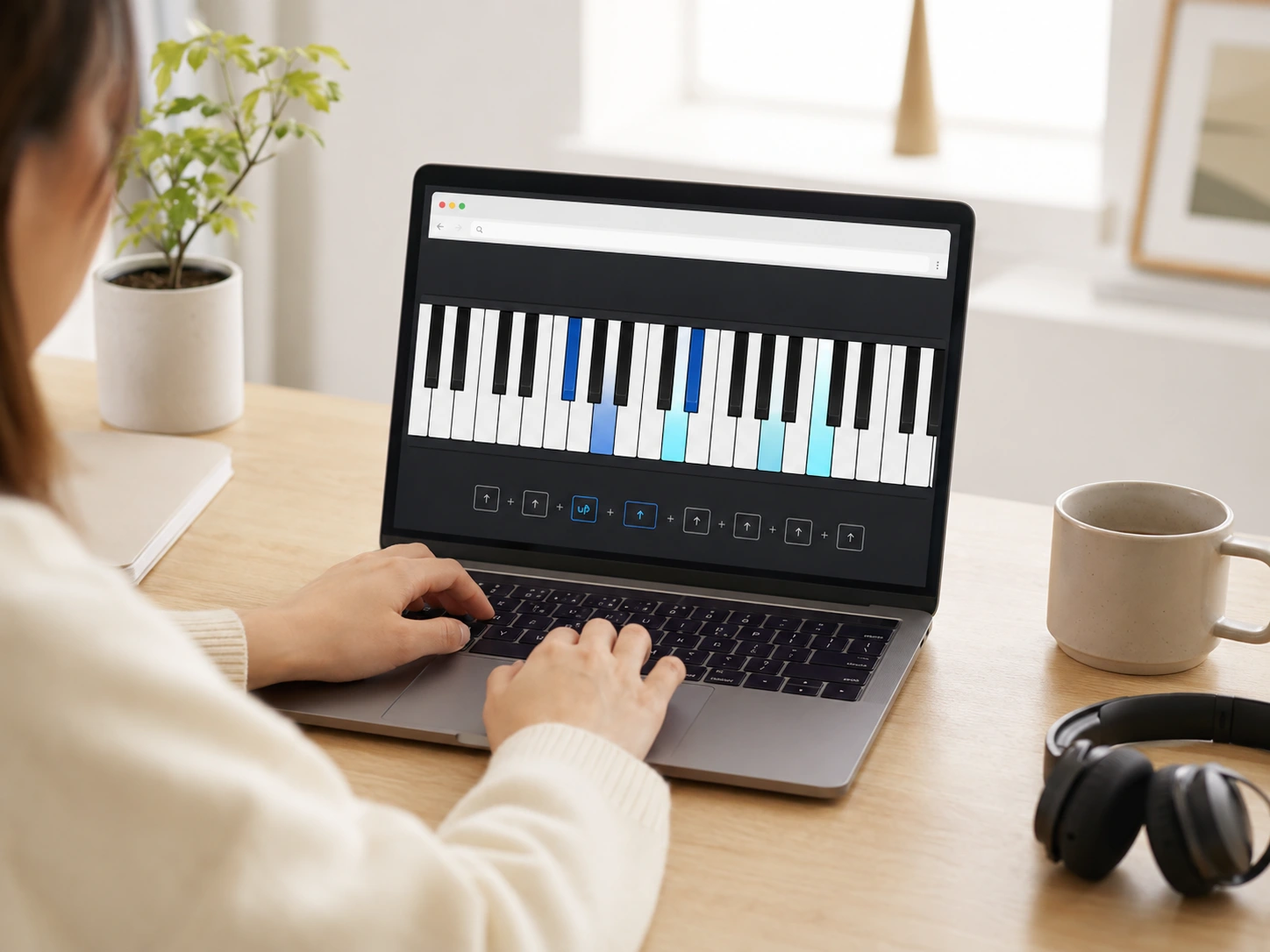
The Online Virtual Piano shows the next note, shortcut key, phrase progress, and full note row at the same time. Beginners can follow a familiar song without reading sheet music, then repeat the phrase with labels hidden when the pattern starts to stick.
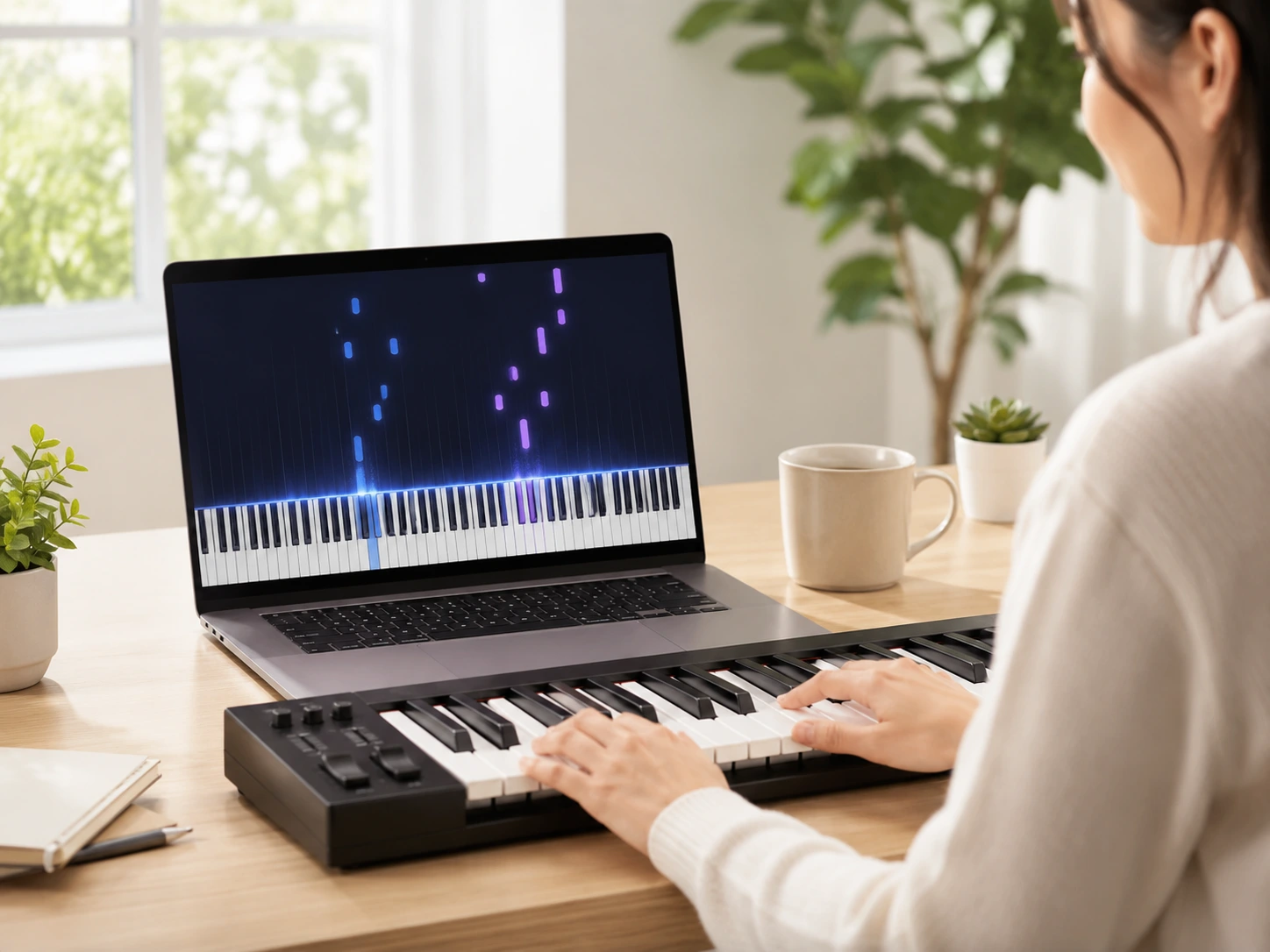
Start with a readable beginner keyboard, then switch to the 88 key virtual piano when a melody needs deeper bass, brighter treble, or wider chord checks. The full range scrolls horizontally so keys stay playable instead of shrinking into a tiny strip. If you already have a MIDI file that needs note-level timing or velocity changes, open it in the Online MIDI Editor.
Answers about guided songs, keyboard shortcuts, beginner note reading, 88-key mode, mobile practice, and learning with an Online Virtual Piano.
A Virtual Piano is a playable piano keyboard that runs in your browser instead of a physical instrument or installed app. CraftMusic AI lets you click, tap, or use computer keys to hear notes, test chords, and practice basic keyboard patterns right away.
Yes. The Online Virtual Piano maps Z-M to a lower octave and Q-U to the octave above it, with bracket keys for shifting range. That gives you two shortcut octaves for quick melodies while the screen still shows note positions. You can also click or tap the visible keys whenever computer shortcuts feel awkward.
Yes. Switch to 88 Keys mode to use the full A0 to C8 range found on a standard acoustic piano. The 88 key virtual piano scrolls horizontally, which keeps individual keys playable instead of forcing the whole range into a cramped layout.
The beginner layout makes the online piano keyboard easier to read when you are learning note names, shortcuts, scales, and simple songs. It shows a smaller range with wider keys, then you can switch to the full 88-key mode when a piece needs more movement. This keeps practice accessible without removing the complete range.
CraftMusic AI uses sampled piano audio when the browser allows it, so notes have a more natural attack than a plain oscillator. Browser audio still depends on your device, speakers, and connection, but the tool is designed for fast, clear practice.
Yes, you can tap the piano keys on phones and tablets. Smaller screens work best in beginner mode because the keys stay wider, while 88-key mode remains available as a horizontally scrollable layout when you need the full piano range. For repeated practice, a tablet or laptop usually feels more comfortable.
A browser piano can help you learn note names, keyboard geography, intervals, and basic chord shapes. It is not a full replacement for weighted keys or formal lessons, but it gives you a free online piano keyboard for daily orientation and quick practice.
Not in this version. The current Online Virtual Piano focuses on instant browser playback, labels, sustain, guided songs, and 88-key access. Recording, MIDI input, metronome tools, and lesson modes are natural next steps, but this page keeps the first workflow fast and uncluttered. That focus helps the piano load quickly for casual checks.
Start with Happy Birthday because almost everyone already knows the melody, and the first phrase stays inside a small C4 to F4 shape before it moves higher. That gives your eyes time to connect the note label, the highlighted key, and the keyboard shortcut. After that, Auld Lang Syne is useful for a familiar farewell melody, while Amazing Grace is better when you want to listen slowly with sustain.
Use the teaching module as a short checklist before pressing Start. First find C with the two-black-key landmark, then choose one guided song, play a single phrase, and repeat it with one helper removed. The Online Virtual Piano works best for beginners when each session has one small target instead of too many music theory ideas at once.
No. The guided songs are designed so a beginner can start with note names and keyboard shortcuts before learning staff notation. Read the note row, press the matching shortcut, and listen to the result. Sheet music can come later; the first goal is to connect the Online Virtual Piano layout with the sound of a simple melody.
Shortcuts reduce the distance between seeing a note and playing it. Instead of hunting across the full piano, you can press a letter, watch the key light up, and hear the pitch immediately. That feedback loop makes the Virtual Piano easier for short daily practice, especially on laptops and school devices.
Stay in Beginner mode while you are learning note names, first songs, and small hand movements. Switch to 88 Keys when a song needs lower bass notes, higher notes, or a wider chord shape. The 88 key Virtual Piano is useful after the keyboard map feels familiar enough that more range helps instead of distracts.
A good first practice session feels slow and repeatable. You can find C, play one phrase without guessing, and explain whether the next move is a step, a skip, or a repeated note. If you can replay the same phrase with one helper removed, the Online Virtual Piano practice is working.