
Free BPM Tapper Online
Tap along with any song, loop, sample, or live groove and let CraftMusic AI estimate the tempo in seconds. This Free BPM Tapper works as a tap tempo tool and manual BPM counter for quick music decisions.
Tap the spacebar, click your mouse, or touch the screen in this area to tap BPM.
CraftMusic AI averages your taps in real time, so the tempo tool gets steadier as you follow the main beat.
How to tap BPM online
Open the tempo tapper, follow the steady pulse, and read an average BPM you can use for mixing, practice, editing, or production.
Play the song or loop
Start the track, sample, drum pattern, rehearsal recording, or video soundtrack you want to measure. Keep the tap BPM online tool visible while you listen for the strongest repeating pulse, not a fill, vocal accent, or one-off cymbal hit. If the audio has a clear kick or backbeat, use that as your guide. A browser tempo tapper works best when you already hear the groove and need a fast estimate rather than an upload-based detector.
Tap the beat consistently
Use the spacebar, mouse, or touchscreen to tap tempo with the main beat. CraftMusic AI treats each tap as part of a running BPM counter, so even spacing matters more than speed. If you miss a beat or tap the wrong layer, press reset and begin again. For a steadier spacebar BPM tapper result, tap through a full musical phrase instead of stopping after only two or three beats.
Read the average BPM
After several taps, the BPM Tapper shows an average beats per minute estimate. Tap longer for a smoother result, especially with swing, live drums, or loose grooves. If the number feels half or double the expected tempo, compare it with the musical feel before using it in a DJ set, DAW, lesson, or edit. The tapper gives you a practical working tempo, not a promise that every complex rhythm has one exact number.
Use the tempo in your workflow
Copy the BPM into your DAW project tempo, metronome, DJ prep notes, video edit timeline, or practice routine. When you switch to another song tempo finder task, reset the tool so the next reading starts clean. You can also keep the tempo counter open beside a browser playlist, rehearsal video, or sample folder while you check several ideas quickly.
Why this BPM Tapper fits real music work
Use a tap tempo tool online when you need tap tempo results fast, without uploading files, installing plugins, or searching a database.
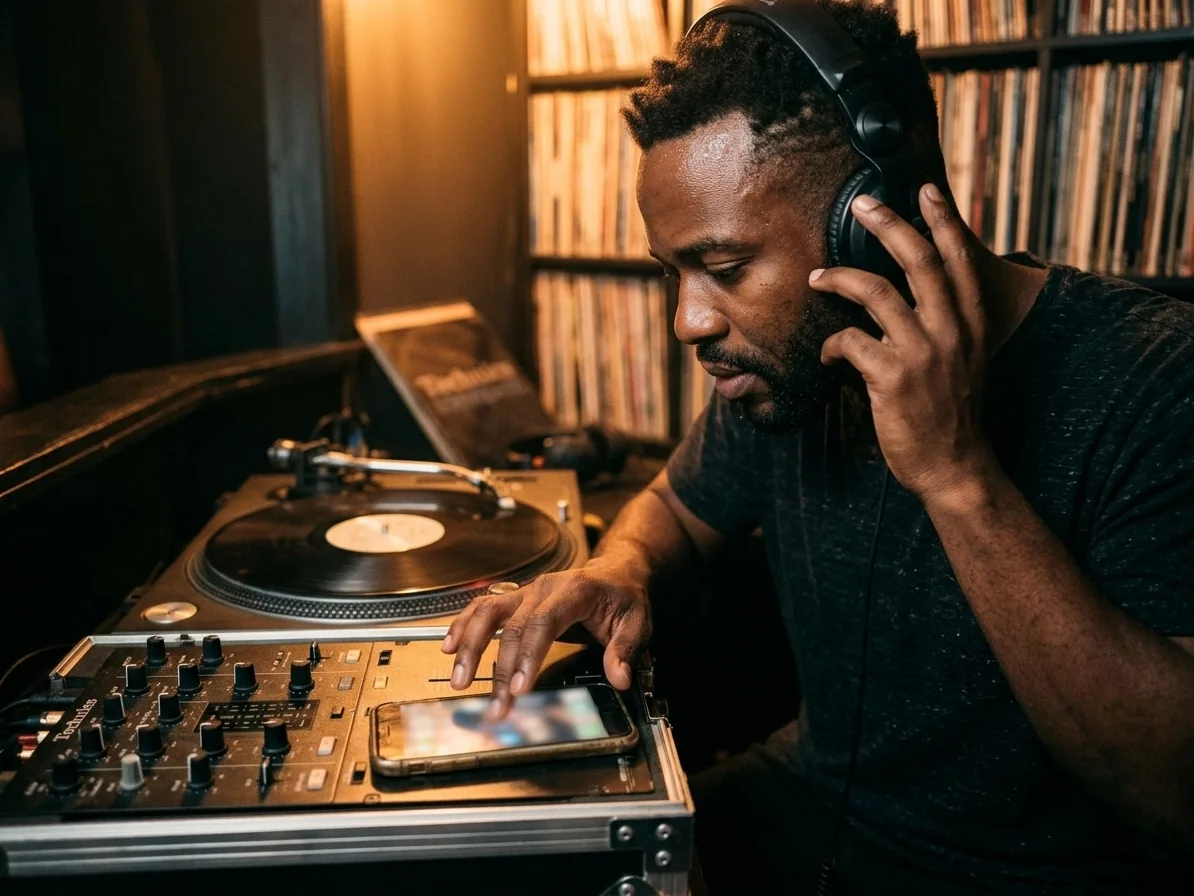
Instant average BPM from your taps
CraftMusic AI turns each click, key press, or screen tap into a live tempo estimate. The BPM Tapper calculates the average BPM from your recent taps, making it useful when you need a quick song tempo finder before mixing, editing, practicing, or setting up a session. Use the browser tapper when a track is playing in another app and you simply need a number you can act on.
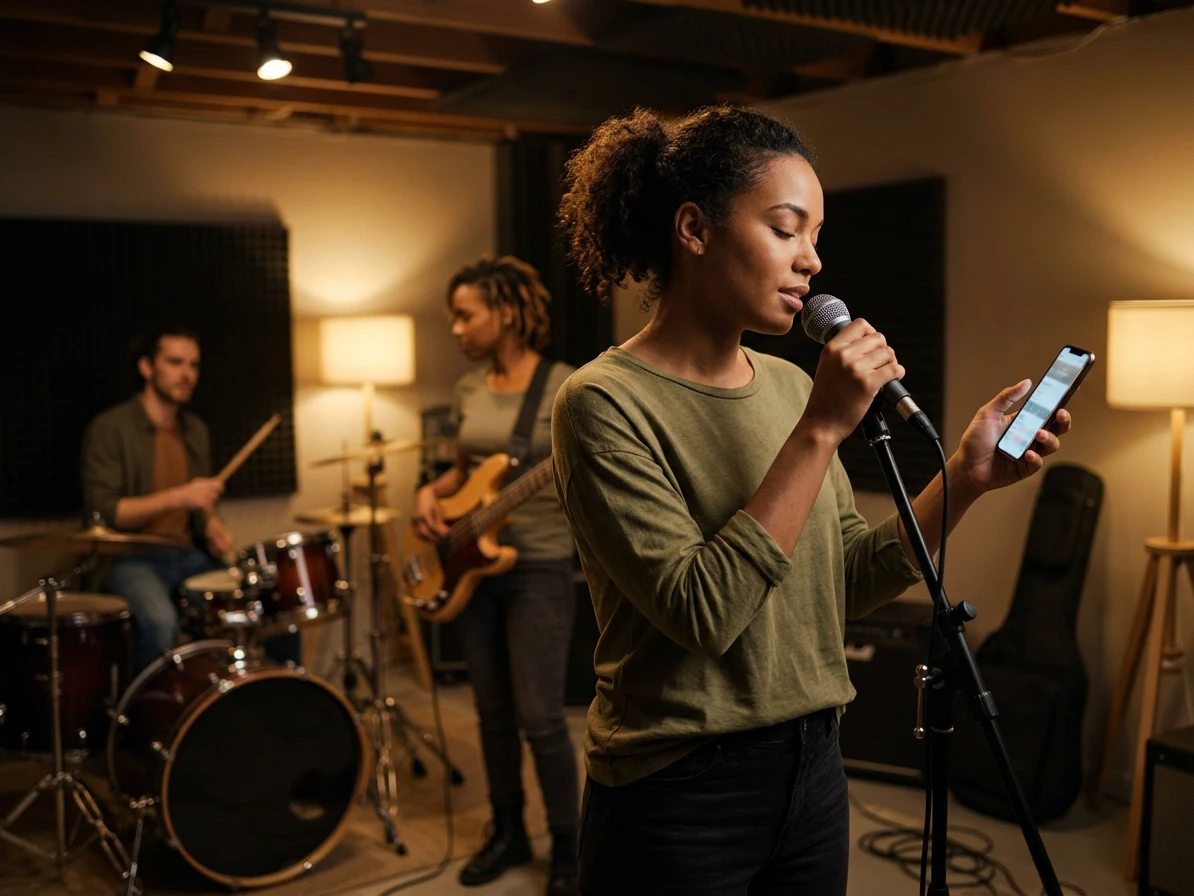
Tap tempo with no upload required
A manual BPM counter is faster when the audio is inside a video, browser tab, rehearsal, live room, or unfinished DAW loop. This Free BPM Tapper lets you listen and tap directly, so you can estimate BPM without exporting, uploading, or waiting for automatic analysis. That matters when the source is private, unfinished, or too short for a reliable file-based scan.
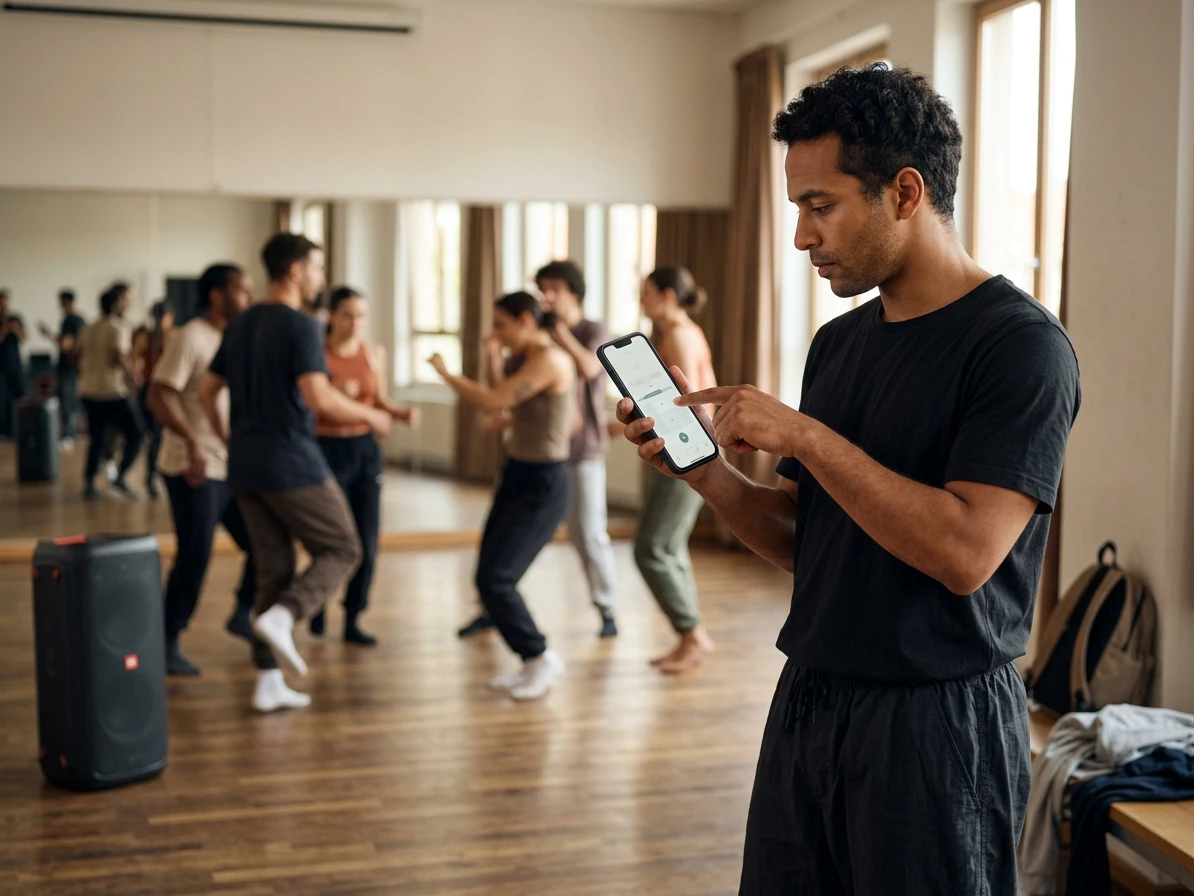
Works on keyboard mouse and mobile
Use the spacebar tapper on desktop, click with a mouse during quick checks, or tap tempo on a phone when you are away from your studio. The simple interface keeps the BPM counter online and ready for DJs, producers, drummers, teachers, and editors. Because the Free BPM Tapper runs in the browser, you can measure a groove during practice, class, or a client review without changing devices.
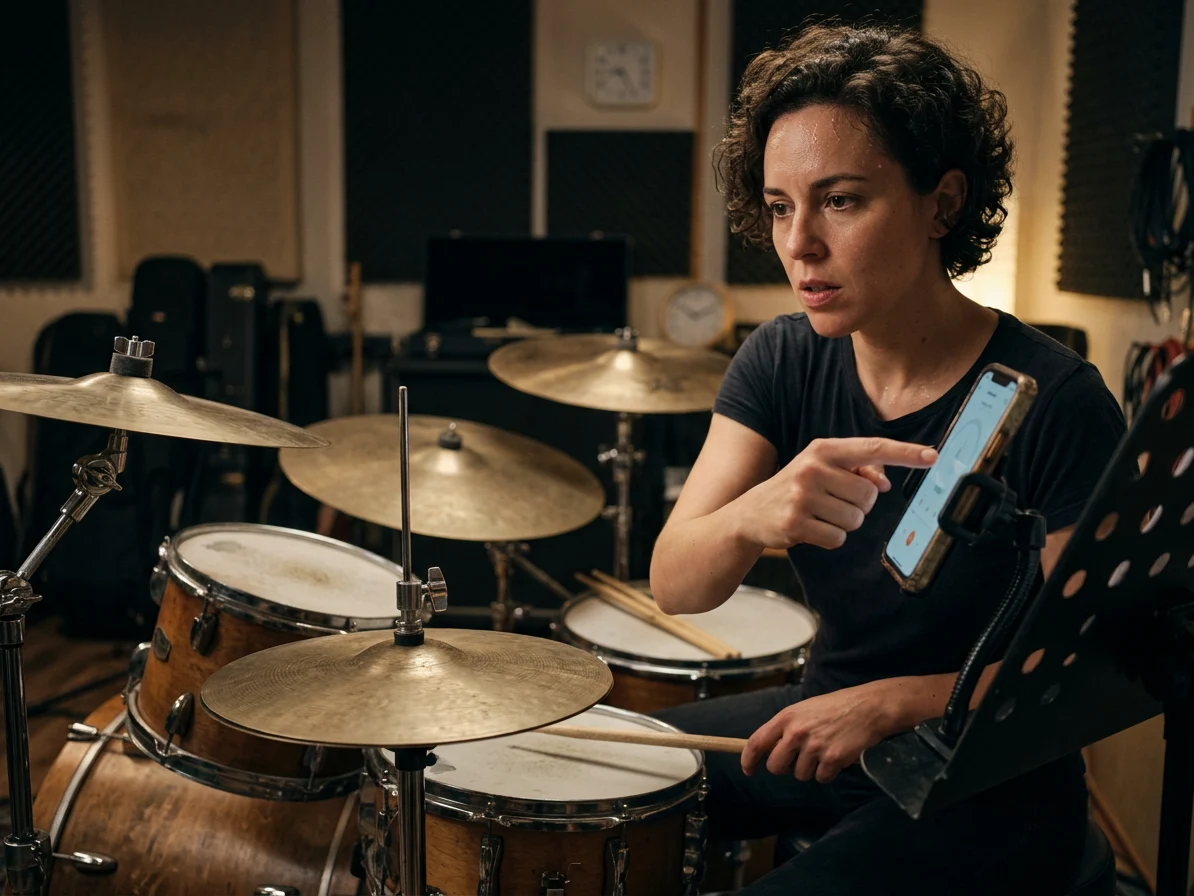
Accuracy tips built into the workflow
The best BPM Tapper results come from following the steady pulse for multiple taps. CraftMusic AI keeps the experience focused on practical tempo habits: tap the main beat, ignore fills, reset after mistakes, and watch for half-time or double-time readings. The browser tool is especially helpful when a groove feels clear to your ear but the song tempo is not written anywhere.
Tap tempo for DJs producers drummers and editors
The Free BPM Tapper supports common tempo decisions across mixing, beatmaking, practice, teaching, and video editing workflows.

DJs preparing cleaner transitions
Use the BPM Tapper before a mix to check club edits, warm-up tracks, bootlegs, and songs that are not already tagged. A fast tap tempo reading helps you group tracks by speed, spot half-time or double-time relationships, and decide whether a transition needs pitch adjustment. The tap tempo tool also helps when a preview stream has no useful metadata but the beat is easy to hear.
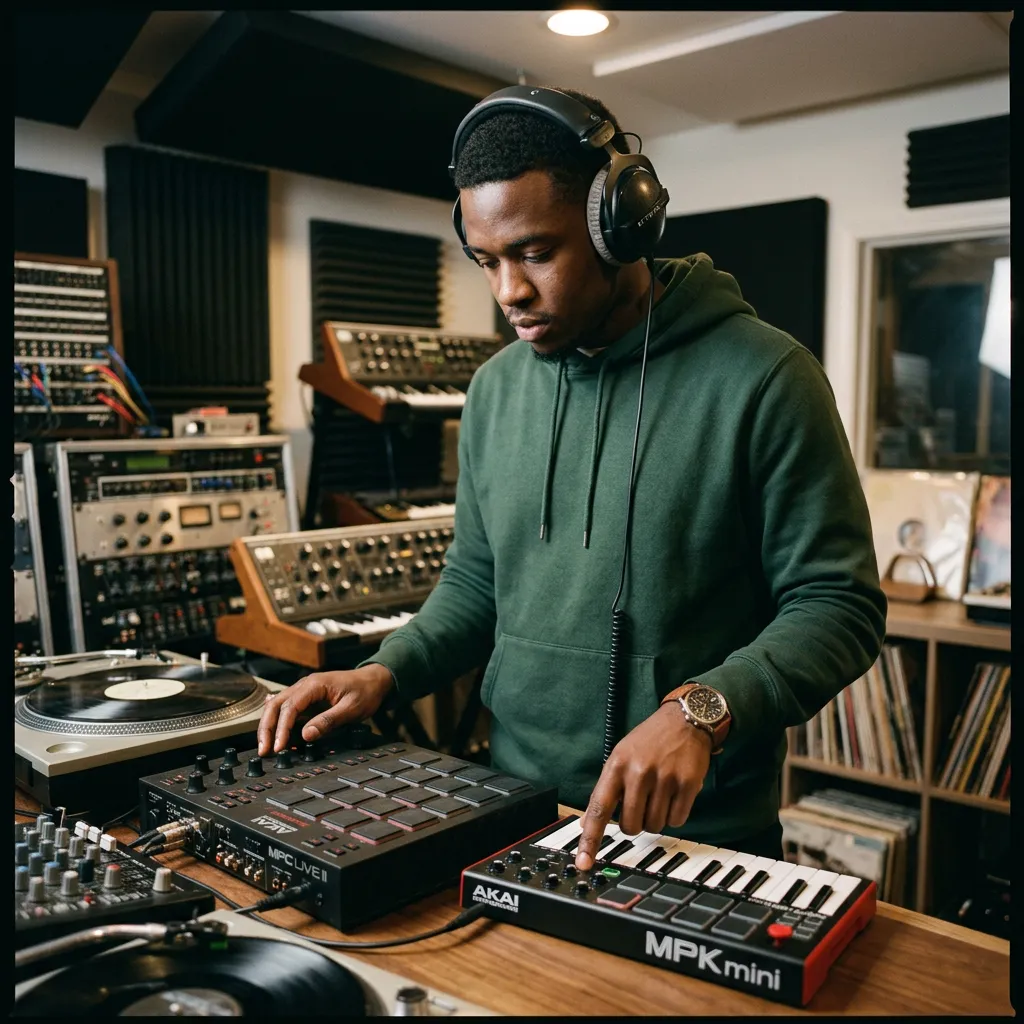
Producers setting project tempo
When a sample, loop, or reference track has no metadata, open the BPM Tapper and find BPM by tapping before you build drums around it. The manual BPM counter gives you a starting tempo for arrangement, remix sketches, beatmaking, and DAW grid alignment. A manual tap tempo estimate is often enough for the first creative decision, especially before you spend time slicing, warping, or exporting audio.
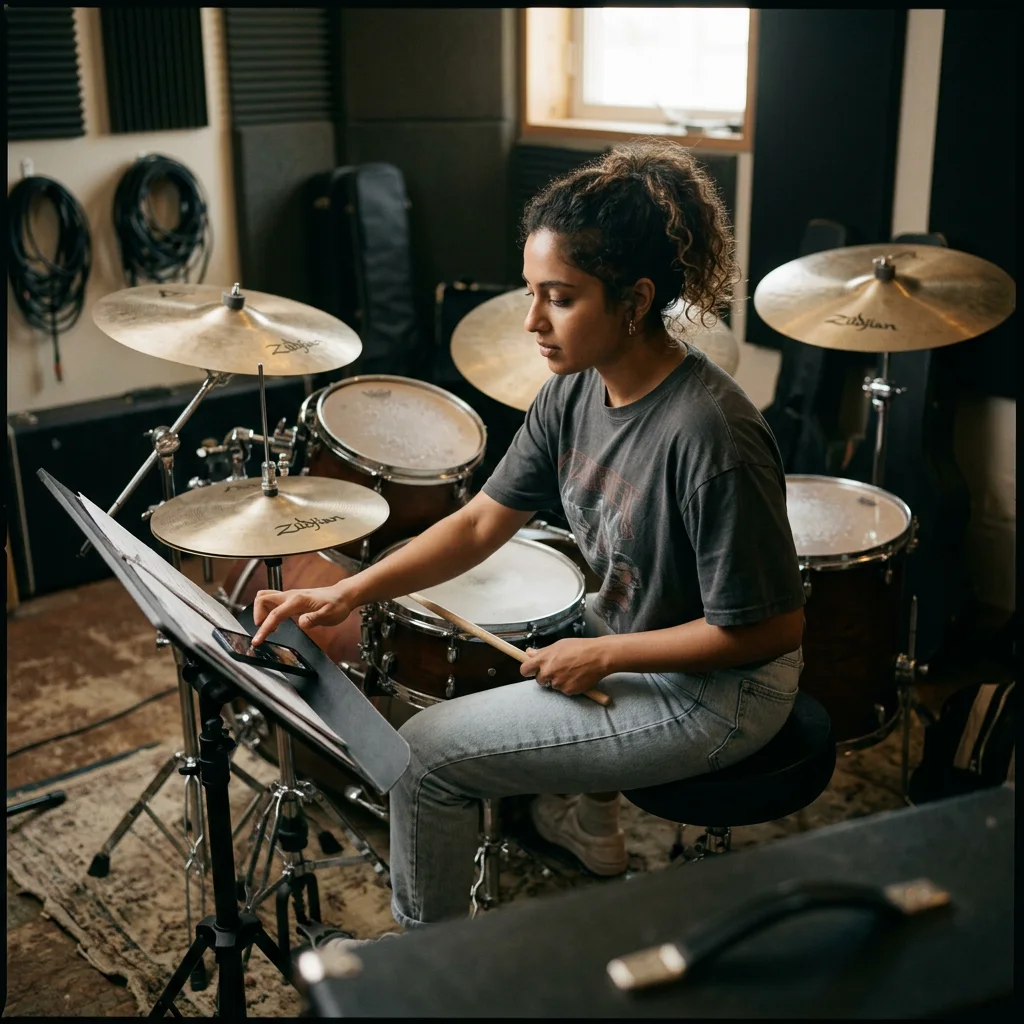
Drummers practicing steadier grooves
Tap the pulse after a rehearsal take, groove idea, or metronome exercise to see the tempo you are actually playing. CraftMusic AI keeps the tapper simple enough for quick practice checks while still teaching you to follow the downbeat instead of decorations. Use the Free BPM Tapper to compare takes, notice rushing, or choose a click track tempo for the next pass.
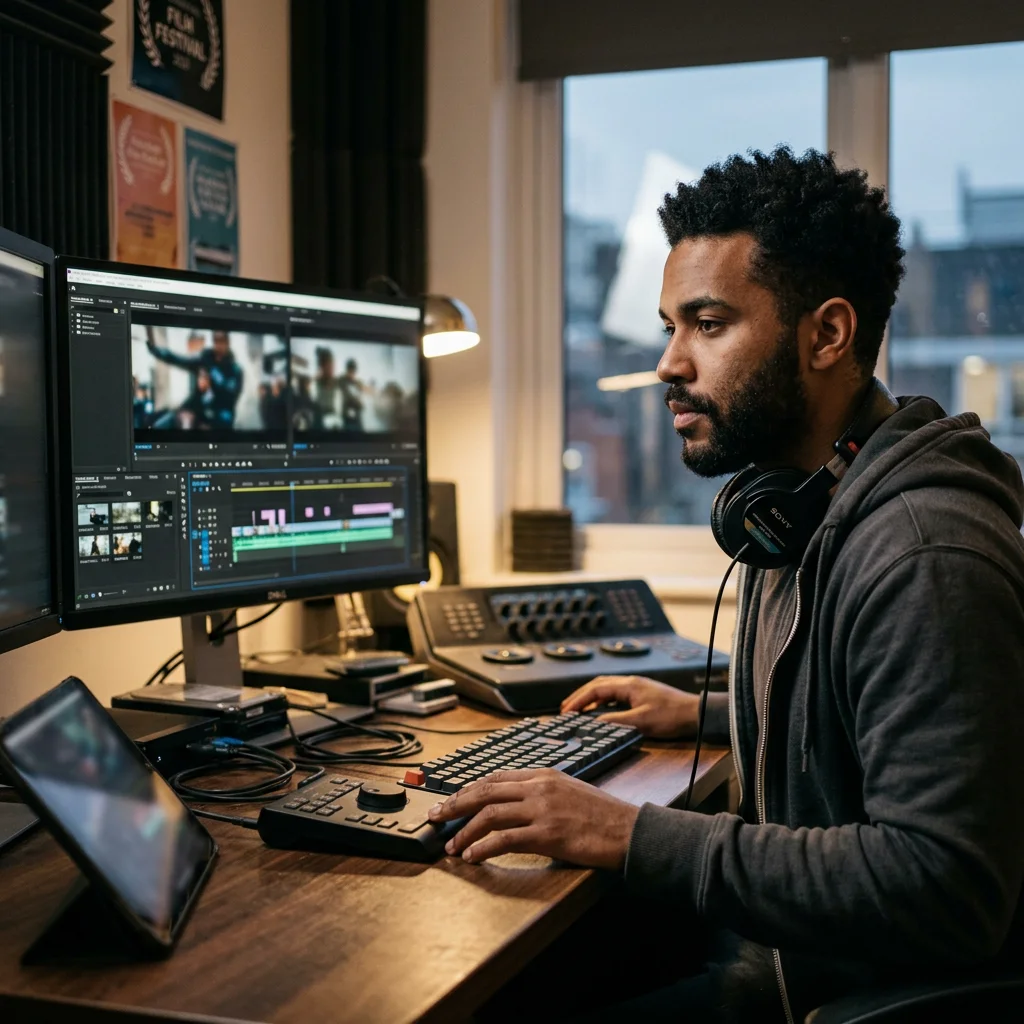
Editors syncing cuts to music
Use a BPM Tapper when a reel, trailer, montage, or ad needs cuts that land with the beat. A quick song tempo finder result helps you plan pacing, choose edit points, and match visuals to background music without uploading the track. The Free BPM Tapper is useful when a client sends a reference video, social clip, or rough soundtrack and you need the tempo before building the timeline.
BPM Tapper FAQ
Answers about tap tempo accuracy, BPM counter behavior, mobile use, song tempo finder limits, and how to tap more reliable results.
Can I tap BPM with the spacebar?
Yes. The BPM Tapper works as a spacebar BPM tapper on desktop, and it also supports mouse clicks and touchscreen taps. Start the song, follow the main beat, and keep tapping until the average BPM feels steady.
What is the difference between a BPM tapper and a tempo tapper?
They usually describe the same kind of manual tempo tool. A BPM tapper counts beats per minute from your taps, while a tempo tapper emphasizes the act of tapping along with the music. CraftMusic AI supports both workflows: listen, tap, and read the average tempo.
Should I use a BPM tapper or a metronome?
Use a BPM tapper when you do not know the tempo of a song, loop, rehearsal take, or video soundtrack. Use a metronome when you already know the BPM and need a steady click for practice, recording, or timing drills.
What is a BPM Tapper?
A BPM Tapper is a manual tempo tool that estimates beats per minute from your taps. You listen to a song, loop, or rhythm, tap along with the main beat, and the tool converts the spacing between taps into an average BPM reading. A Free BPM Tapper is ideal when you want an immediate estimate without creating an account or uploading audio.
How accurate is tap tempo?
Tap tempo accuracy depends on how steadily you tap and which rhythm layer you follow. For better BPM Tapper results, tap the main pulse for several beats, avoid fills and vocal accents, and reset if you miss a beat. Treat the Free BPM Tapper as a working tempo guide for music tasks, then refine inside your DAW or metronome if the project needs tighter timing.
Is this different from an automatic BPM finder?
Yes. This BPM Tapper is a manual tap-based BPM counter, not an automatic audio detector. It is useful when you can hear the music but do not want to upload a file, search a database, or wait for analysis. An automatic key and BPM finder can help with full files, while a Free BPM Tapper is faster for live audio, browser clips, practice, and rough ideas.
Can I use this BPM counter online on mobile?
Yes. The CraftMusic AI tapper works with touchscreen tapping as well as mouse clicks and the spacebar. That makes it practical for checking a song tempo in a studio, classroom, rehearsal, DJ booth, or editing session. Open the Free BPM Tapper on your phone, start the music, and tap the beat the same way you would on desktop.
How many taps should I use for a steadier BPM?
Use enough taps to follow the groove for a short phrase instead of only one or two beats. The BPM Tapper averages your recent taps, so a longer steady tap pattern usually gives a smoother BPM counter online result. If the rhythm is loose or swung, tap more beats and focus on the pulse that a metronome would follow.
Why does the BPM look half or double the song tempo?
Some music can be felt in half-time or double-time. If the BPM Tapper shows about 70 when you expected 140, or 140 when you expected 70, compare the number with the groove, dance feel, DAW grid, or metronome setting you actually need. The right choice is often the tempo that matches your mix, edit, or practice context.
Can I find song tempo by tapping instead of uploading audio?
Yes. If you can hear a clear beat, you can use this BPM Tapper as a song tempo finder by tapping along. It is especially helpful for videos, live playing, browser audio, samples, loops, and tracks you do not want to upload. The Free BPM Tapper keeps the process simple: listen, tap, read the average, then reset for the next track.
Is the BPM Tapper free to use?
Yes. CraftMusic AI provides this Free BPM Tapper online so you can count beats per minute quickly before moving into a mix, edit, lesson, practice routine, or production session. No download is needed. You can use it as a tap tempo tool whenever a fast manual tempo check is more convenient than a file upload.